
After spending some time with the 7th-gen iPad mini (named the iPad mini A17 Pro, by Apple), it’s obviously a much faster tablet, and is the first iPad mini I could personally recommend.
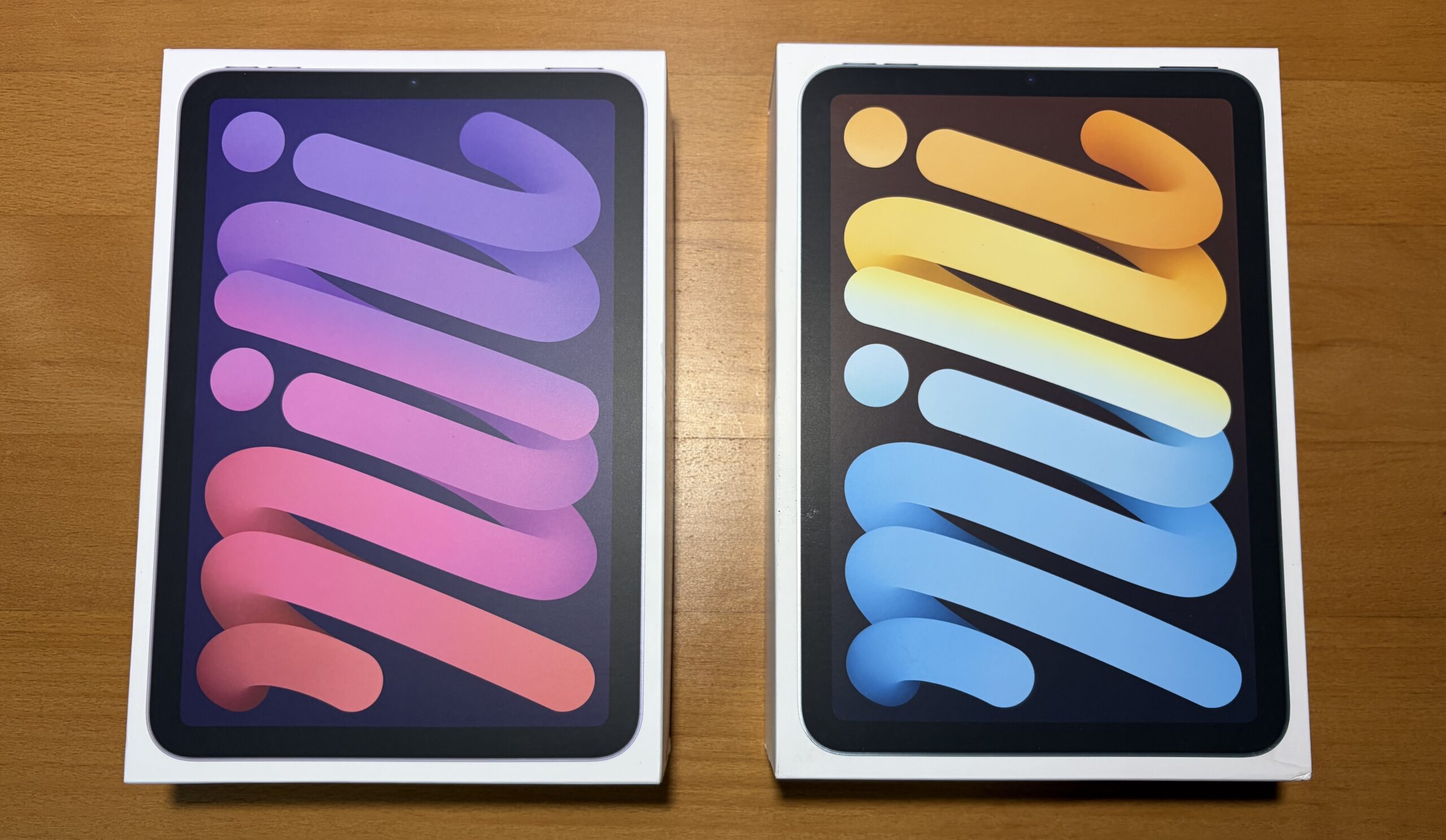
Today we’re comparing the two tablets head to head, in terms of: tech specs, some of their minor differences, some rudimentary performance metrics, and some of my personal anecdotes. The iPad mini A17 Pro has the same $499 starting price as the 6th-Generation, although it replaces the Light Pink color for Blue.
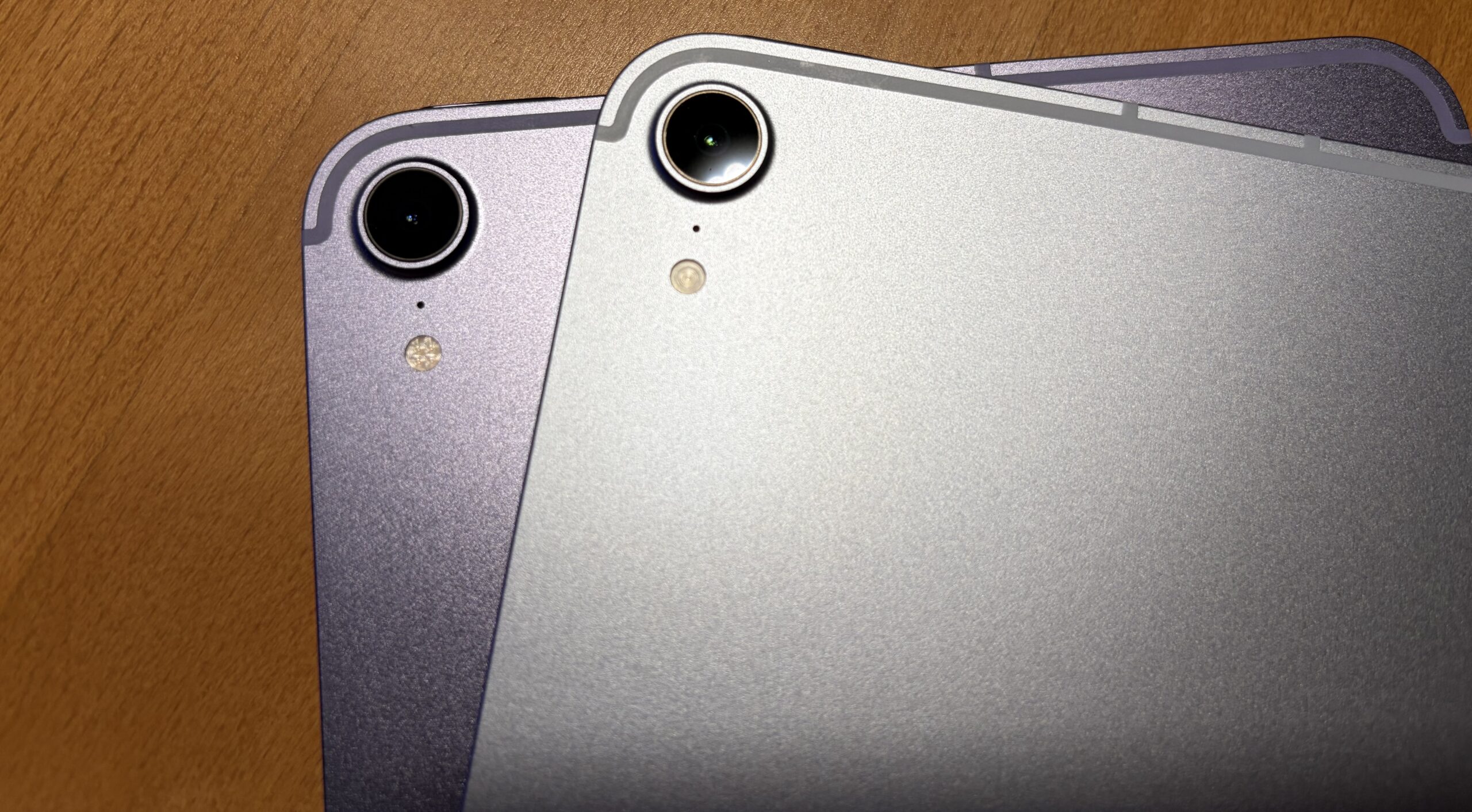
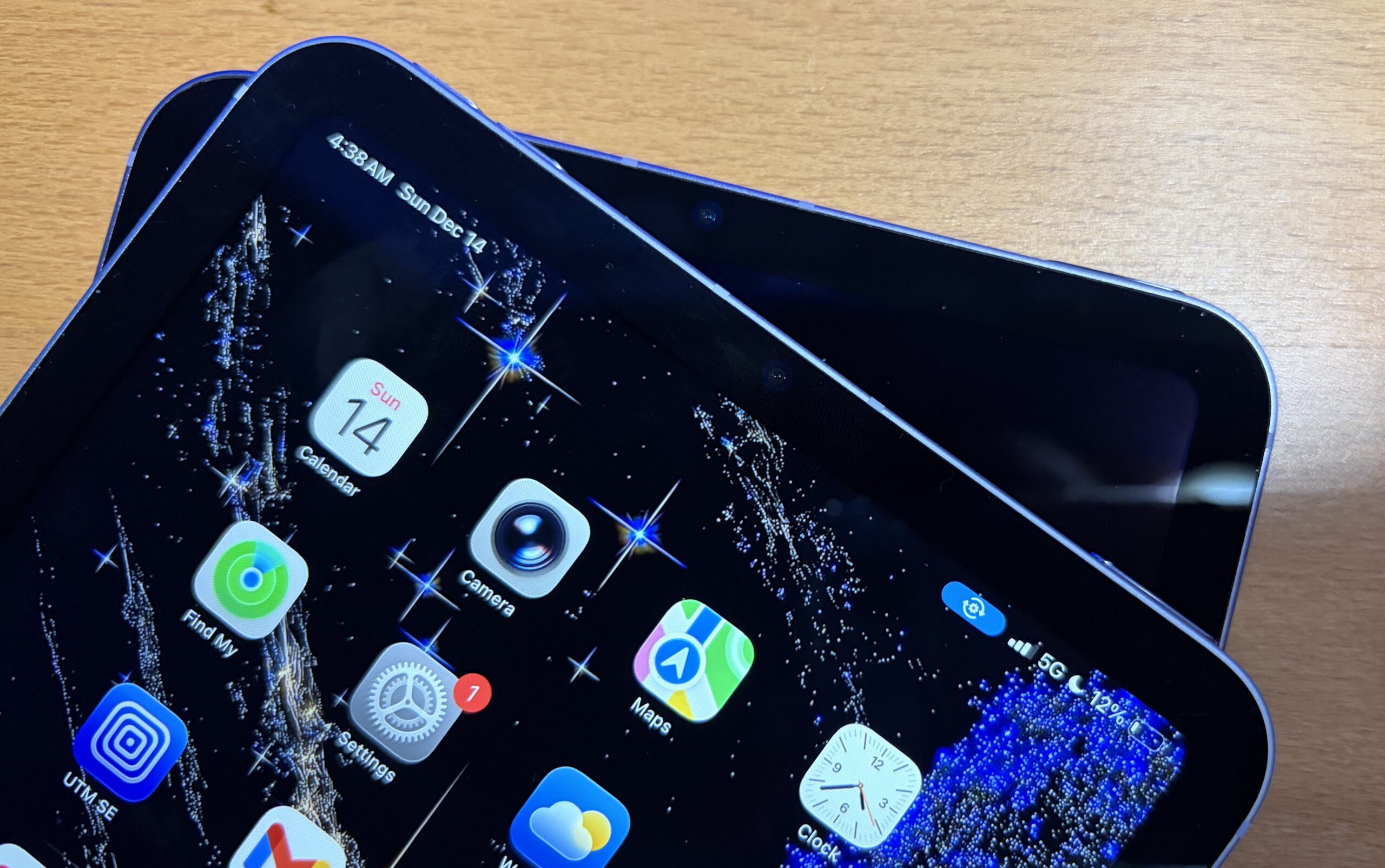
Purple, Starlight, and Space Gray continue on, while the base storage is bumped to 128 GB for the new mini – doubling over the base storage offered by the 6th-gen iPad mini. For all intents and purposes in the remainder of this article (as also mentioned in the thumbnail image), the purple one is the iPad mini 6, while the blue one is the A17 Pro model.
Tech Specs
iPad mini 6th Gen
|
iPad mini 7th Gen
|
With the A17 Pro, the chip offers ~150% more memory bandwidth, it doubles the RAM capacity, but there’s also one crucial upgrade the new iPad makes over the previous generation: going to LPDDR5. The 2021 iPad mini 6 actually uses the same exact RAM as what’s in the M1 Mac mini, believe it or not!
In my unboxing for the 7th-gen iPad mini, I briefly mentioned how the older mini 6 seemed weighed down with the new Liquid Glass UI.
I really don’t think the iPad mini 6 was cut out to run the OS I upgraded to – iOS 26. Even then, iOS 18 felt slightly sluggish to run on the iPad mini 6, as though I were running on older/lesser hardware. Of course it was a responsive tablet, but the graphical animations suggested a sort of sluggishness which the on-paper tech specs never would – at least not in 2025.
I did upgrade it to iOS 26.2 (Build 23C55) and waited a while, charged it up to make sure it was a fair comparison. Even with all syncing done, there were momentary animation stutters which weren’t present on the newer iPad – like when you swiped left to launch the App Library.
Comparing disk speeds
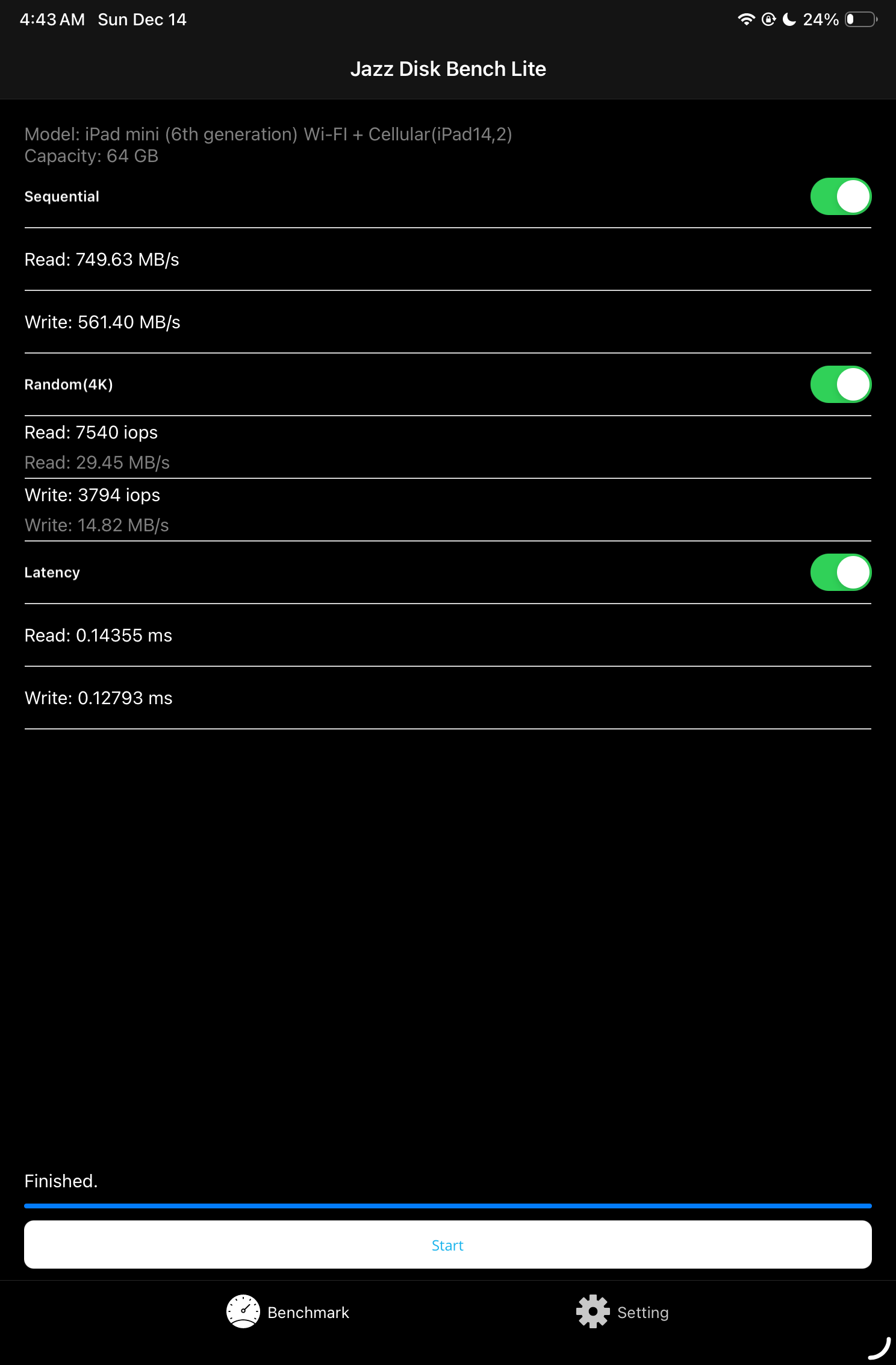
There seems to be an upgrade in the type of storage controller or type of storage used in the new iPad mini, as shown by some benchmark tests. I downloaded three separate disk benchmarking apps to make sure I wasn’t relying solely off of one app’s benchmarks – and the results consistently showed faster SSD performance on the newer one.

Some observations:
- When test size is increased on iPad mini 6, the R/W speeds taper off, getting slower and slower. 3 GB test size slowed to ~200 MB/s. Sometimes the tests may slow down on the iPad mini 7, but nowhere near as much as on the iPad mini 6.
. - Occasionally the iPad mini 6 would steer closer to 800 MB/s – 1 GB/s, but would quickly shoot below 6-700 MB/s. The iPad mini 7th gen lingers around 1 GB/s more effectively.
Initially, I thought the iOS 26.2 updates were bogging down both tablets, providing inaccurate results. After fully updating both to iOS 26.2 (Build 23C55) and closing out all other apps, the results were recorded in an excel spreadsheet.
 |
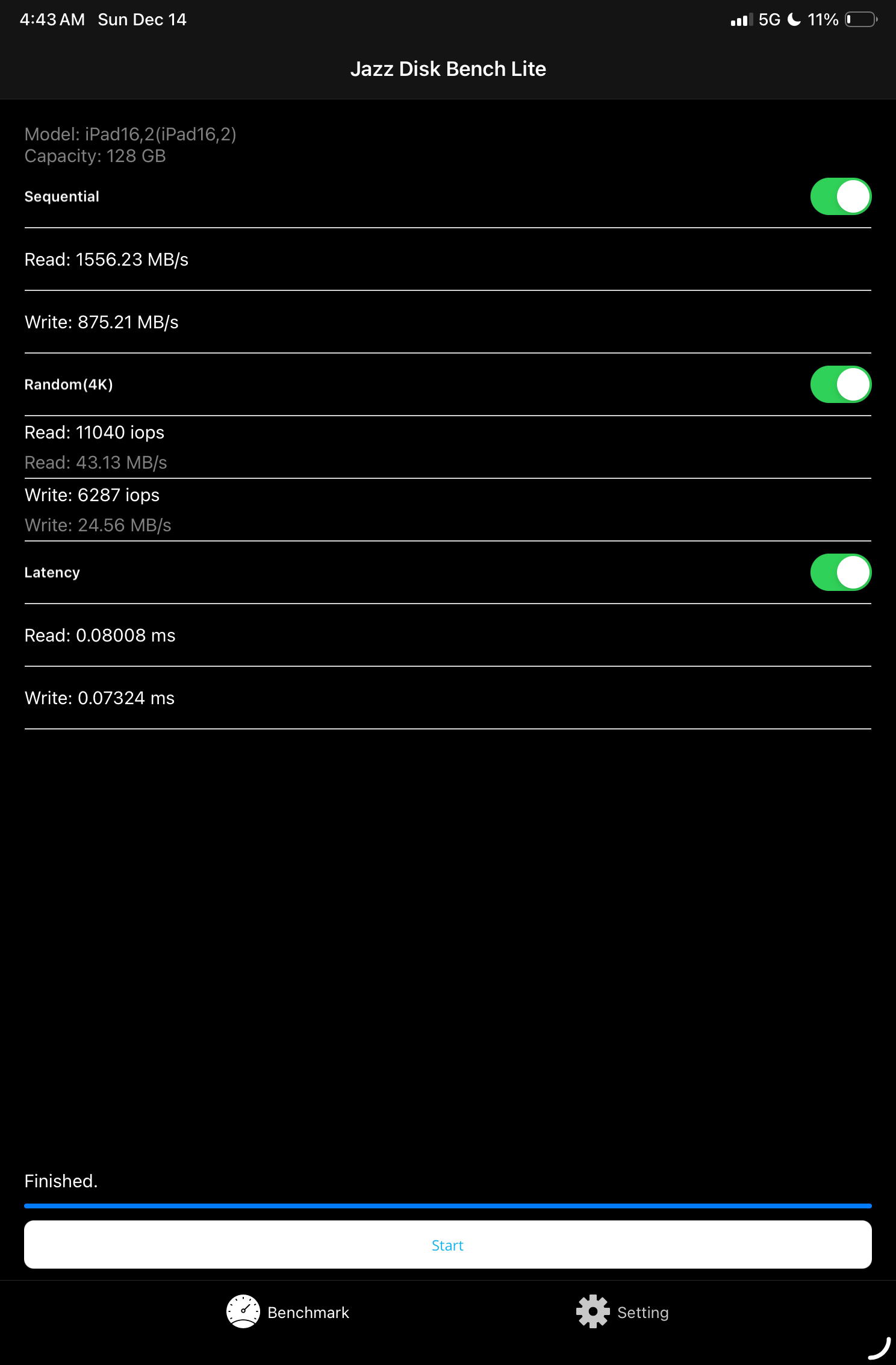 |
(Above: A sample JazzDiskBench Lite test on the both iPads. The newer one is to the right.)
Geekbench 6
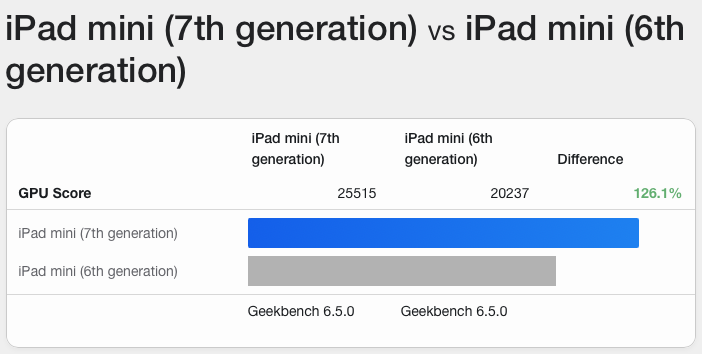
While artificial benchmarks aren’t an indicator for exact real-world performance, it does paint a picture through its proverbial water pressure test. Basically, the app sees “what can the iPad do” maximally, given the sum of its parts. A newer, faster device tends to perform stronger on such a water pressure test. When comparing old versus new, it’s easy to see why Liquid Glass performs better on the newer iPad mini.
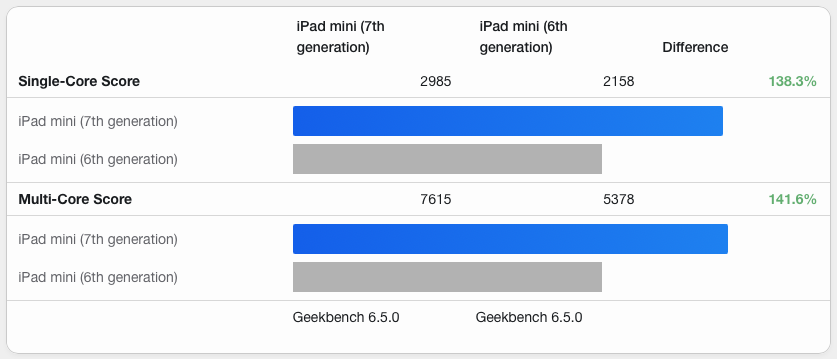
Link to benchmarks
- iPad mini 6 vs. iPad mini 7 CPU Benchmarks – Geekbench 6.5.0 for iOS AArch64
. - iPad mini 6 vs. iPad mini 7 Metal Graphics – Geekbench 6.5.0 for iOS AArch64
No more physical Sim Cards
That’s right – the latest iPad mini is eSim only. According to Apple: “a more secure alternative to a physical SIM card, allowing users to quickly connect and transfer their existing plans digitally, and store multiple cellular plans on a single device”
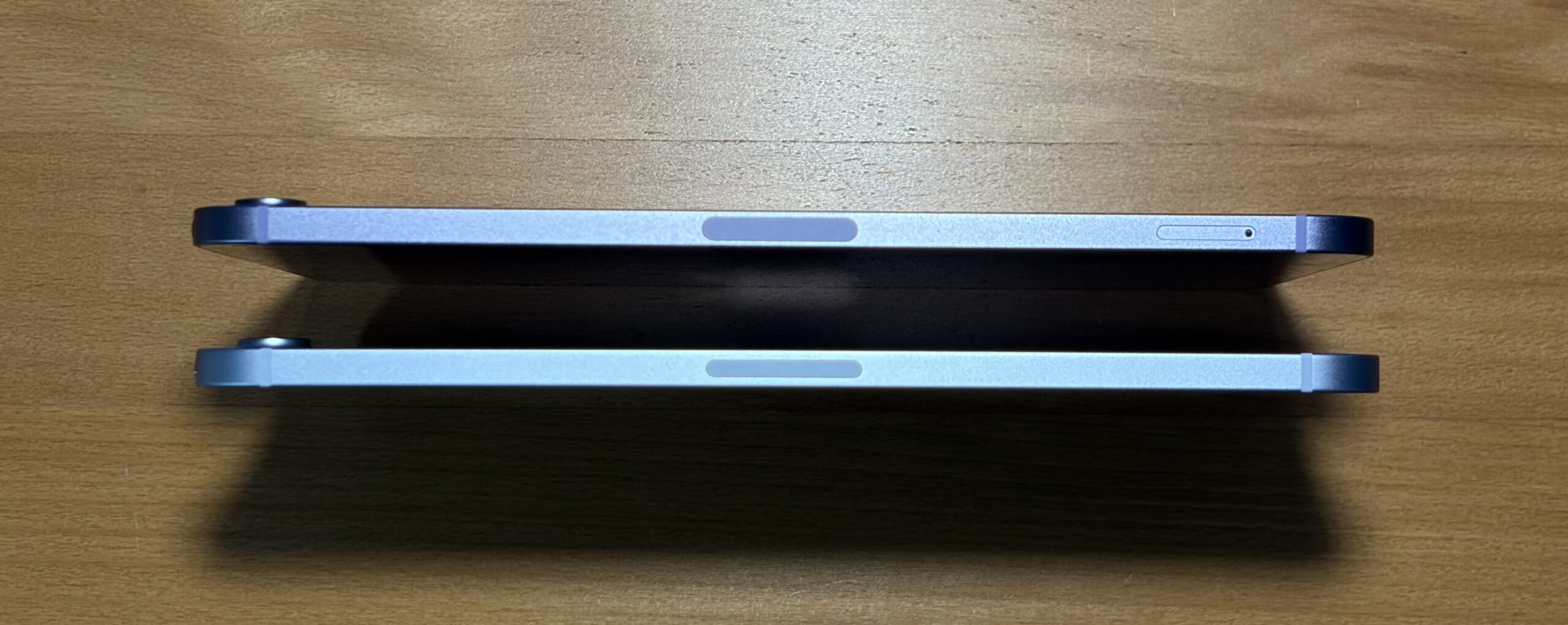
Some minor exterior differences
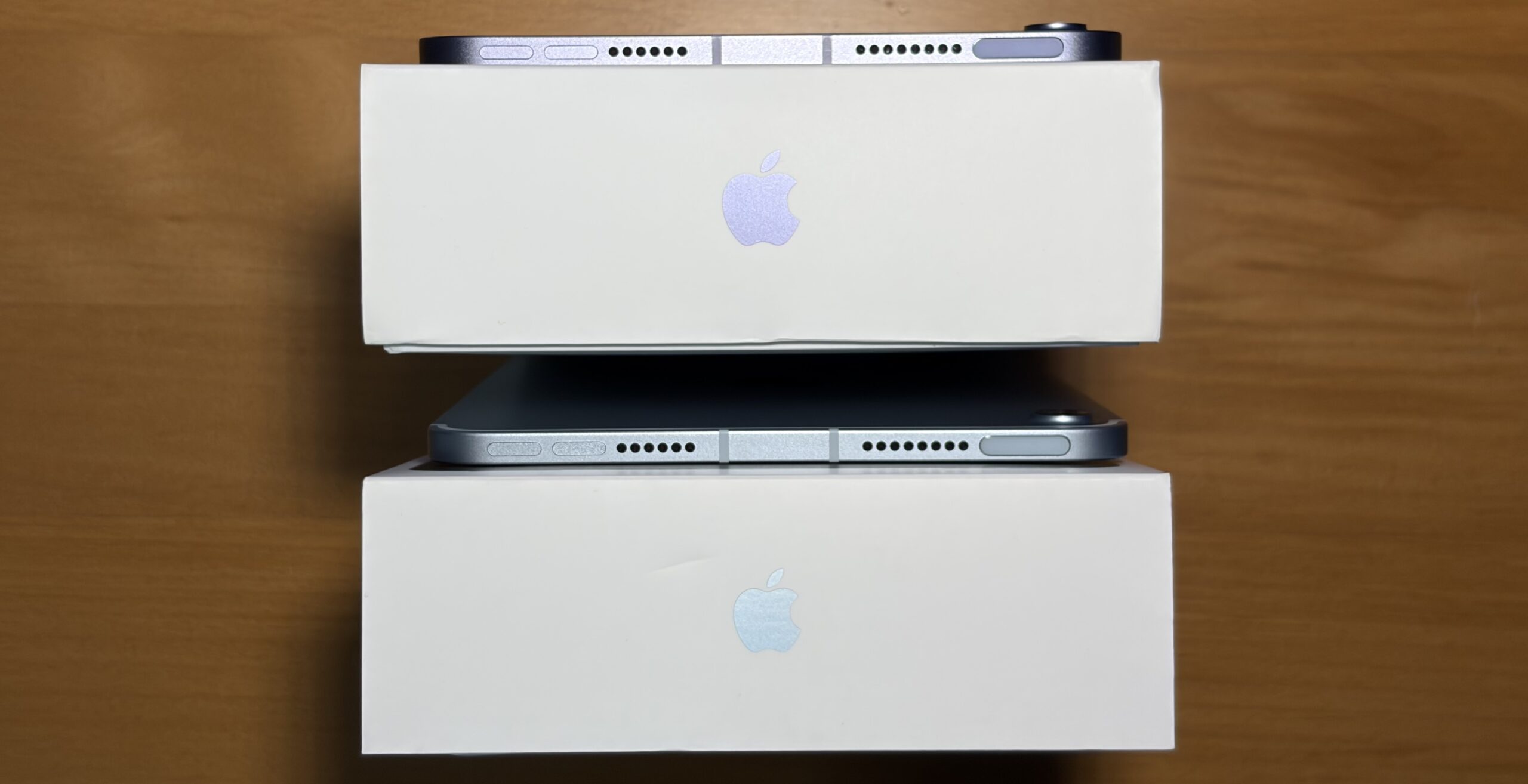
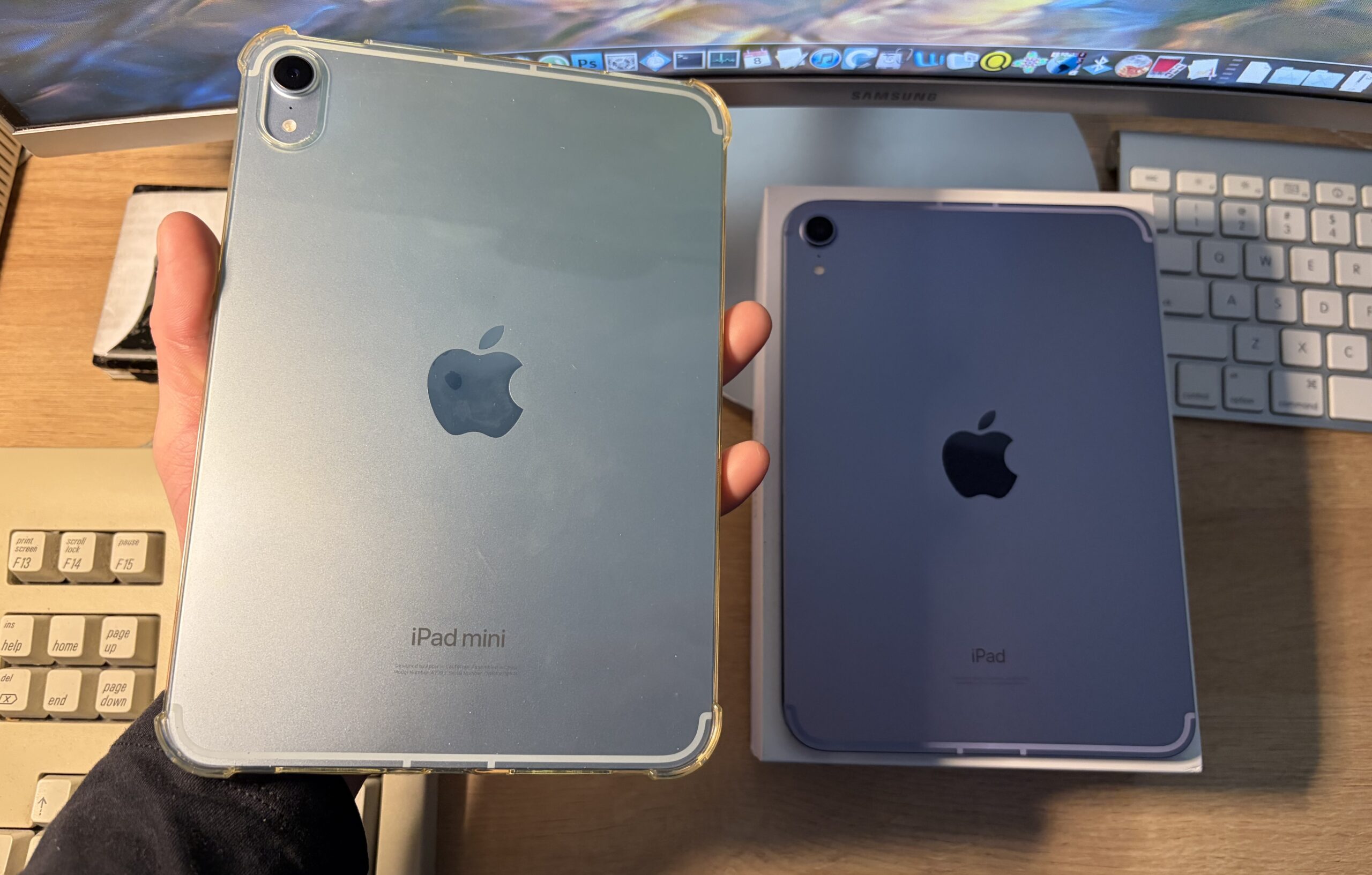
On the back, it says “iPad mini” instead of just “iPad”, along with updated model information (and other). The good news: since the physical dimensions of the new iPad are the same as the outgoing generation, you can use the same cases! This clear case is a go-to, as it more closely matches what my iPhone Air has.
Some more thoughts
- Due to the way I use the iPads, I’m probably the worst to ask about their battery life, as much as I’m intertwined with tech specs. They’re both about the same to me, they last long enough (vaguely) to be used multiple days on a single charge.
. - I wonder what it would look like if Apple made a Titanium version of the iPad mini, for stronger structural rigidity and appearance.
. - It seems like with the 23C55 Build of iOS 26, the Touch ID issue went away and the new iPad can quickly read my fingerprint again, like the iPad 6 did. We’ll have to wait and see with time, this happened suddenly.
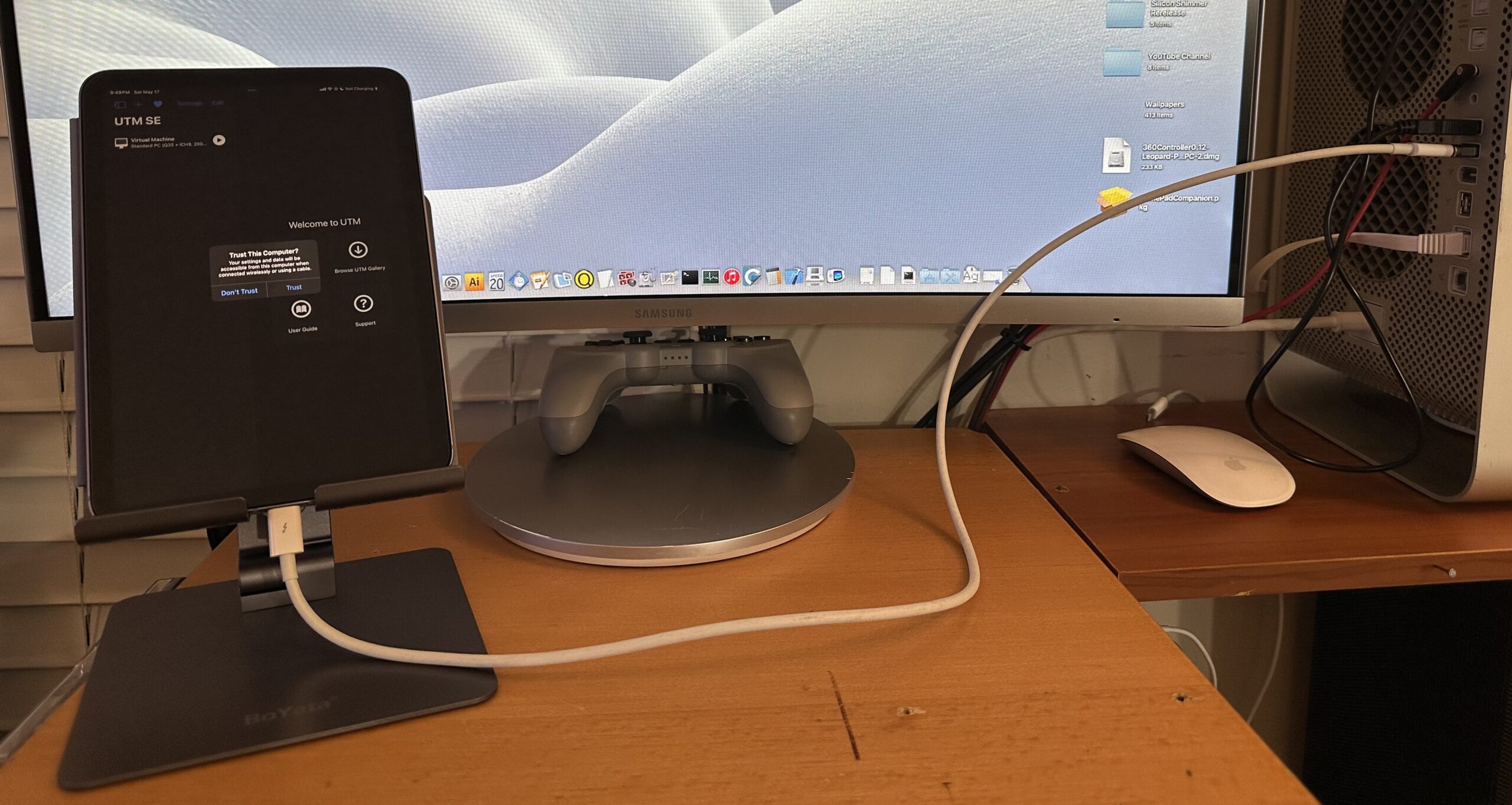 (Plugging an iPad mini into a PowerPC Mac does next to nothing, but it does recognize the Mac.)
- If you’ve been looking for a faster device, have an older iPad mini, or want an ultraportable full device experience, this is the iPad for you.
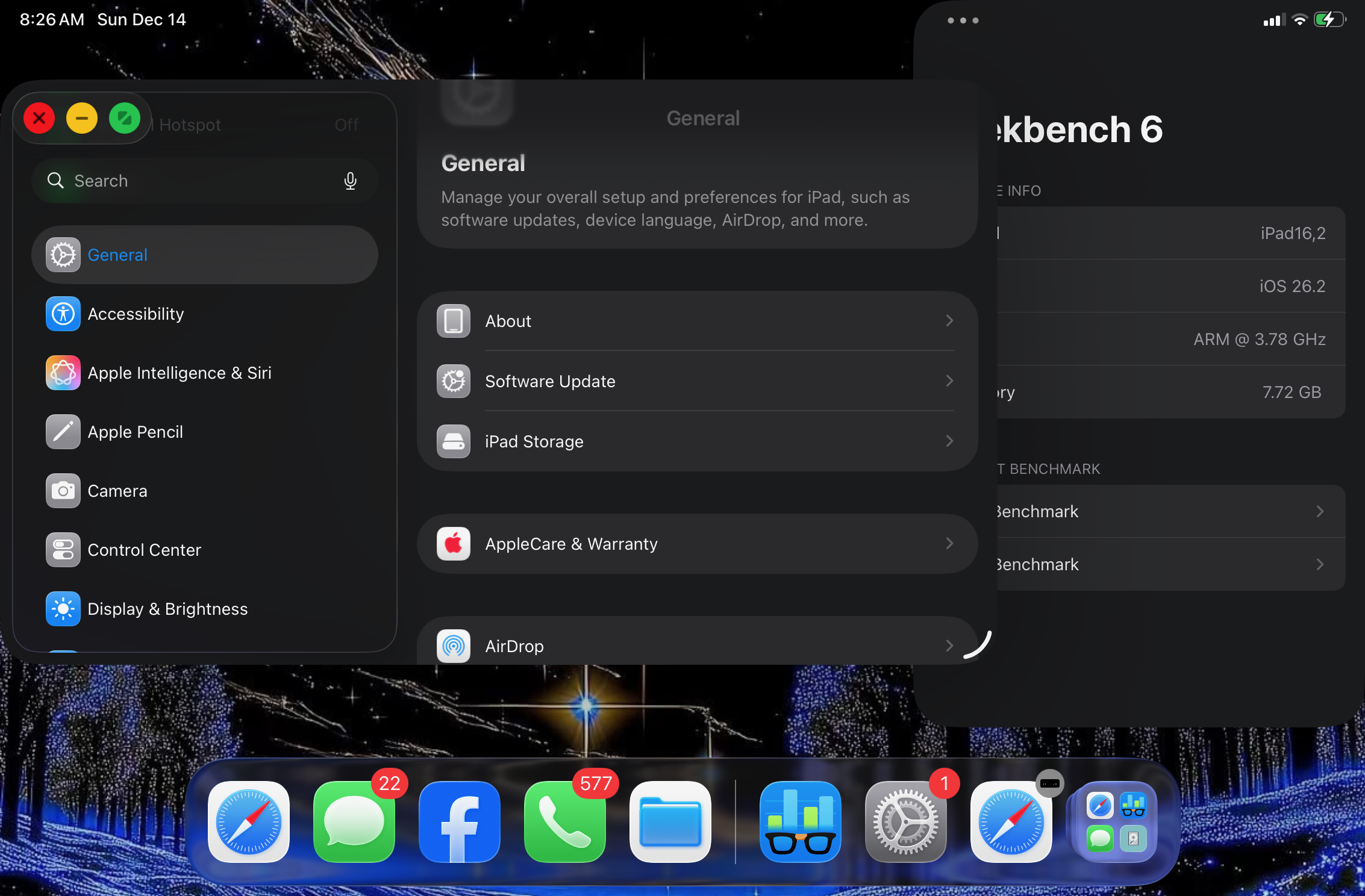
. - iPadOS 26 is making using an iPad more.. Mac-like. This is the most portable version of such hardware. Although I haven’t really given it a go just yet, I plugged some cables up to imagine what it would look like: an iPad as a desktop experience.
 |
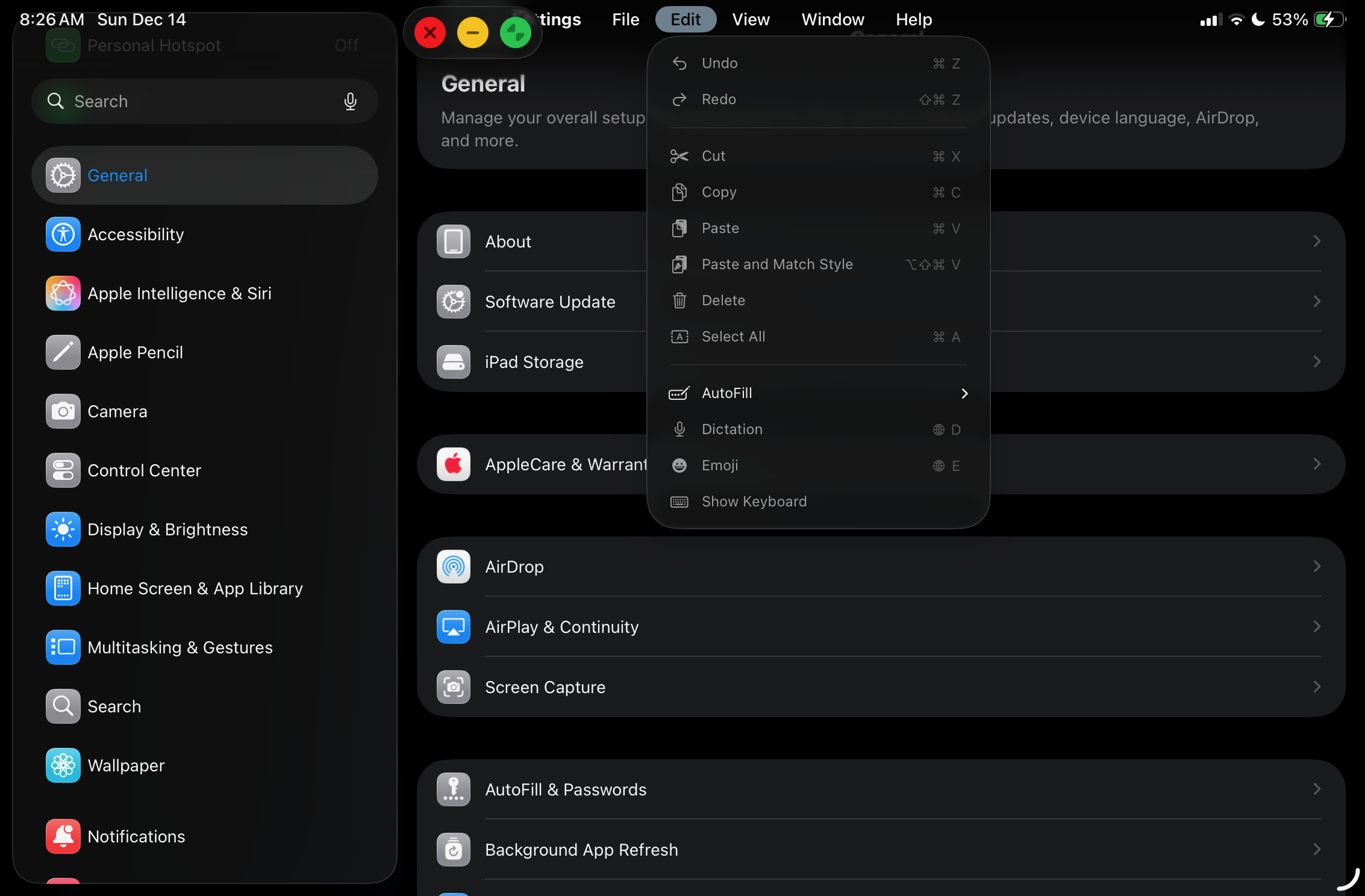 |
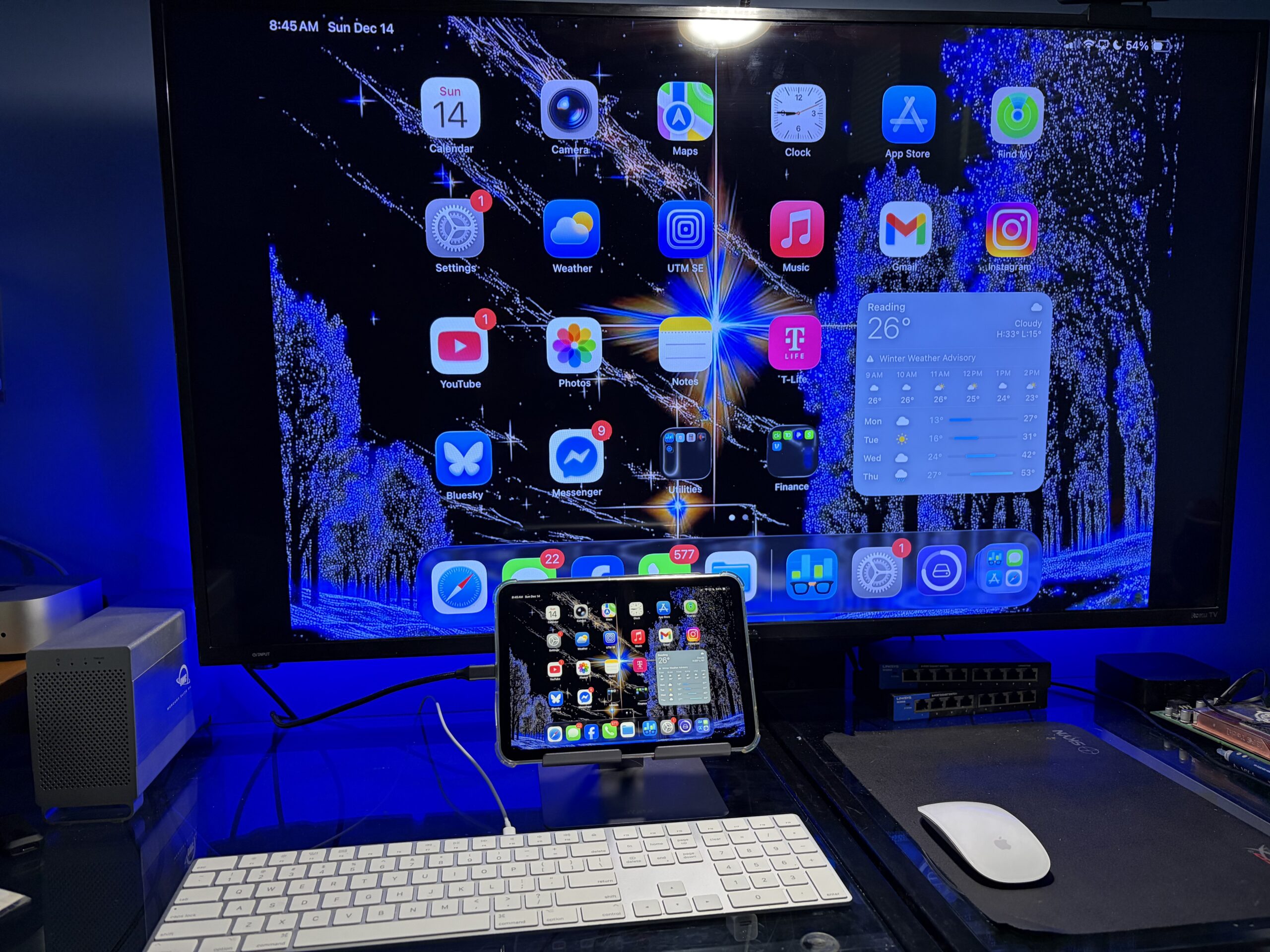
When mirroring the screen it feels kinda squished, so further configuration has to be done in order for it to feel like a competent productivity machine. As-is, it’s more suited for media consumption, but it’s still a solid set of hardware. For productivity it would be massively helpful if there was a second USB-C port; for drives, hubs, an external display while other devices are connected, and to charge while other devices are connected, without purchasing an entire docking station.
When having a keyboard and mouse hooked up to the M4 Mac mini (or any supported Mac), you can easily use Universal Control seamlessly with the iPad. This brings it one step closer to feeling like a desktop – especially useful if your keyboard/mouse aren’t bluetooth and your iPad is charging, for example.
In Conclusion
With the iPad mini now having some more potent hardware and starting at $499, it’s only $100 cheaper versus the $599 11-Inch iPad Air which ships with an M3 chip. The standard $329 11-Inch, 11th-Gen iPad ships with an A16 chip and packs alot of iPad for the buck, at nearly $200 cheaper.
This is the absolute most “iPad” you can have, in the smallest amount of space: it’s light, sleek, powerful, very portable, and gets the job done. It’s certainly an improvement over the previous generation, and it is a whole entire iPad.
