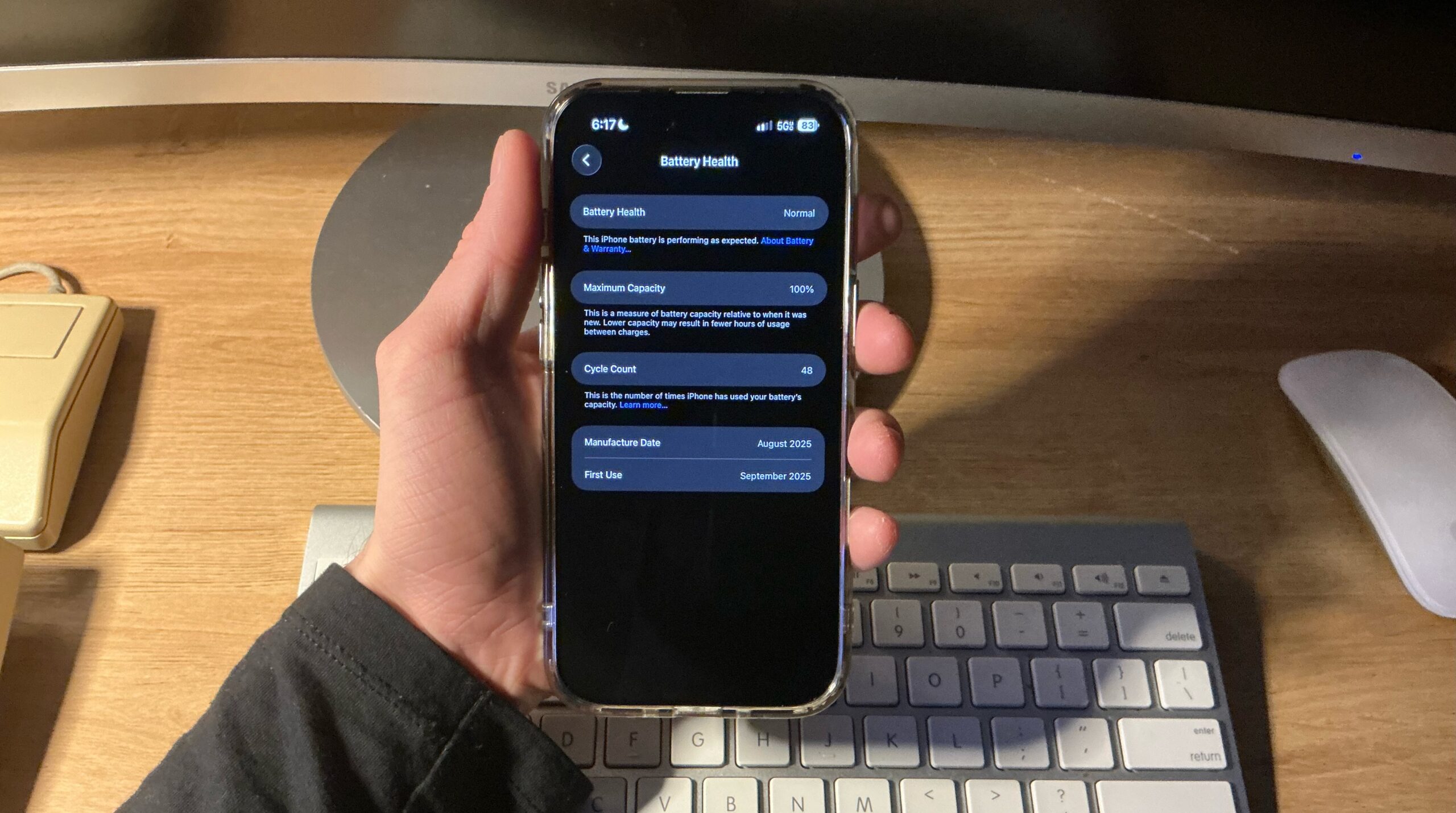
One of the most striking things about my experience having an iPhone Air for the last 80 days, is how many charge cycles I have: 48. I was somewhat skeptical about battery life at the beginning, although the leap wasn’t perceivably bad – A 3200 mAh on the 14 Pro versus a 3149 mAh on the Air.
.
So far, I racked up only 60% as many charge cycles as there were days the device was utilized. Looking back over the last 2 months of using this on a day to day as my go-to phone, I believe I made the right choice in any circumstance.
In the end, durability will win the test of time, and iPhone Air holds strong. The clear case is just enough to keep it in good shape and absorb direct bumps. Still getting used to the idea of a camera action button.
.
Battery Details
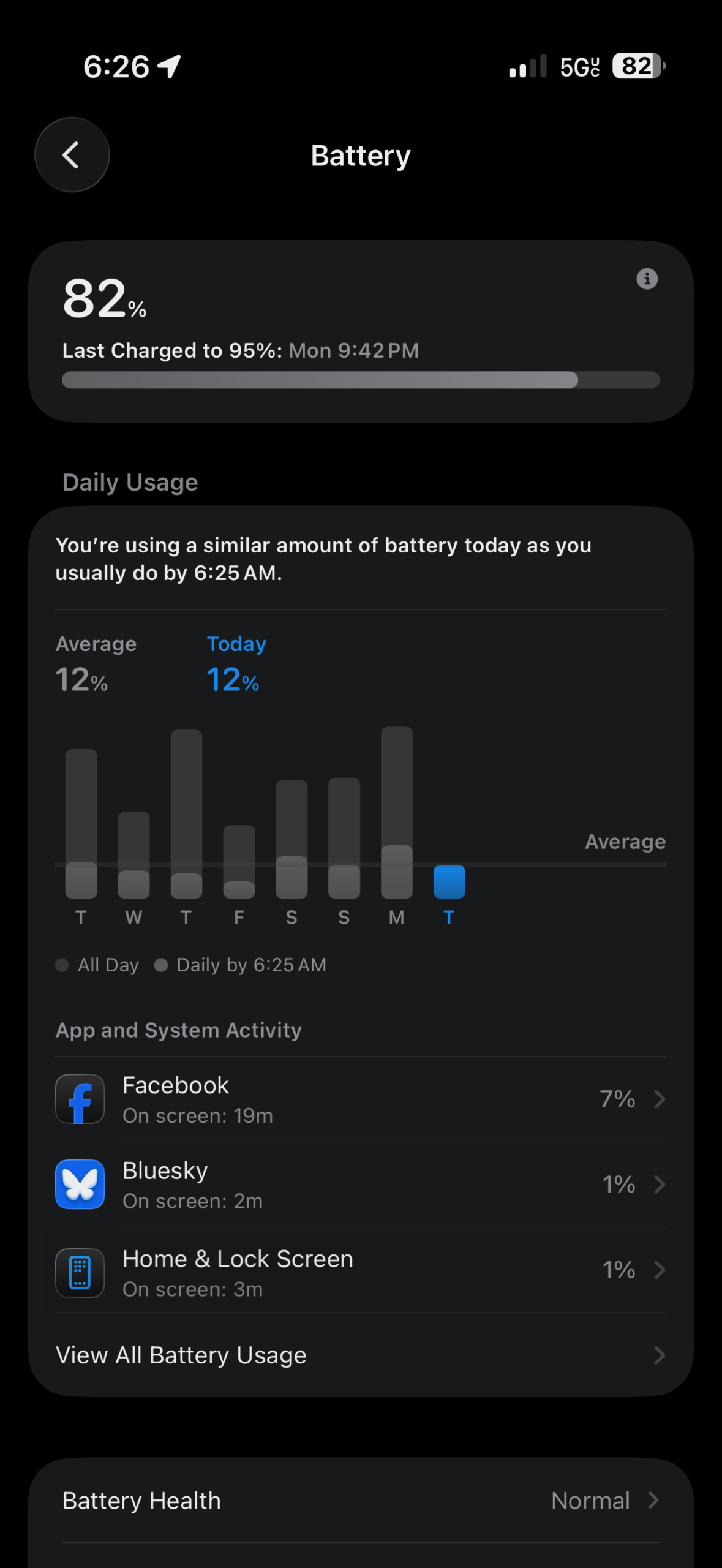
Day to day use simply depends.. on the day. I could imagine far greater battery consumption if I were a full-time YouTuber recording videos, played games frequently, used the very bright screen outdoors daily, or if I were someone who used the mobile hotspot more often.
I tend to only struggle getting through the day when I’m killing time with the phone, the way I’m using it right now. It’s a fantastic everyday device with the power to punch well above its weight.
.
 |
 |
.
On the days I go to work:
- Since it’ll stay in my pocket and I won’t interact with it much except on breaks or outside of work, this chunk of time tends to lower battery usage. Standby time is very solid.
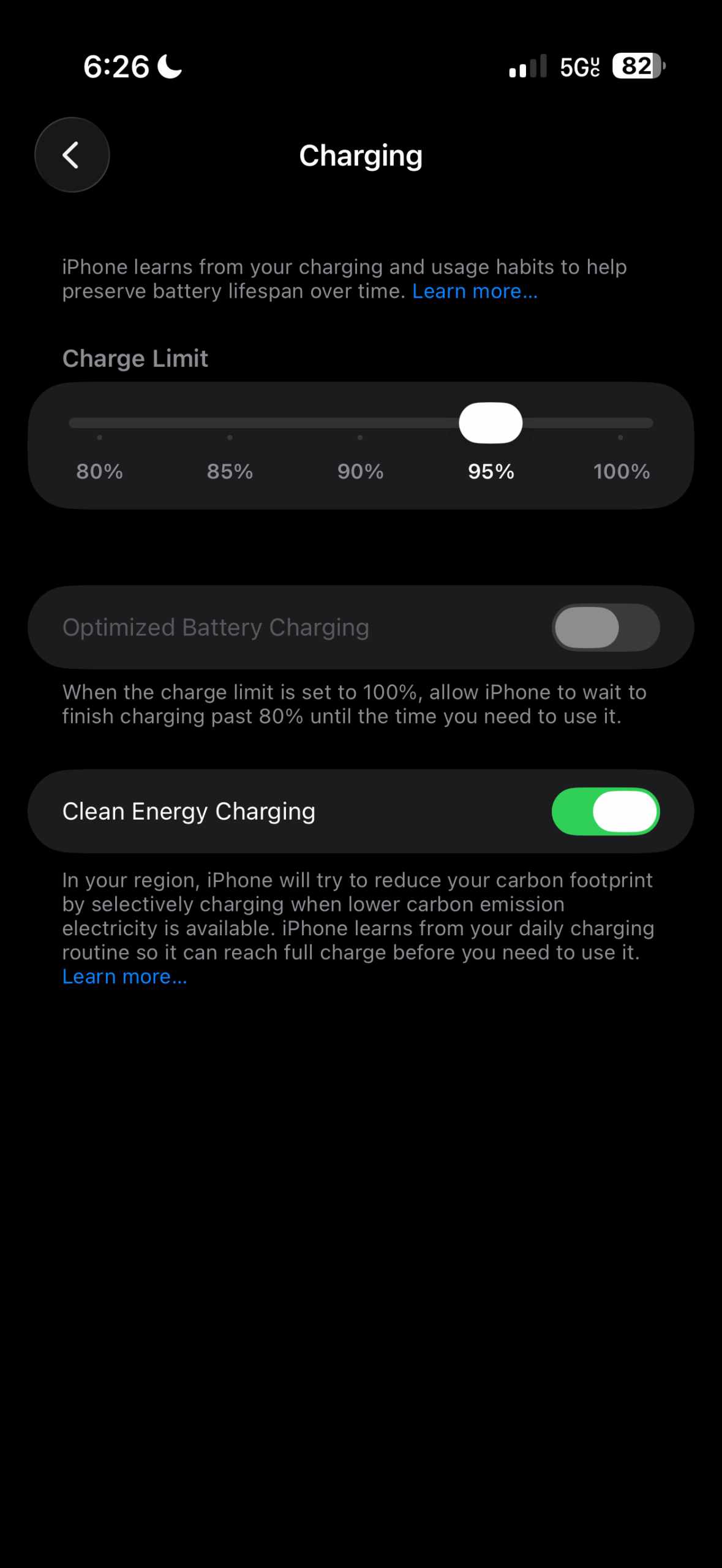
. - Some nights I plug the phone in before going bed, other nights I keep in mind the battery cycle count and let it dip below 25% before plugging it in whenever I have a chance. So far I don’t tend to worry about the battery.
.
At home or on “off” days:
- Taking pictures for articles on Low End Mac
. - Living life; not every day is the same.
. - Checking emails, app accounts, maybe play a game, social media.
. - Sometimes sharing the Mobile Hotspot
.
Mostly every day:
- Watching YouTube videos
. - Social media
. - Managing Low End Mac FaceBook groups
. - Jotting down notes
.
Some small tricks I used for slight battery life increases
.
 .
.
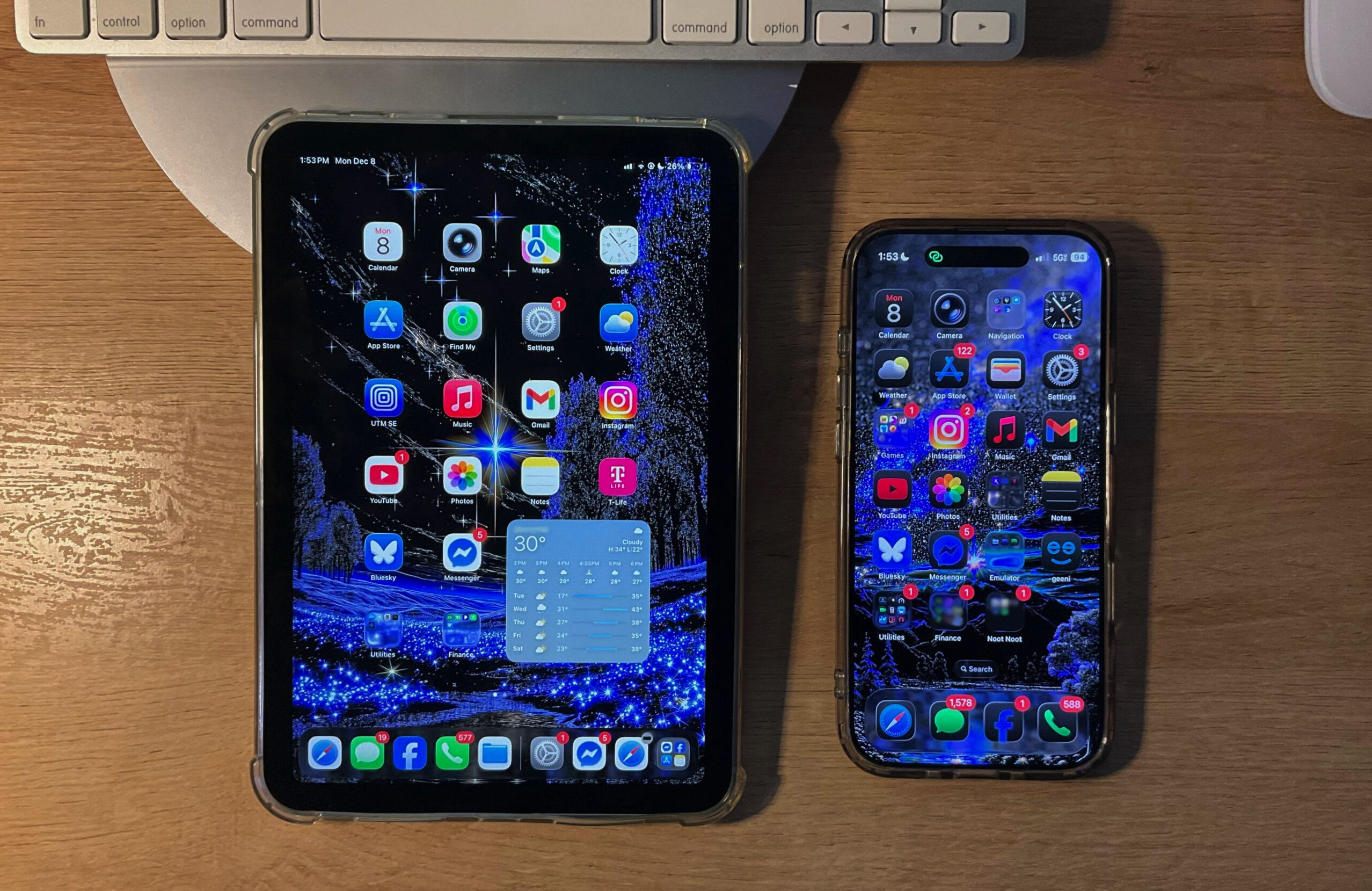
- System-wide dark theme, and a solid Black wallpaper for the lock screen: This isn’t just some gimmick! On an AMOLED screen (like on an iPhone Air), individual pixels demonstrating the color black are actually turned off, which also produces very strong picture contrast.
.- Conversely; On an LCD screen (like what’s used on the iPad mini), the theme may look just as nice, but will not at all produce battery saving measures. This is because historically, an LCD is fully backlit when it’s powered on and used – and as a result, the same “black” pixels on the screen would still be powered “on”.
.
- Conversely; On an LCD screen (like what’s used on the iPad mini), the theme may look just as nice, but will not at all produce battery saving measures. This is because historically, an LCD is fully backlit when it’s powered on and used – and as a result, the same “black” pixels on the screen would still be powered “on”.
- Home Screen wallpaper is colorful but also has many patches with the color black, rendering those parts of the screen “off” for the duration of time the pixels are unlit.
. - Background App Refresh: Off (Settings > General > Background App Refresh)
. - Disable always-on display: You can always tap the phone to show the lock screen, instead of it wasting battery being on all the time. It will still look like an always-on display when you use it.
.
Durable? Very much so. Scratch-resistant? No.
It’s the thinnest iPhone Apple ever made, yes, but it feels safe knowing no mortal human should be able to break it with their bare hands. JerryRigEverything proved this in a video, and so far the day-to-day durability holds up just as well. The phone hasn’t bent or cracked from being bumped into or dropped.
.
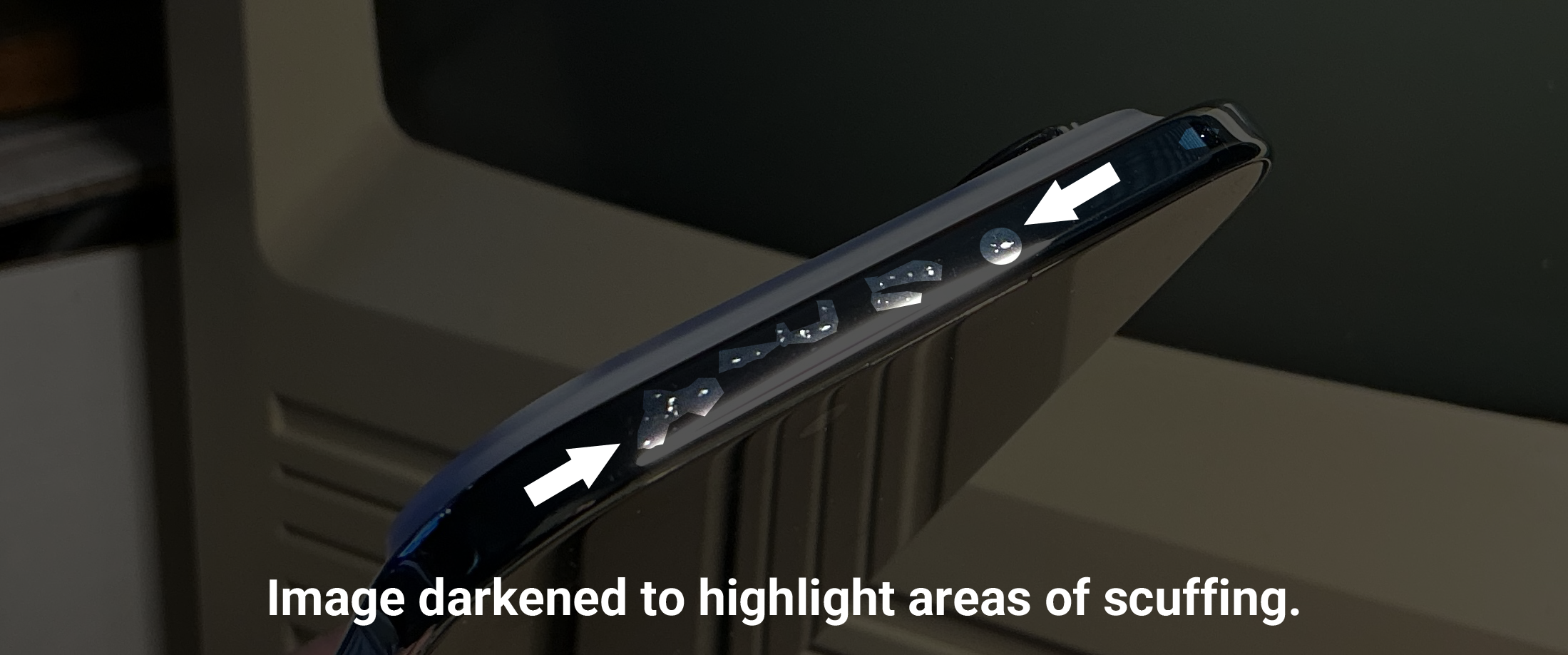
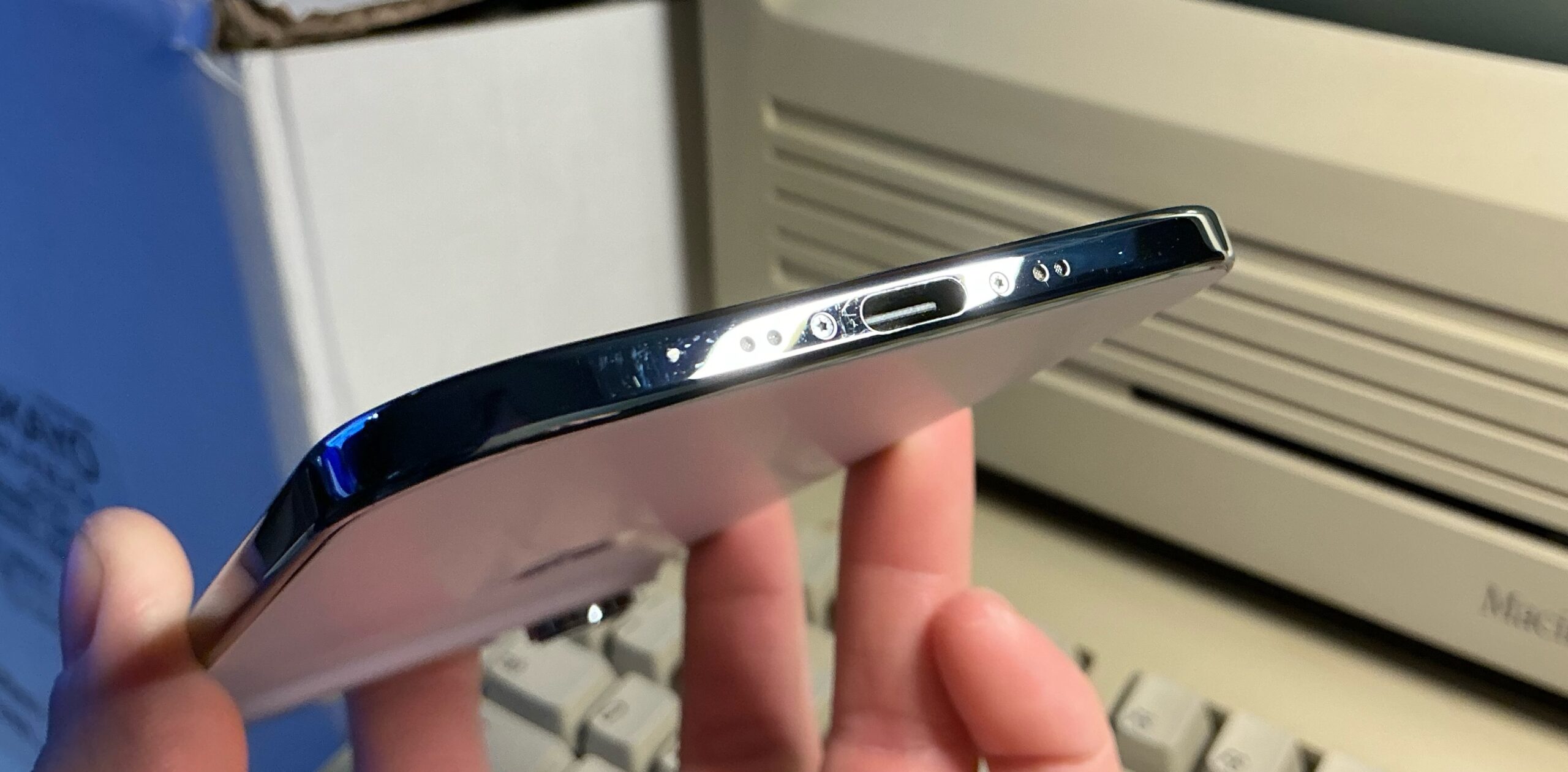 (Above: A bunch of scratches near the charging port)
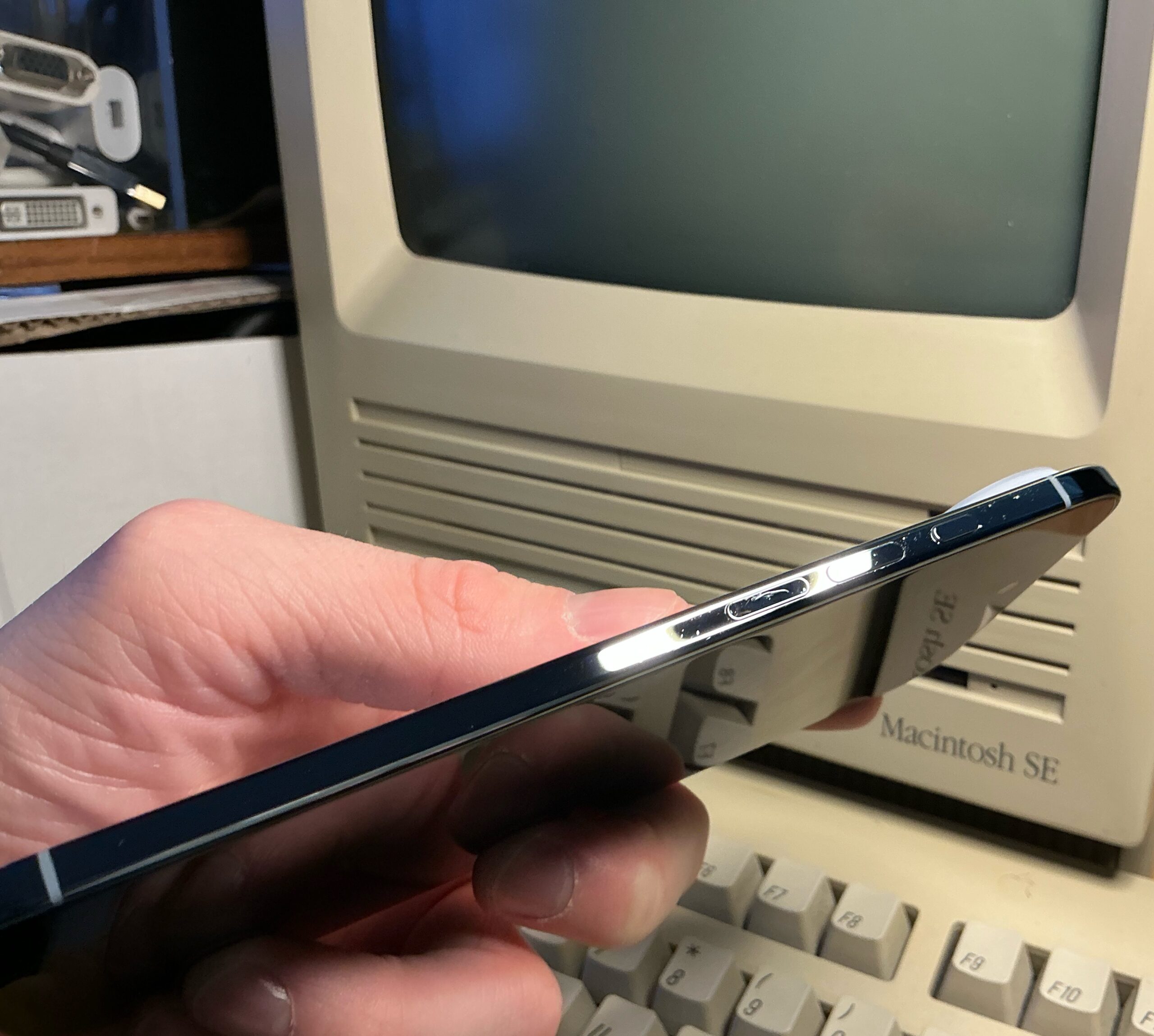
Perhaps it is to be expected, although I was surprised to find some scratches on the Titanium band – perhaps it’s the case itself, or perhaps from the accidental bumps from which the case should protect against.
 |
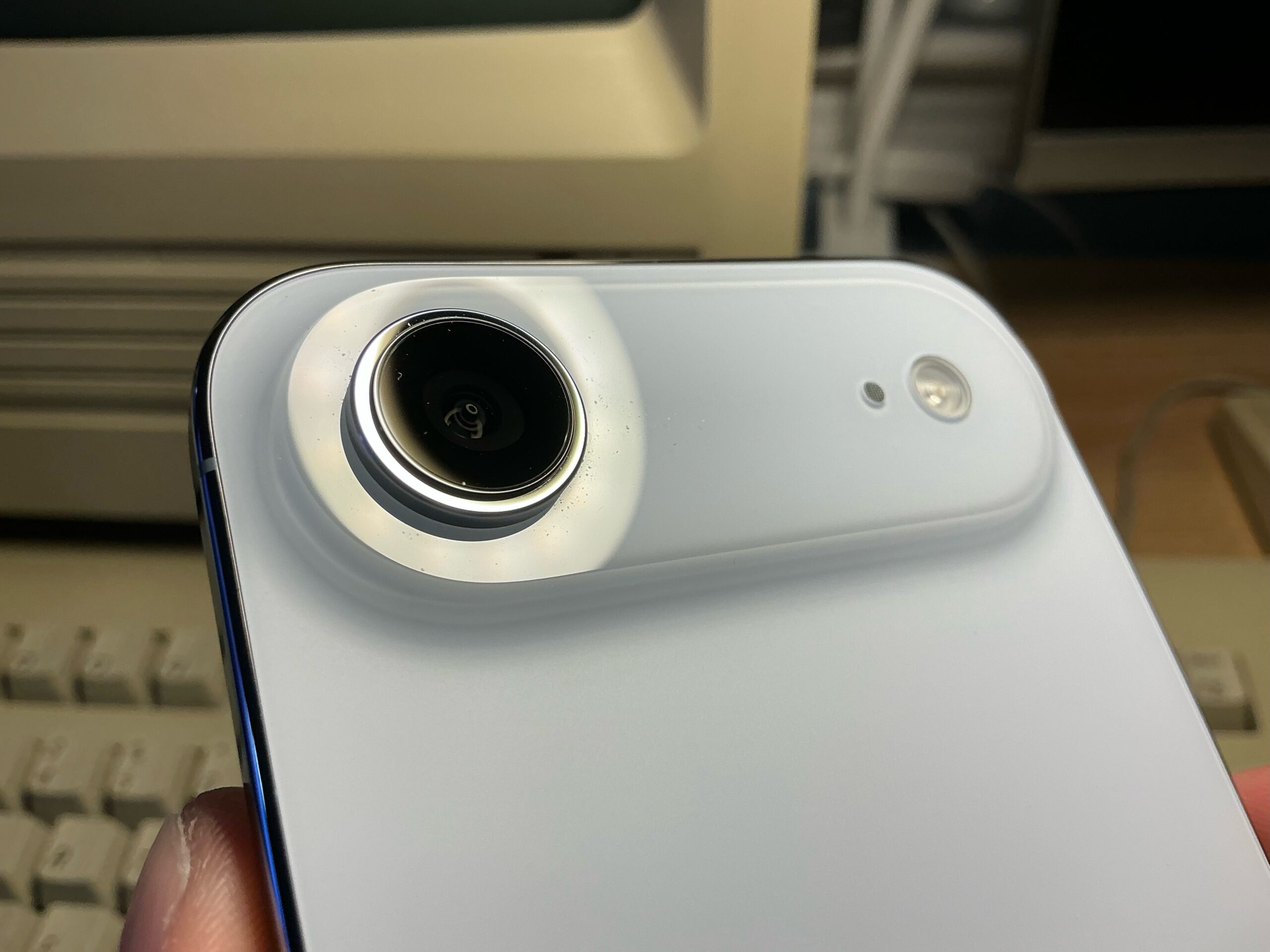 |
It’s but a minor cosmetic issue, although I imagine it will remain in great condition much like my iPhone X did. As expected, the plateau, Camera lens and Titanium ring didn’t scratch.
.
.
Thoughts so far
I feel like if I had the choice to try out all three iPhones this year, I’d still choose iPhone Air – due to the combination of durability, performance, and design. While iPhone 17 is certainly the best bang for the buck and the iPhone 17 Pro lineup goes for utilitarian-maximalist, the iPhone Air is utilitarian on its own for the durable Titanium.
- It’s phenomenally fast on a level I never felt I had in a smartphone before; you can swipe around/perform actions and basically have it respond as fast as you think you could do it. It’s a nice experience in this way, and perceived performance hasn’t at all slowed down between software updates.
. - Does everything the iPhone 14 Pro did, better.
. - As light of a phone it is, still has a smidge of “premium weightiness” to it. Going back to a heavier phone after this may or may not be an ergonomic adjustment, especially if you get used to iPhone Air.
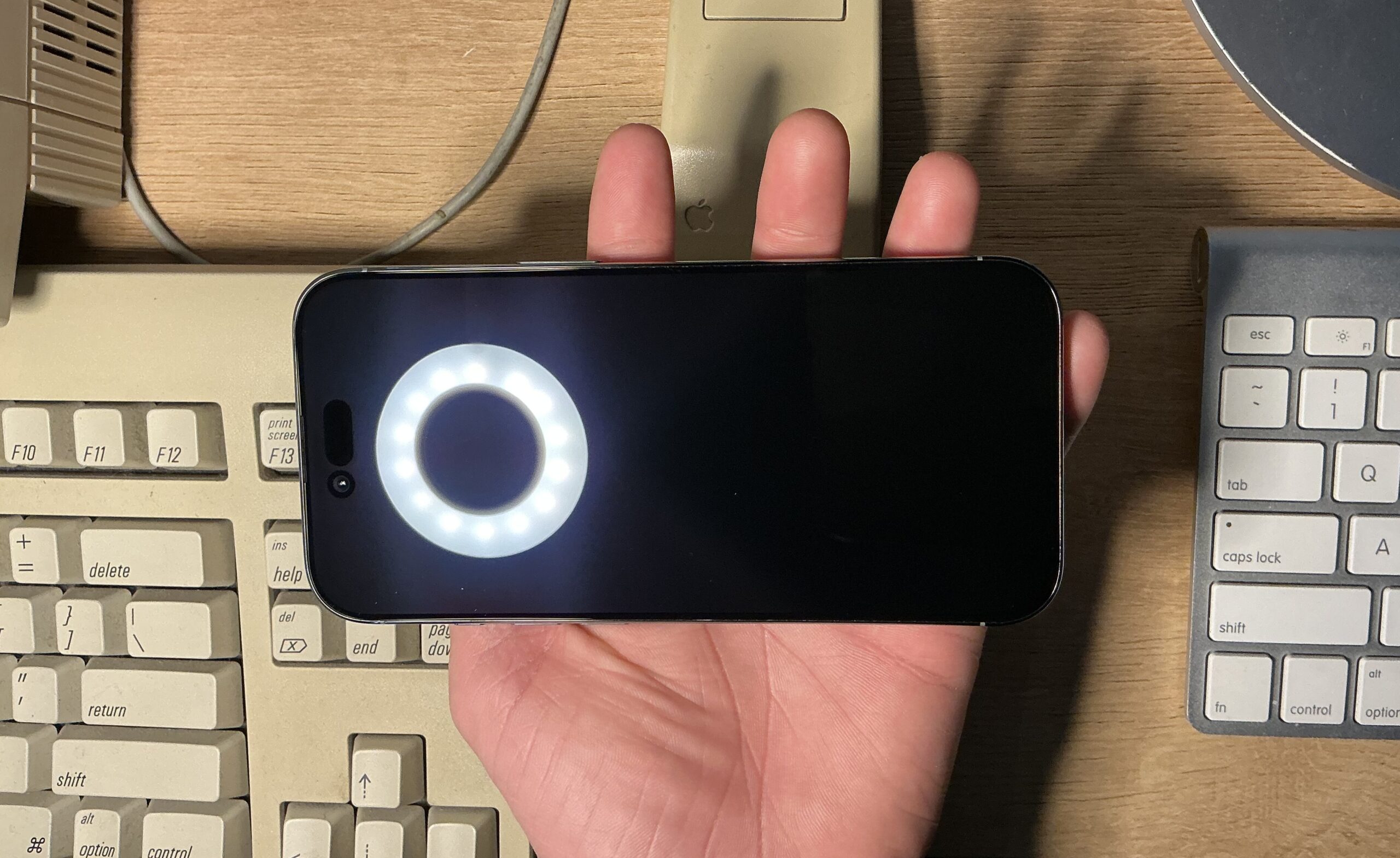
. - Screen is blemish free, which is nice since I’m not using a screen protector.
.
 .
.
- While this was the perfect upgrade for 2025, I’m not sure what I’ll do next year. It looks quite picturesque next to an iPhone X, and I would like to keep another for the collection if doable. For the time being, I’m really enjoying what I have – a 256 GB Sky Blue version.
.