
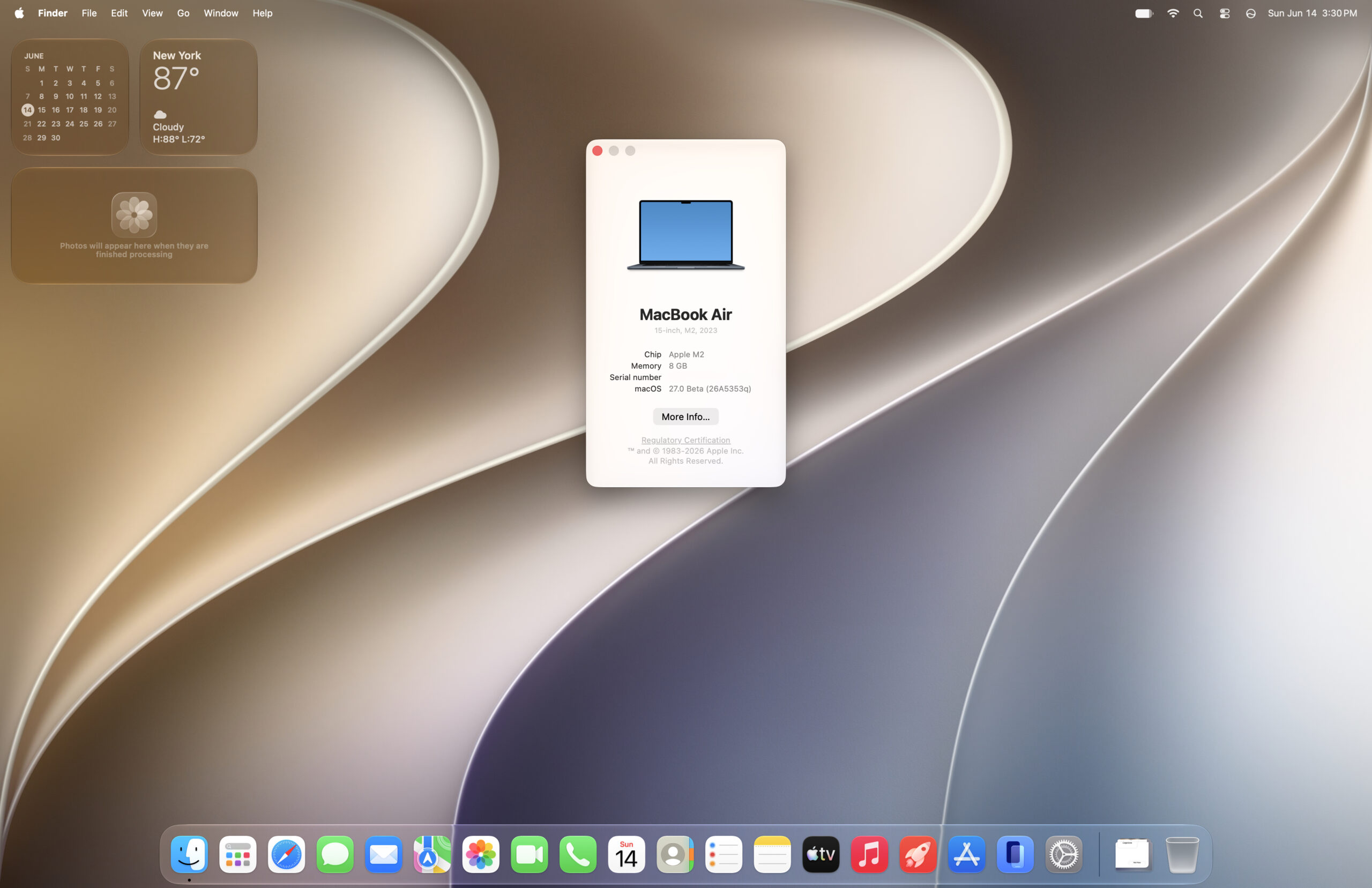
After upgrading your Mac to the new Golden Gate beta, your desktop will look mostly the same as Tahoe at a quick glance, with some slight differences. macOS 27 makes tweaks to the UI, listening to some user feedback.
- See: MacOS Golden Gate 27 Beta 1 Release Notes – Apple
. - Download: MacOS Golden Gate 27 Beta 1 Release Notes.webarchive.zip (1.5 MB)
MacOS Golden Gate development timeline
- Up until June 8th WWDC: Internal Testing Only
.- macOS Golden Gate Developer Beta 1 – Build 26A5353q – June 8th, 2026
.
- macOS Golden Gate Developer Beta 1 – Build 26A5353q – June 8th, 2026
 .
.
The new setup process
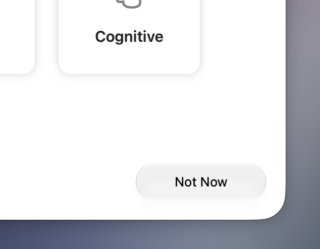
It looks as though the navigation buttons on the setup screen have been updated, which increasingly feel like a stylistic throwback to Aqua (except less blue). Almost reminds me of a lighter version of the Graphite Aqua theme from Leopard and prior.
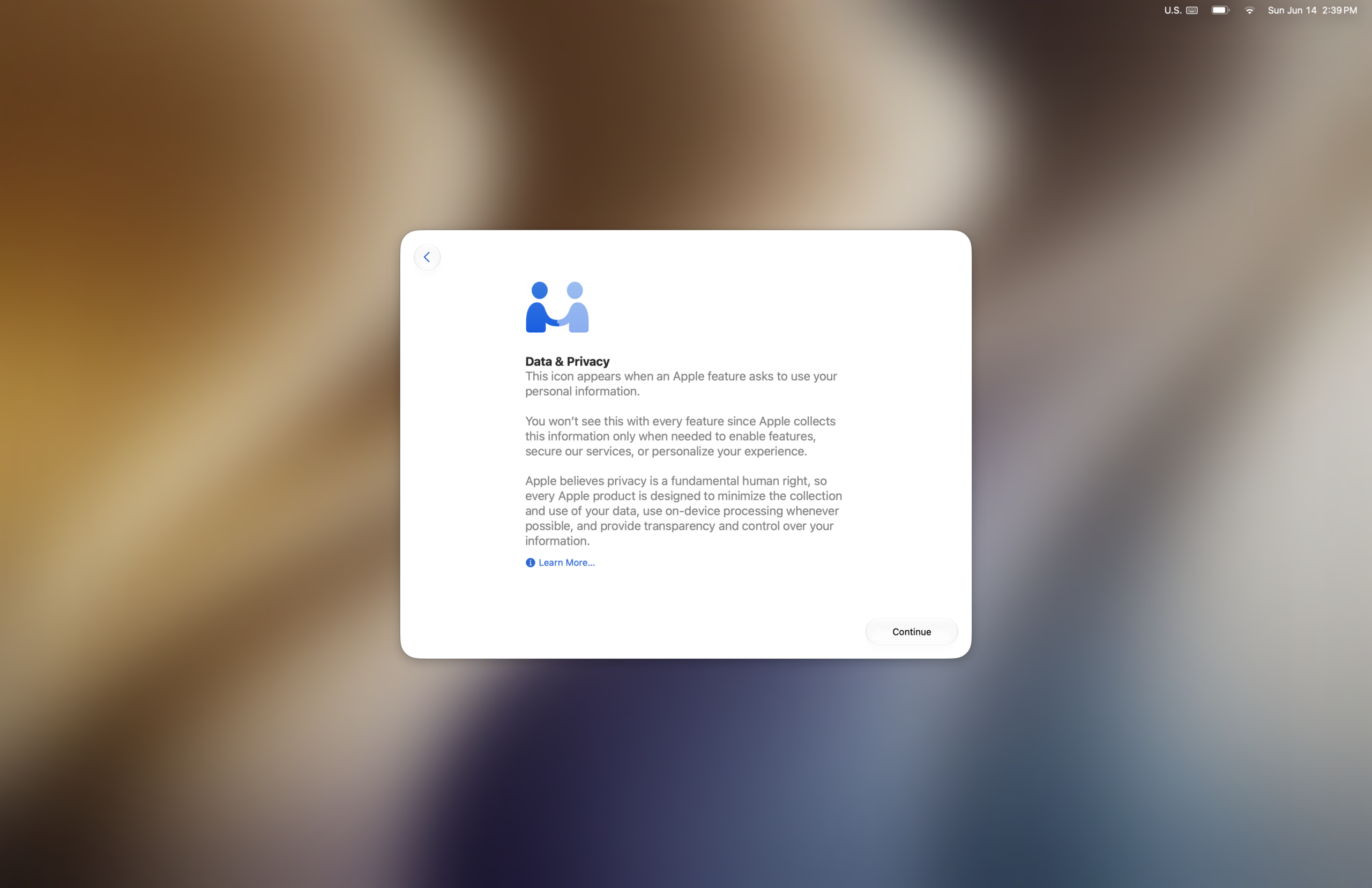
Initial few setup screens are rather standard/normal. You’ll be asked to setup any of the optional accessibility features, Data & Privacy, etc;
 |
 |
 |
 |
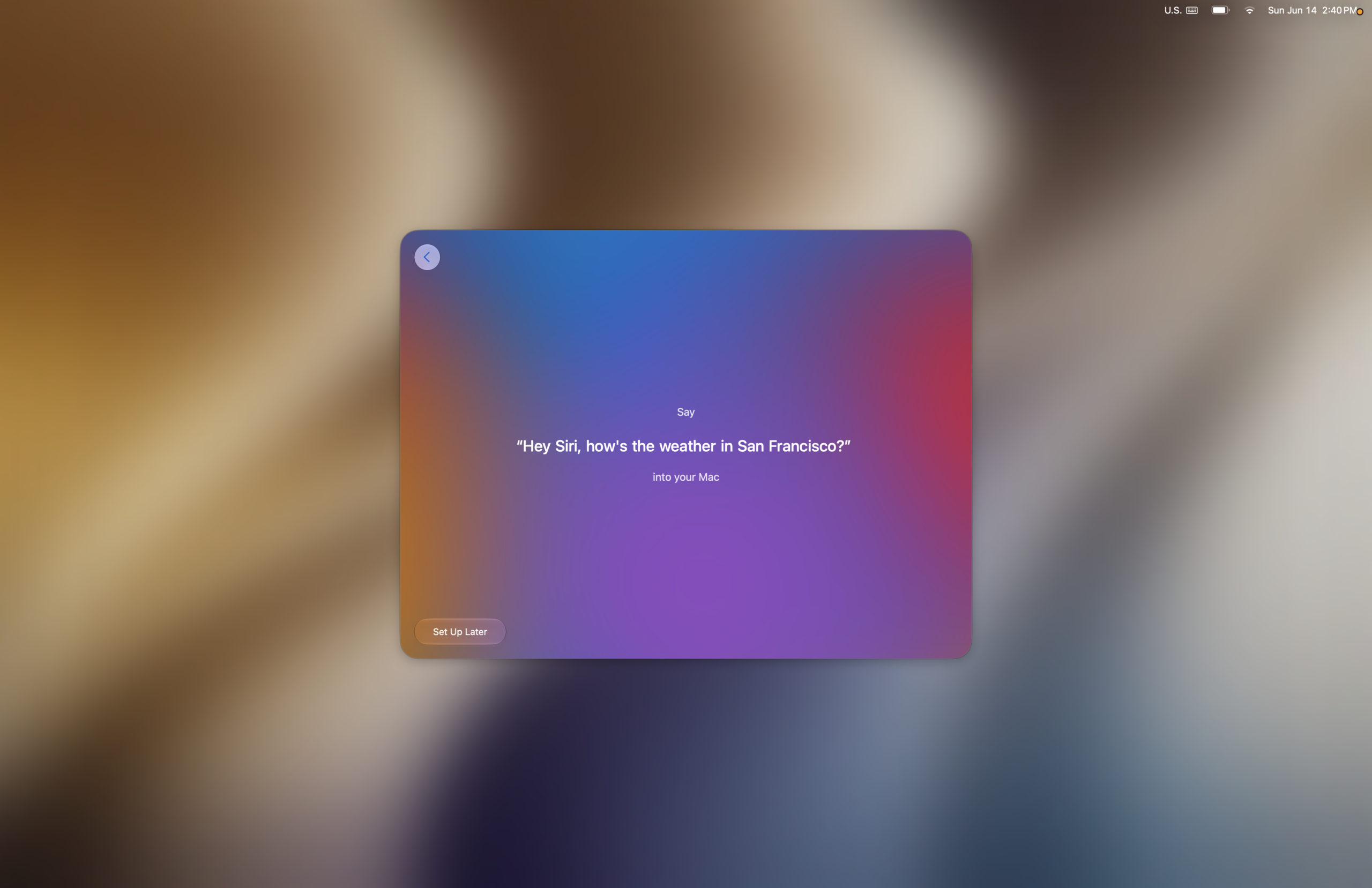
After the first few screens you’ll be prompted to help Siri train a little to recognize your voice (if you opt-in), and it plays wonderful musical notes as you progress through each step successfully. Good design choice, in my opinion.
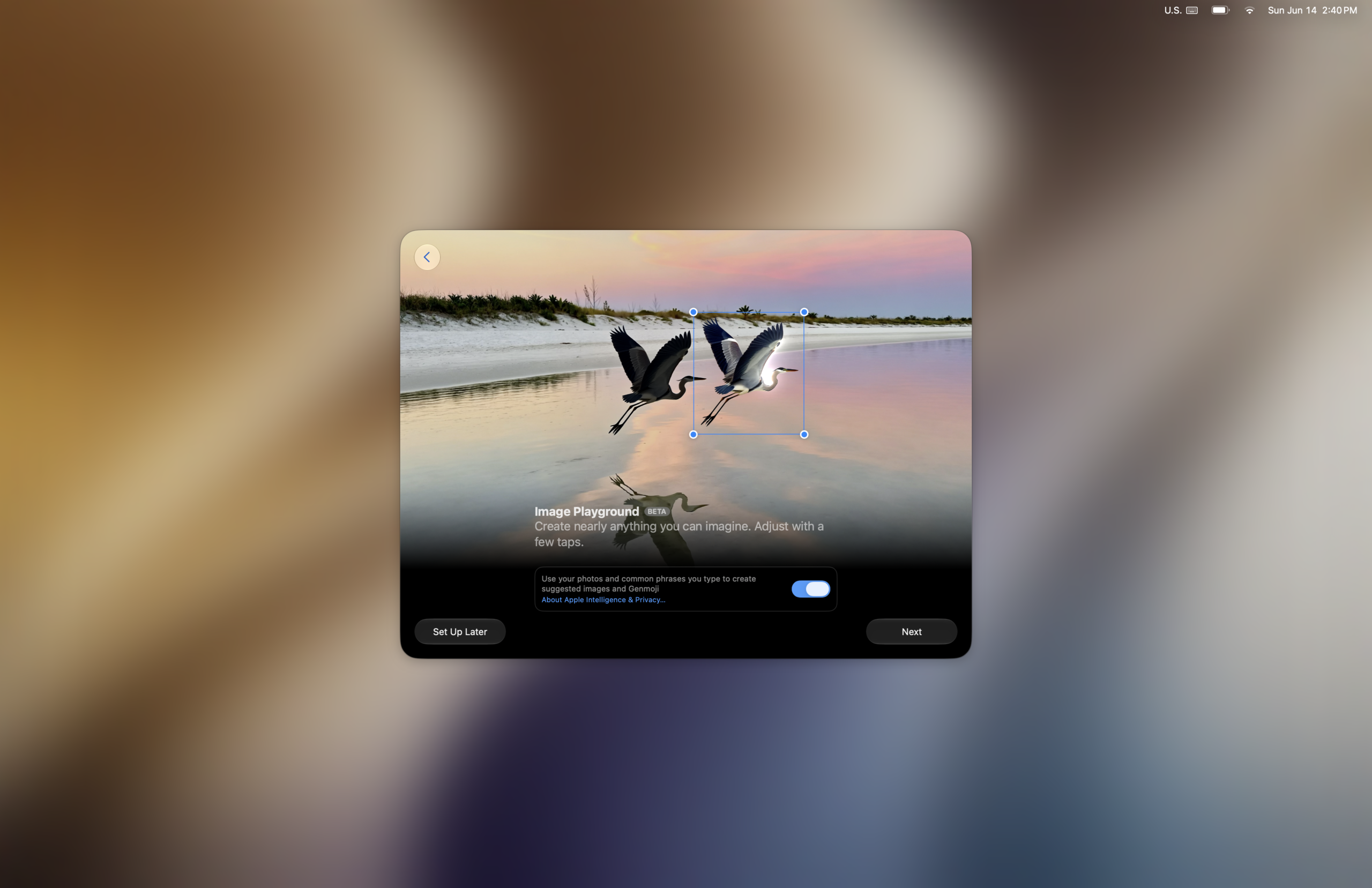
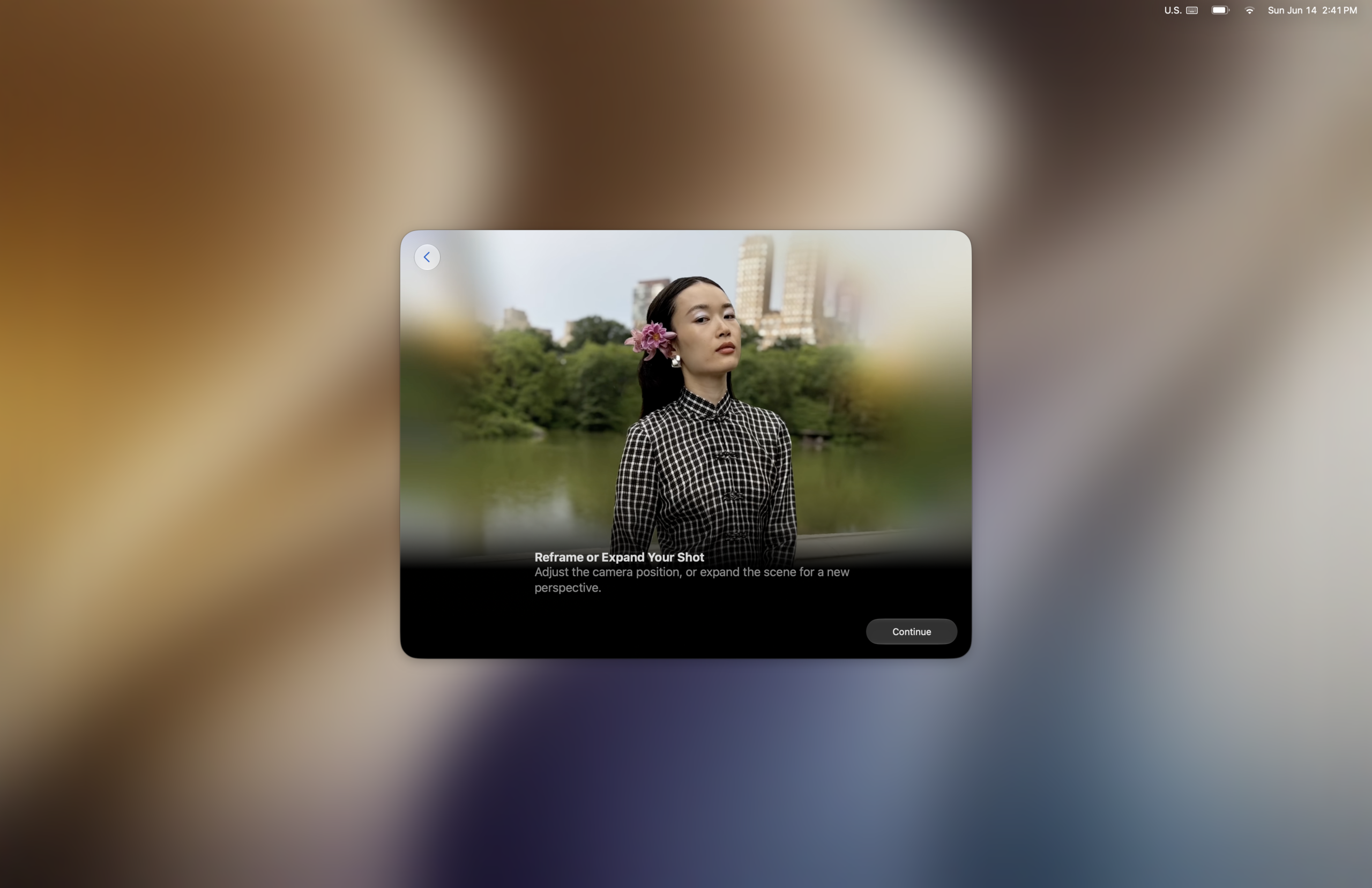
Once you navigate through Image Playground and reframe, the translucency adjustment slider screen pops-up, giving you the first opportunity to adjust it on your Mac (before later being able to in System Settings).
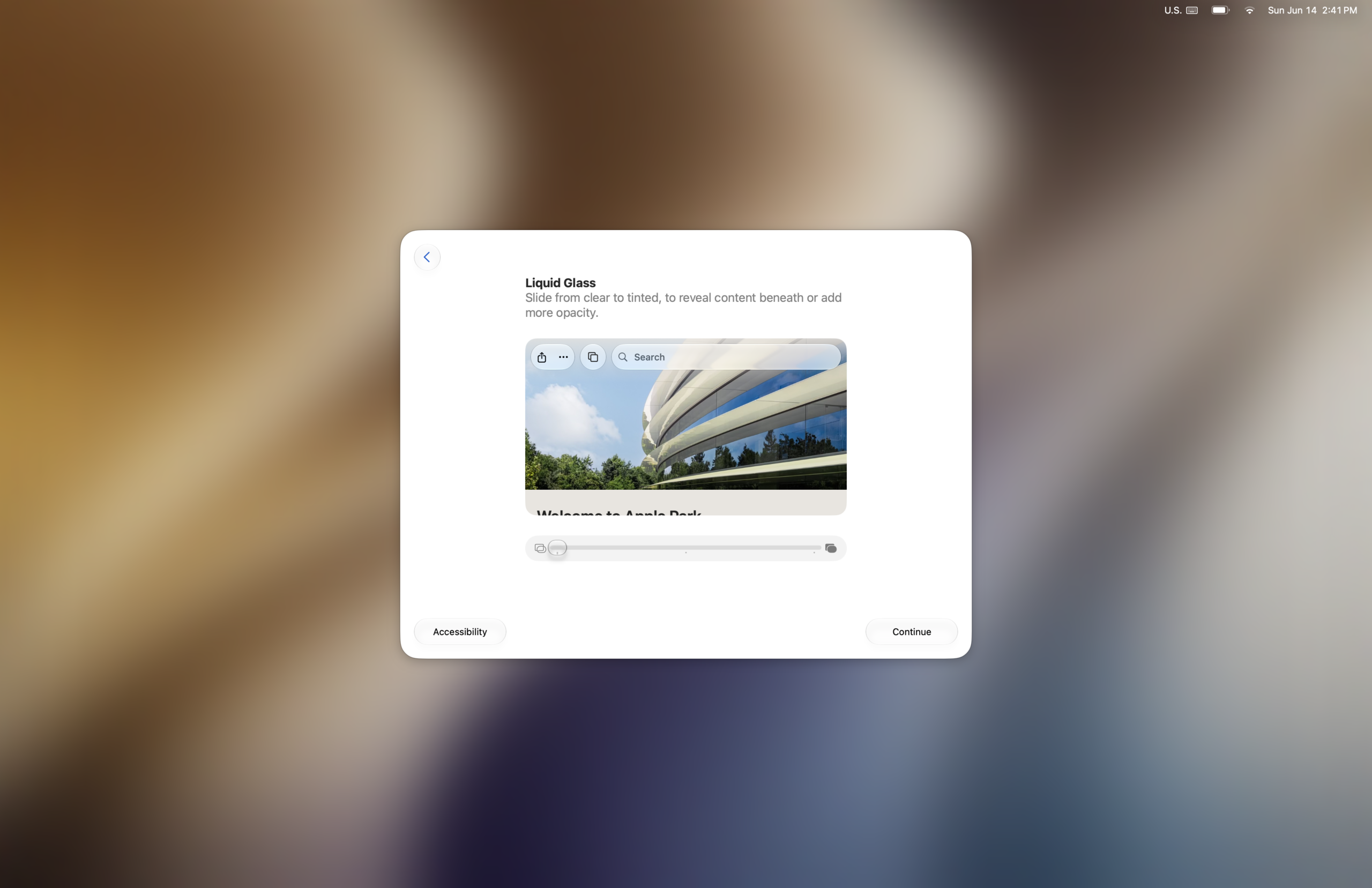
Editor’s note: I have the translucency cranked all the way up on my system since it’s the way I wanted to use it. I really like how the transparency effects are tactful – like a super-clear icon dock and in other areas where aesthetics don’t clash, while at the same time having reduced translucency in areas where content and legibility matters more.
What feels like it changed in general?
Animations throughout the system are noticeably faster, although some animations have changed. For example, when you “click wallpaper to show desktop”, desktop widgets no longer have the fade effect (or any). The dark frame which surrounds the desktop when you click on it, is now more rounded. There are alot of things to notice up-front.
- The new animated startup screen when launching Safari
. - Icon dock is way more transparent vs Tahoe (if you turn opacity all the way down).
. - Finder window toolbar has been changed slightly
. - The way the buttons and animations feel
. - Apps are definitely launching faster, but animations will lag sometimes – especially the newer ones.
.
Artificial Benchmarks
I ran Geekbench 6 on here to see the effect of running MacOS Golden Gate vs. Tahoe vs. Sequoia, and to my surprise it appeared as though nearly all performance benchmarks increase except maybe Multicore CPU. The increases in Single Core CPU are meaningful, as this contributes to app launch times.
The numbers tell a story of real-world performance gains and these benchmarks can swing just as far in the negative direction given the right circumstances. It seems like there could be a grain of truth in all this, as some early adopters online are reporting a faster experience over Tahoe.

CPU
- On MacOS Golden Gate: 2676 (Single Core) 9913 (Multicore)
- On macOS Tahoe: 2634 (Single Core) 10110 (Multicore)
- On macOS Sequoia: 2652 (Single Core) 10162 (Multicore)
.
OpenCL
Metal
Some Quirks
- The apps drawer/icon does not work at all until you click on Spotlight in the Menu Bar.
.
- If you press the Apps icon over and over fast enough, it will trigger the older Tahoe animation sometimes instead of the newer left-to-right animation.
. - Some users report iPhone mirroring getting stuck indefinitely after launching, and Mission Control bugs which may not display all open windows consistently, making it cumbersome to switch between apps.
. - Due to how Apple has changed how the boot picker and Startup Disk applications detect valid OS boot volumes, some Asahi Linux users are reporting disappearing Asahi partitions. In reality the partition was never deleted, and the same user believes it may be a bug.
.. - According to an article by MacRumors: Authentication plugins and other pre-login utilities that require Rosetta fail to load in ?macOS Golden Gate? because of the limitation.
AFP may be dropped, but SMB still works
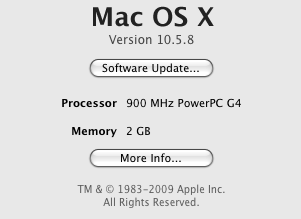
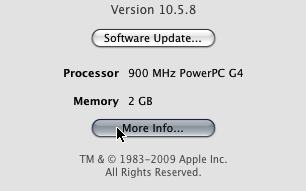
Unfortunately the Apple File Sharing Protocol has been dropped, which renders existing networked file sharing configurations from PowerPC Macs unusable.
 |
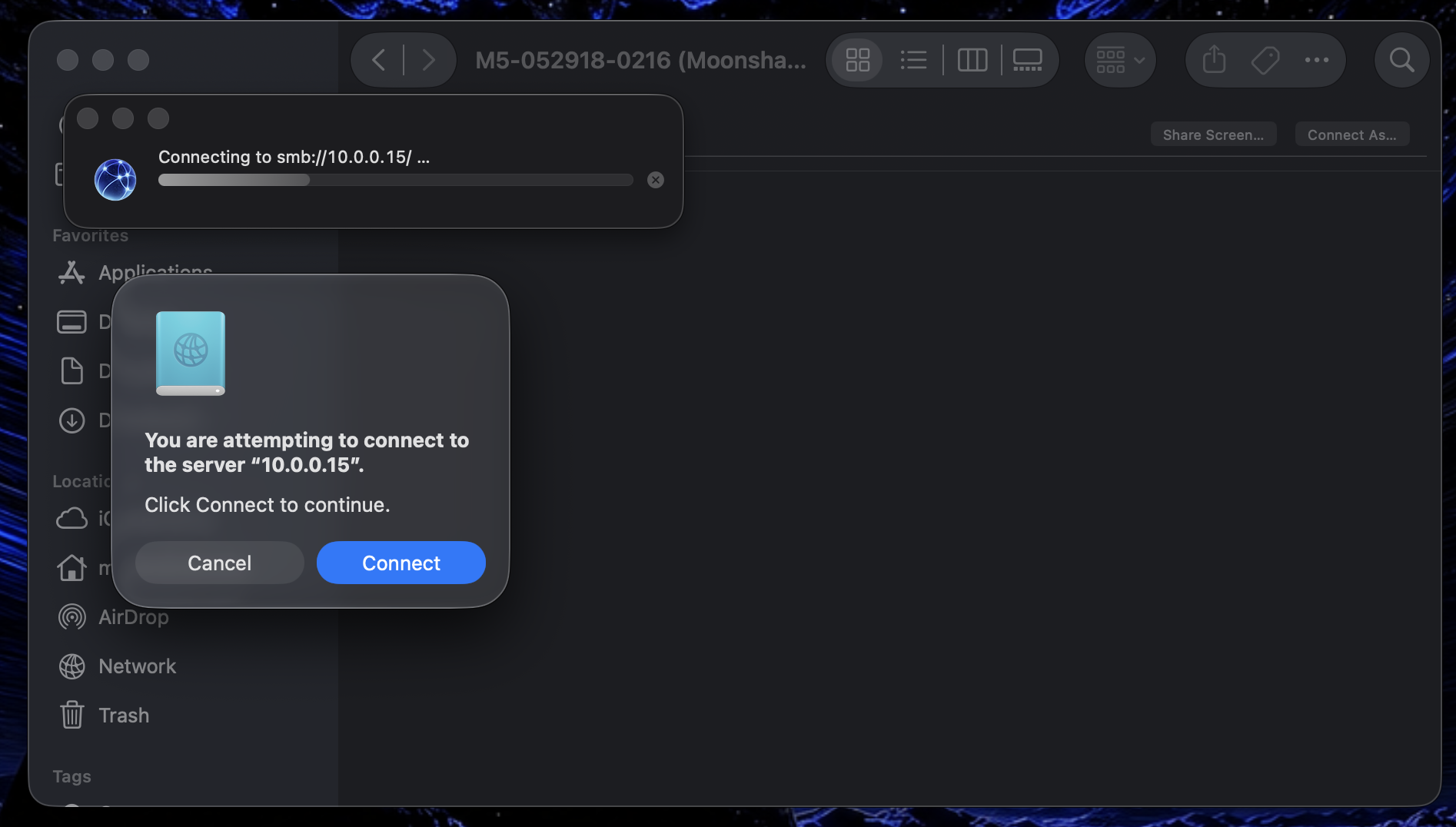 |
Fortunately for those who still use PowerPC Macs (and anyone who uses SMB file sharing), support for this function remains. As a result, I was able to locate and mount the drop box from the Power Mac G5 running Sorbet Leopard, via a guest login. As of right now I’m having trouble authenticating with my user account.

.
Overall
Based on the listed improvements shown at WWDC, the performance benchmarks thus far, and my own personal experiences using the MacBook Air, I could definitely say it’s chalking up to be a real Snow Leopard kinda OS release, and I’m curious to see what else was improved but unlisted. I’m bummed out AFP support was removed, but hopefully can figure out a working solution with SMB or something else.
It feels like a rather stable beta, an improvement if anything. While there wasn’t a chance to try out the new Siri AI yet, I’m on the waitlist so there will be the opportunity soon enough. I haven’t really pushed this M2 MacBook Air too hard in the time that I’ve owned it except for a couple VMs, so it’s hard to say for now how else performance has improved. But from the perspective of someone who uses the same machine on a day-to-day, it certainly feels snappier.