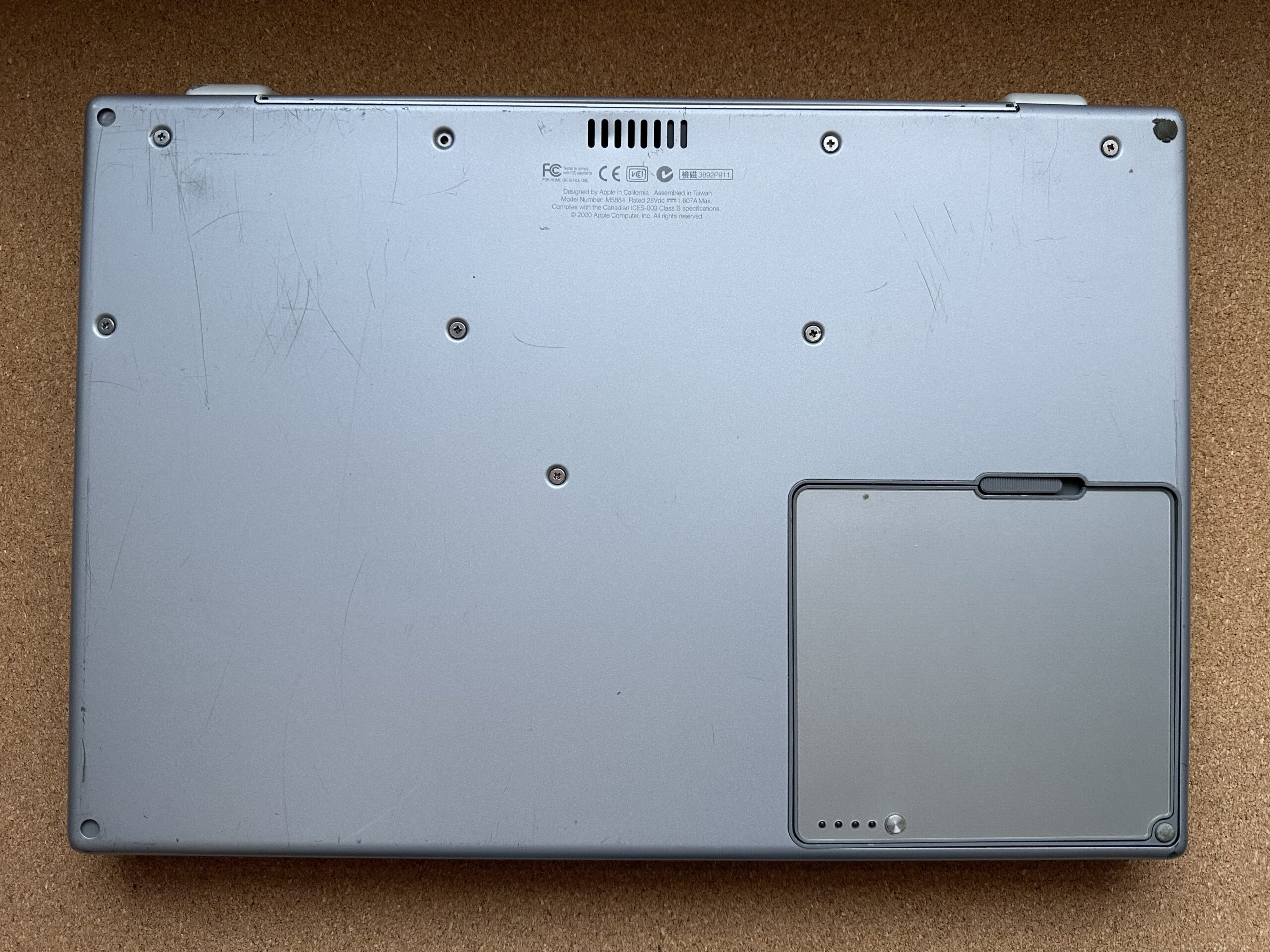
Back in Late 2016, I had the fortune of finding a cheap ~$30 1st-Generation Titanium PowerBook G4 400 MHz, without too many scratches. It reminded me of the 1 GHz one I had way back in 2011, looked like it was in good shape, so I picked it up.
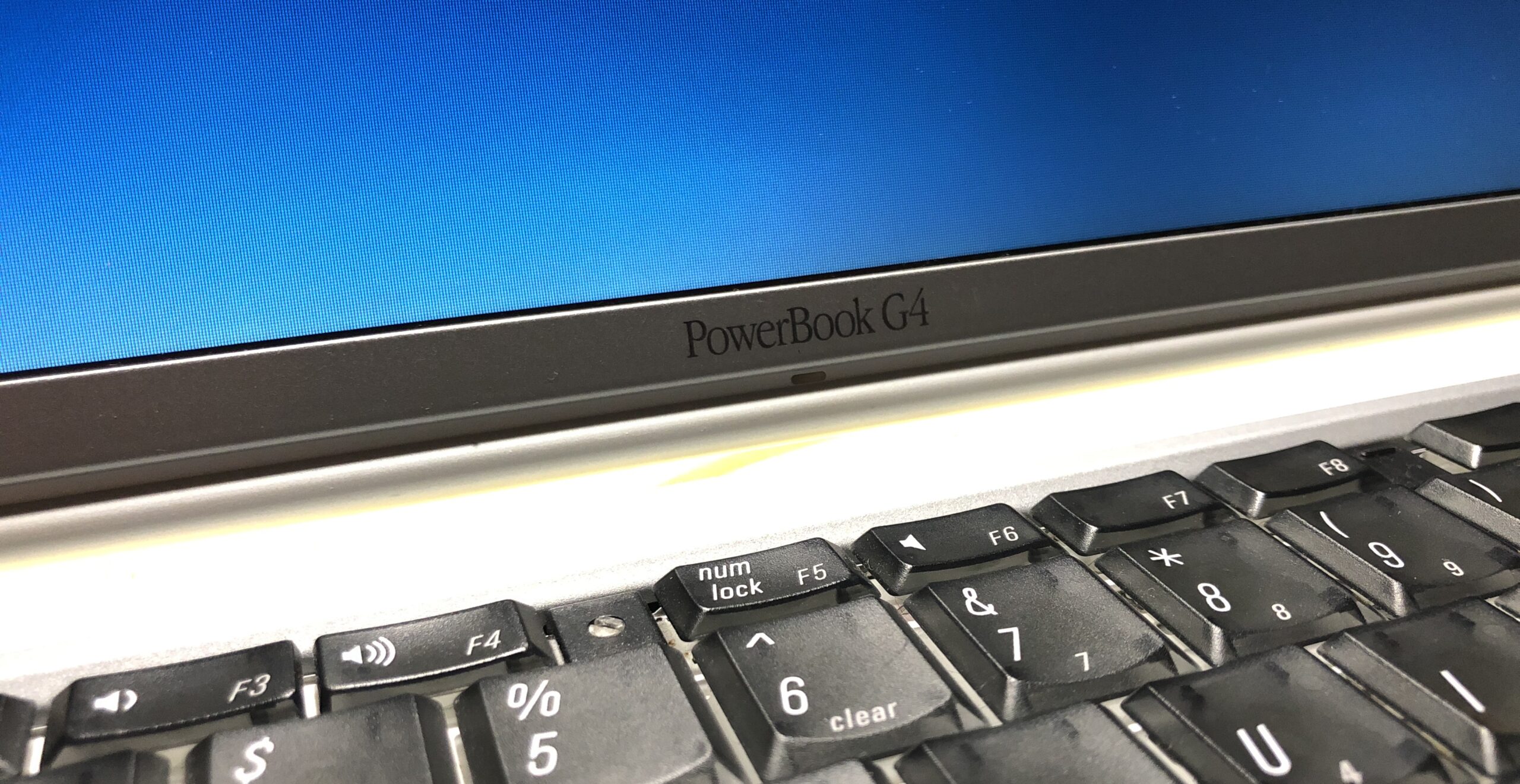
This article is a brief visual journey about my time with this PowerBook G4, as well as pinch of history. This exact model was the turning point to the kinds of ‘Books we’re familiar with from Apple today – transitioning away from curvy plastics over to a sleek rectangle with clean-cut metal. Long before an iPhone ever saw Titanium, we had this PowerBook from the year 2000.
Setting the bar
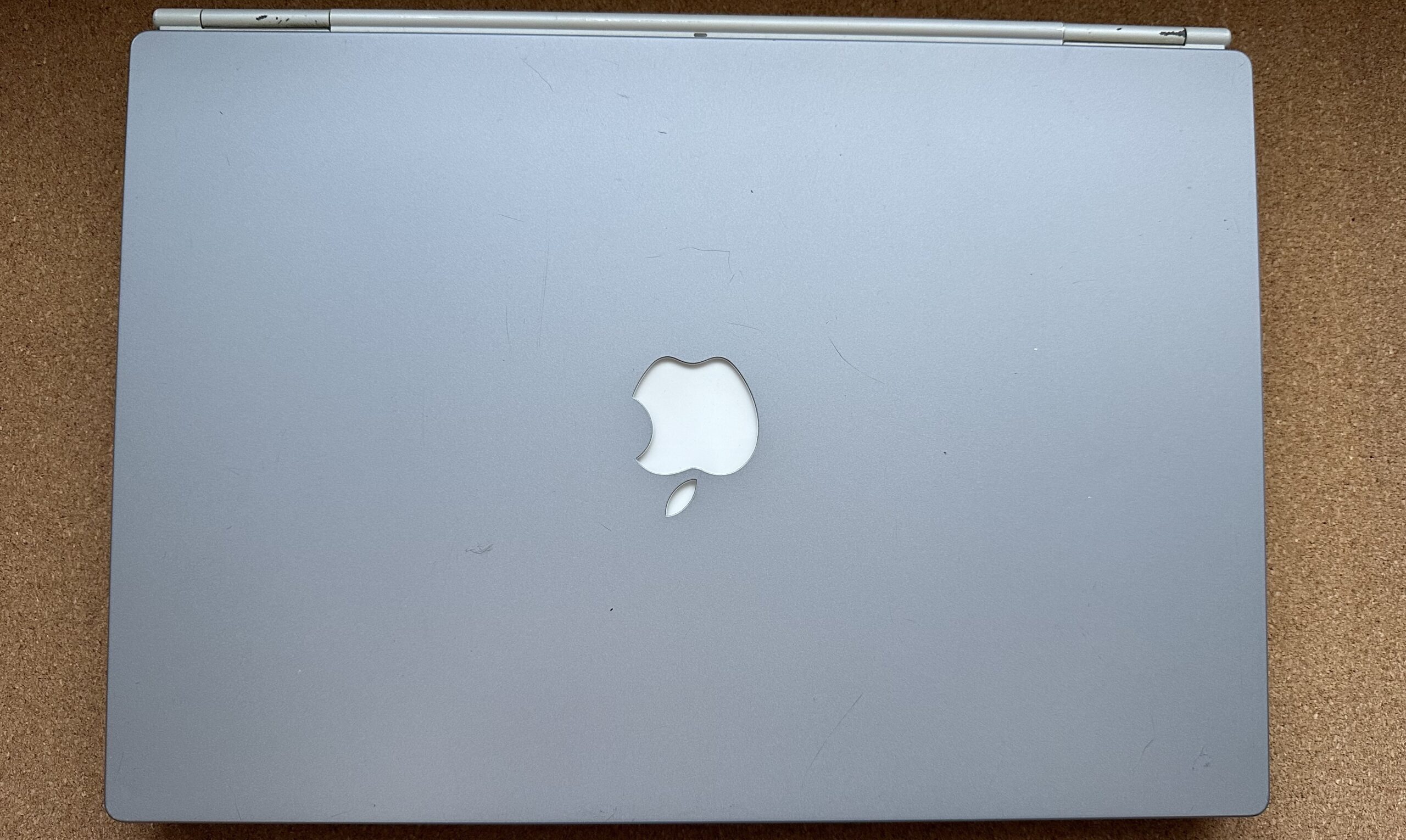
First Apple notebook to:
- Have a body made of metal
- The speaker grilles are to the left and right of the keyboard
- Have a black keyboard contrast against the metal color body
- Sport a rectangular, flat shape
- Feature the Apple logo Right-side up when it’s opened. Before this, Apple notebooks would have an upside-down Apple when opened up.
- Use thin display bezels + have a widescreen aspect ratio.
- Have a slot-loading optical drive.
- Jump over to the G4 chip, which stuck around until Apple switched to intel in 2006.
- Ship with Gigabit Ethernet, although this was only added on the 550/667 version and newer.
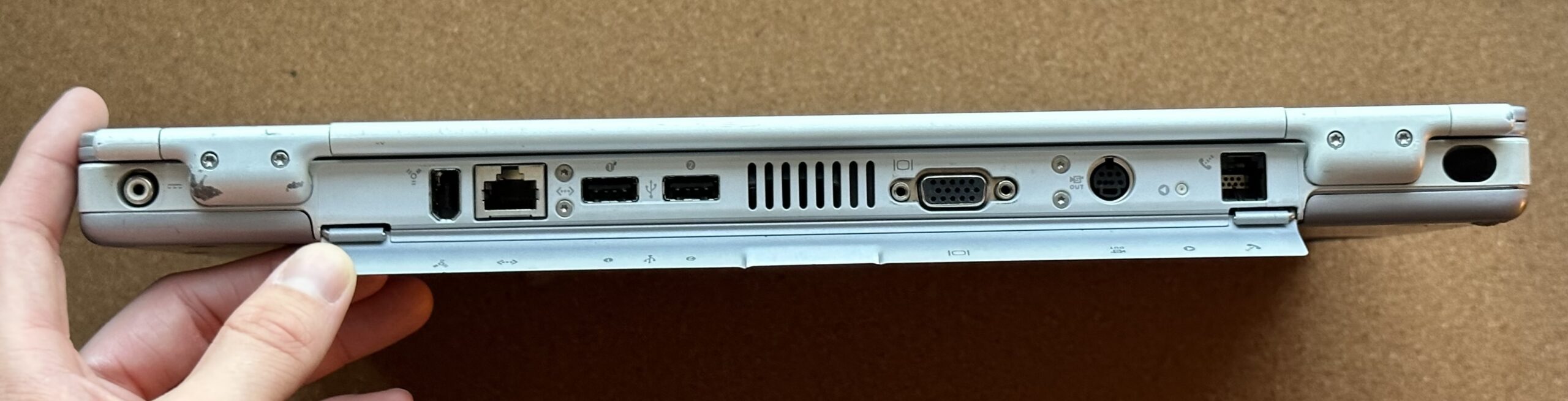
- Look like it had less ports on the outside. Yes there is a flap on the back which covers all the ports, but it conceals the ports well.
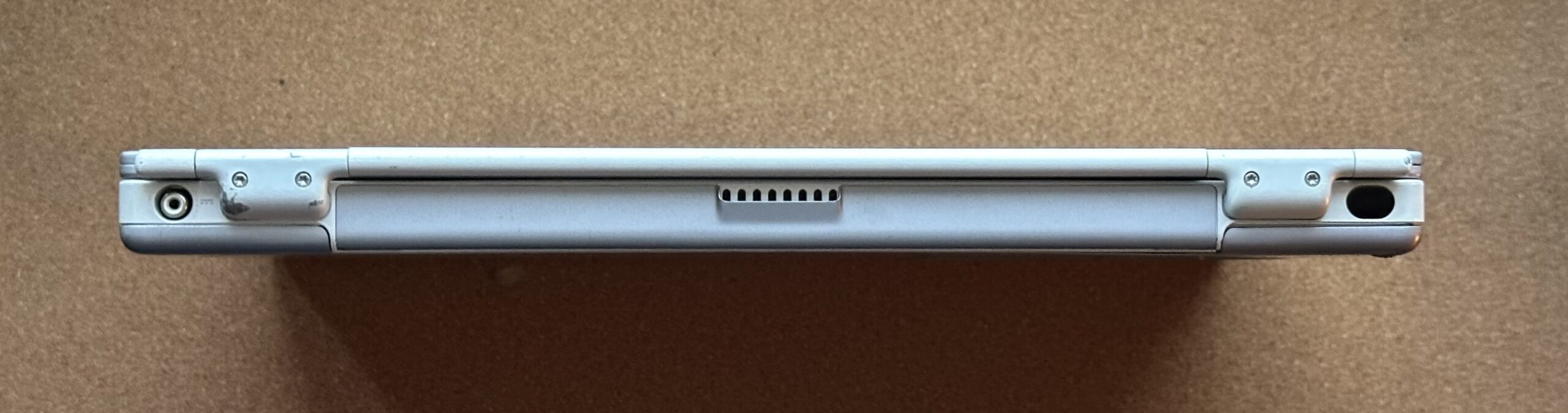
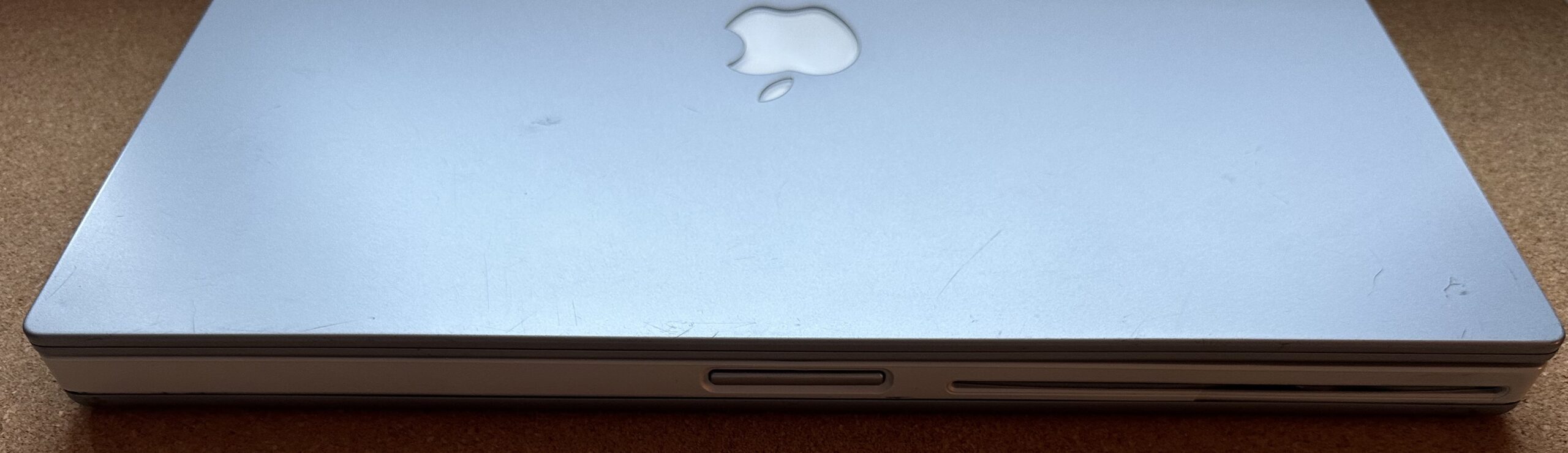
Overall, this is a very beautiful ‘Book, and is one of my favorite designs of all time, second only to the A1151/A1212/A1229/A1261 17-Inch MacBook Pros from 2006-8 – I just like having more screen real estate to work with even on older machines like this.
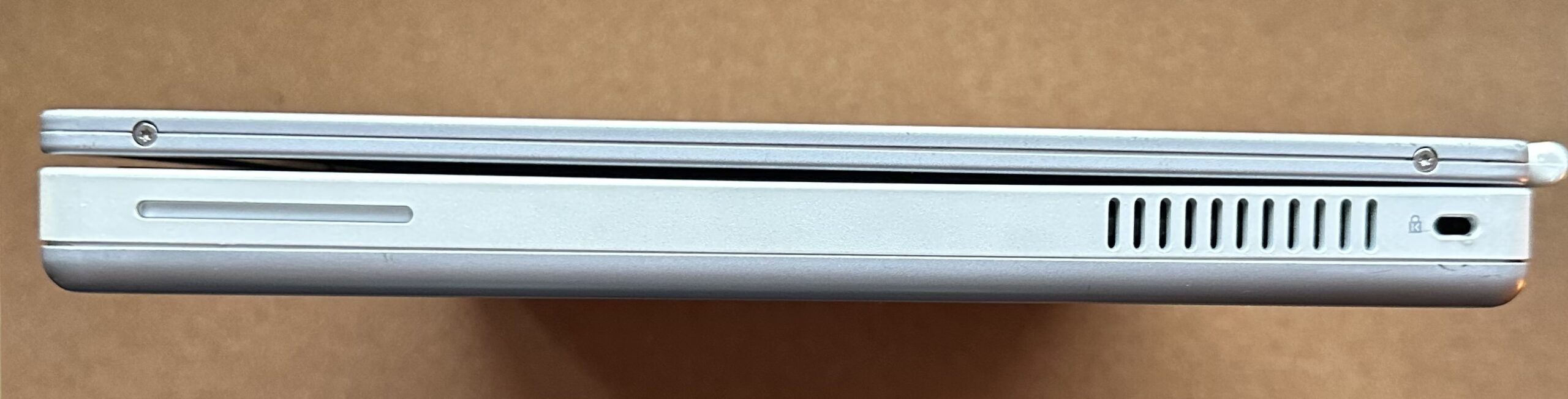
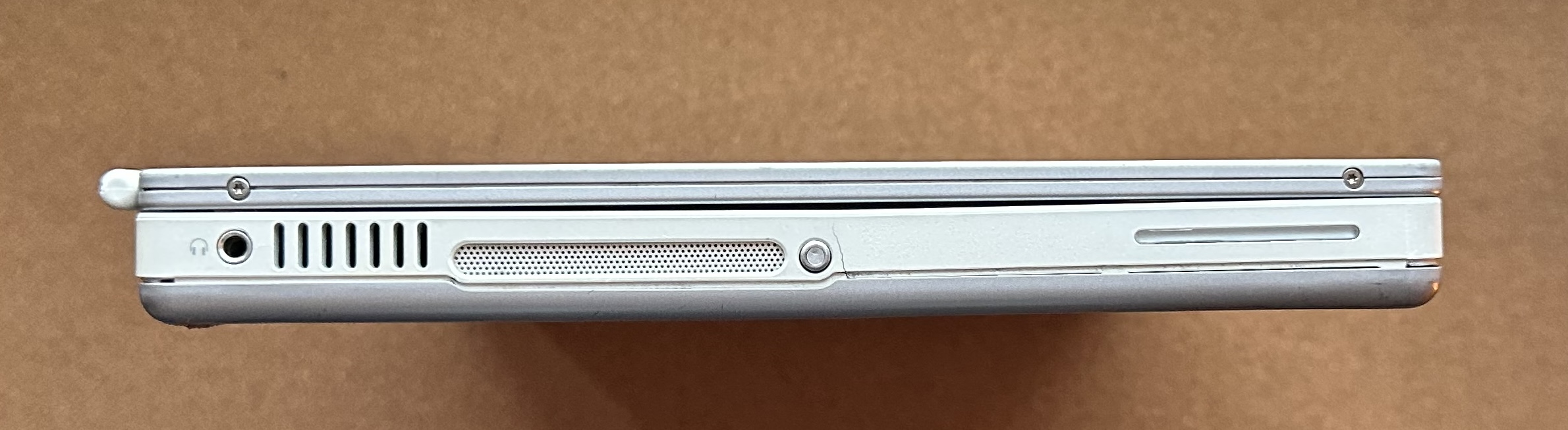
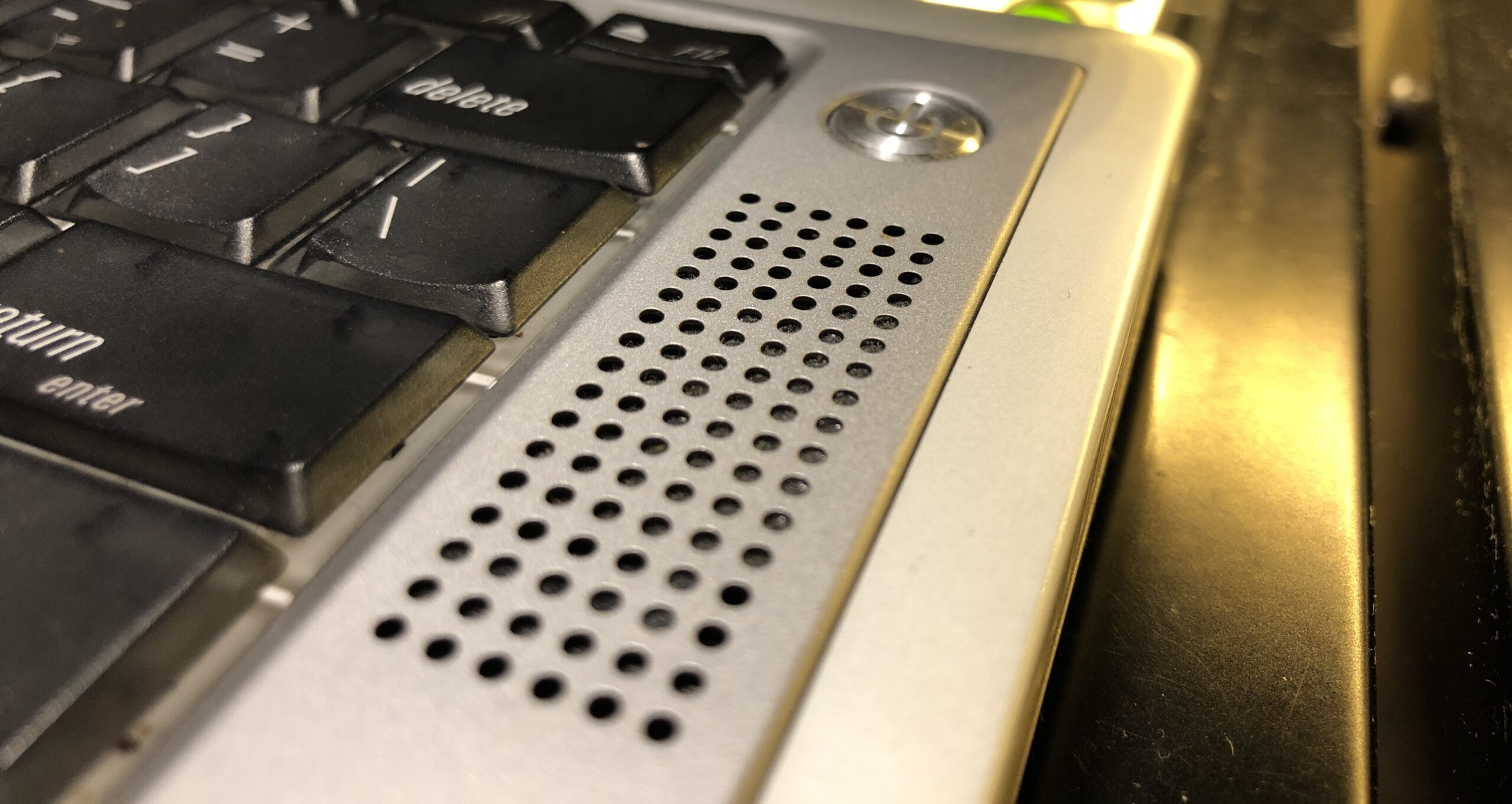
The speakers look nice the way they’re cut out in a rectangular grid, a design way ahead of it’s time and still seen to this day on MacBook Pros.
- See: Apple’s Titanium PowerBook Was a Design Masterpiece – Simon Royal – 2012.01.09
. - See also: Low End Mac’s Compleat* Guide to Titanium PowerBooks – Charles W. Moore
Not really sure what I’d use the machine for as it seemed better as a display piece with its weak hinges. I made sure to stay careful of them, but they still managed to crack the white plastic part over time – it’s an unfortunate design flaw that’s been talked about time and time again, including the chipping paint.
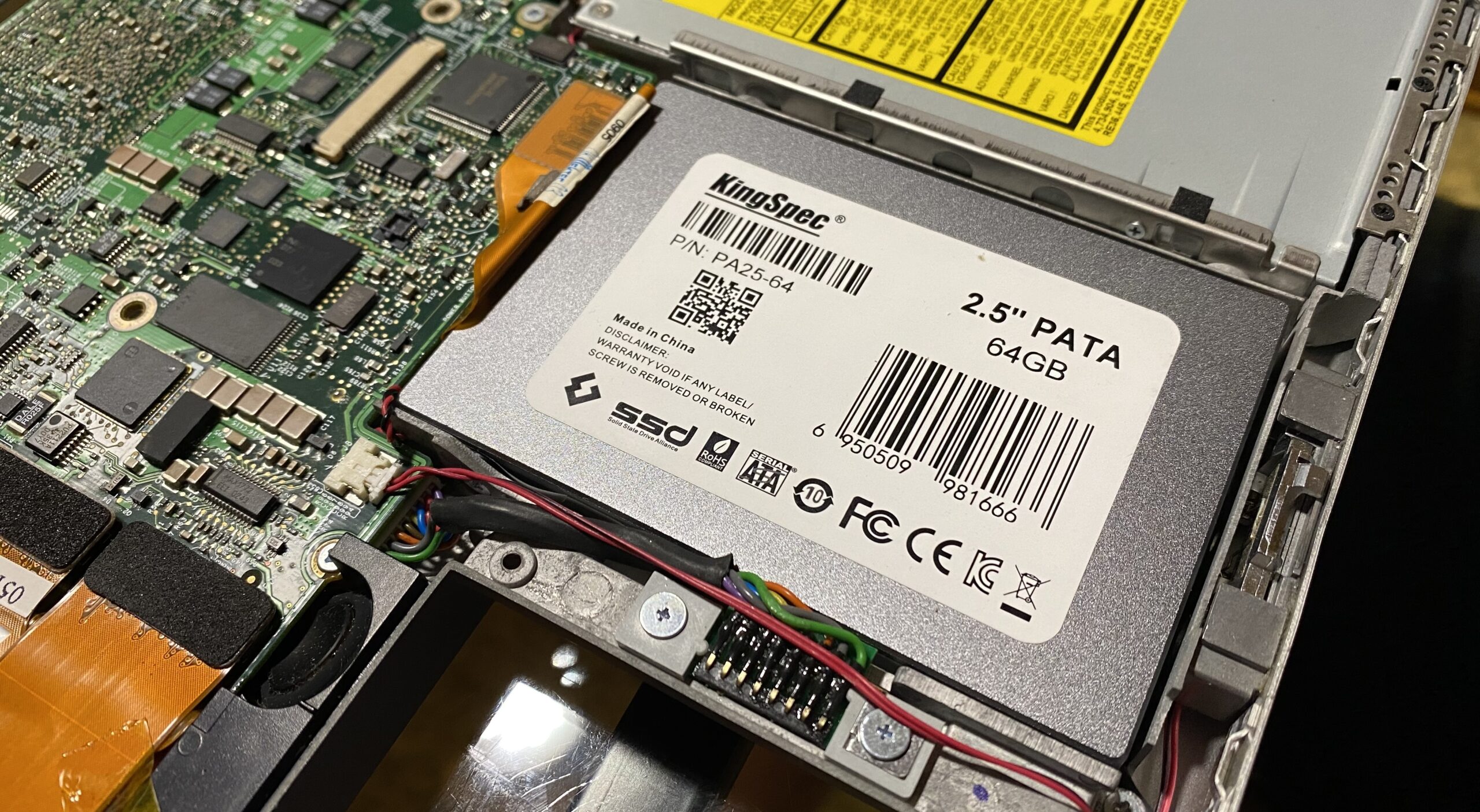
Trying out an SSD in here
Back in Late 2023 I tried using a KingSpec SSD in here to no avail, it was bugging out when booting into Leopard, but none of the same issues persisted when booting into the same OS on any IDE HDD. Originally wanting to reduce noise and power consumption, I was disappointed to find it didn’t work. I’ll need to try out other solutions for this.
At the very least, the TiBook was torn apart and given new thermal paste, so it stopped overheating and shutting off on its own.
Settling with Mac OS X Leopard
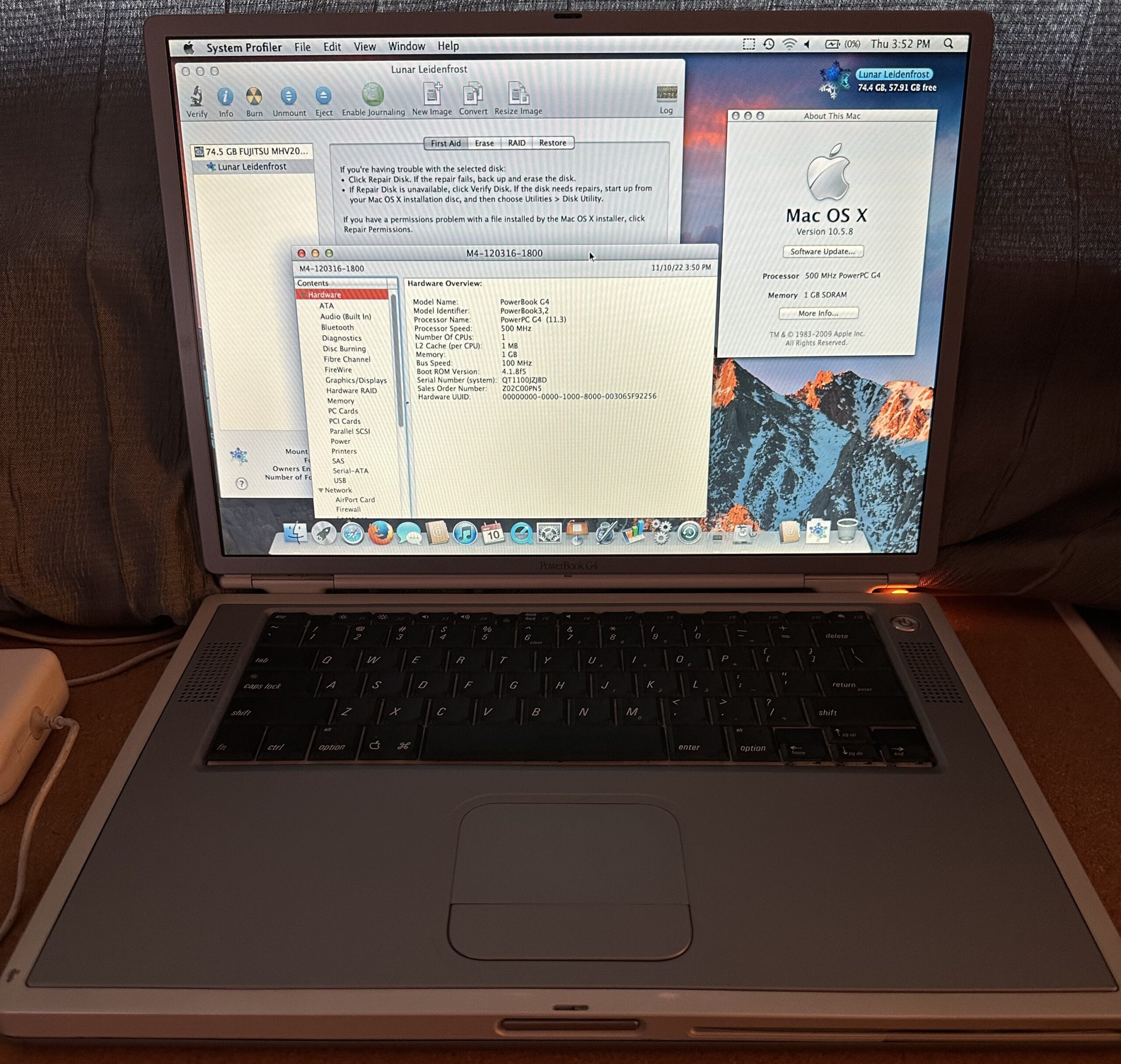
Despite the performance drawbacks and heat, I pressed on ahead anyway and decided to clone Mac OS X Leopard over to this TiBook. Of course it’d boot and do basic things, but anything requiring serious graphical hardware acceleration didn’t work. For me it felt fine, I didn’t interact with this TiBook a lot over the time I had it, and I partitioned the drive for other OSes eventually anyway.
Doing this reminded me of the time I used Leopard on a Power Mac G4 with nothing but a Rage 128 Pro card for a little while back in Late 2009-10, before upgrading to a Radeon Pro 9800. Certain aspects of the UI weren’t bogged down, but it was enough to tempt me to try out Mac OS X Jaguar. In the meantime, it’s a fun machine to disassemble every now and again, helps clone older PowerPC Mac drives every now and again, and is an inexpensive fun gadget/attempted light productivity machine.