
I had this keyboard sitting amongst my pile of keyboards for quite some time – probably a few years or more. I can’t remember exactly how I got it, either; as I had a few of these, it was stuffed away for a long time, and I assumed it was half-broken like the other one.
After going through all my boxes last month and getting reorganized, I remembered I had one of these laying around. It’s been frustrating to use the Apple Magic Keyboard 2 lately, as I realize I make more spelling mistakes with the low profile keyboard. After cleaning off this A1048 wired white Apple keyboard and giving it a go on the M4 Mac mini – I realized this is what I was looking for all along.
Getting Started
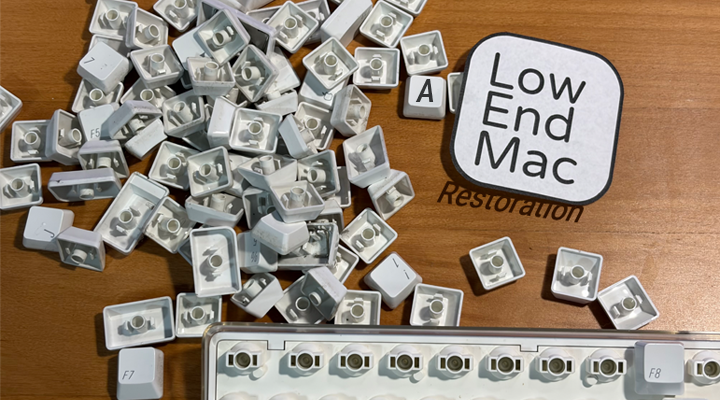
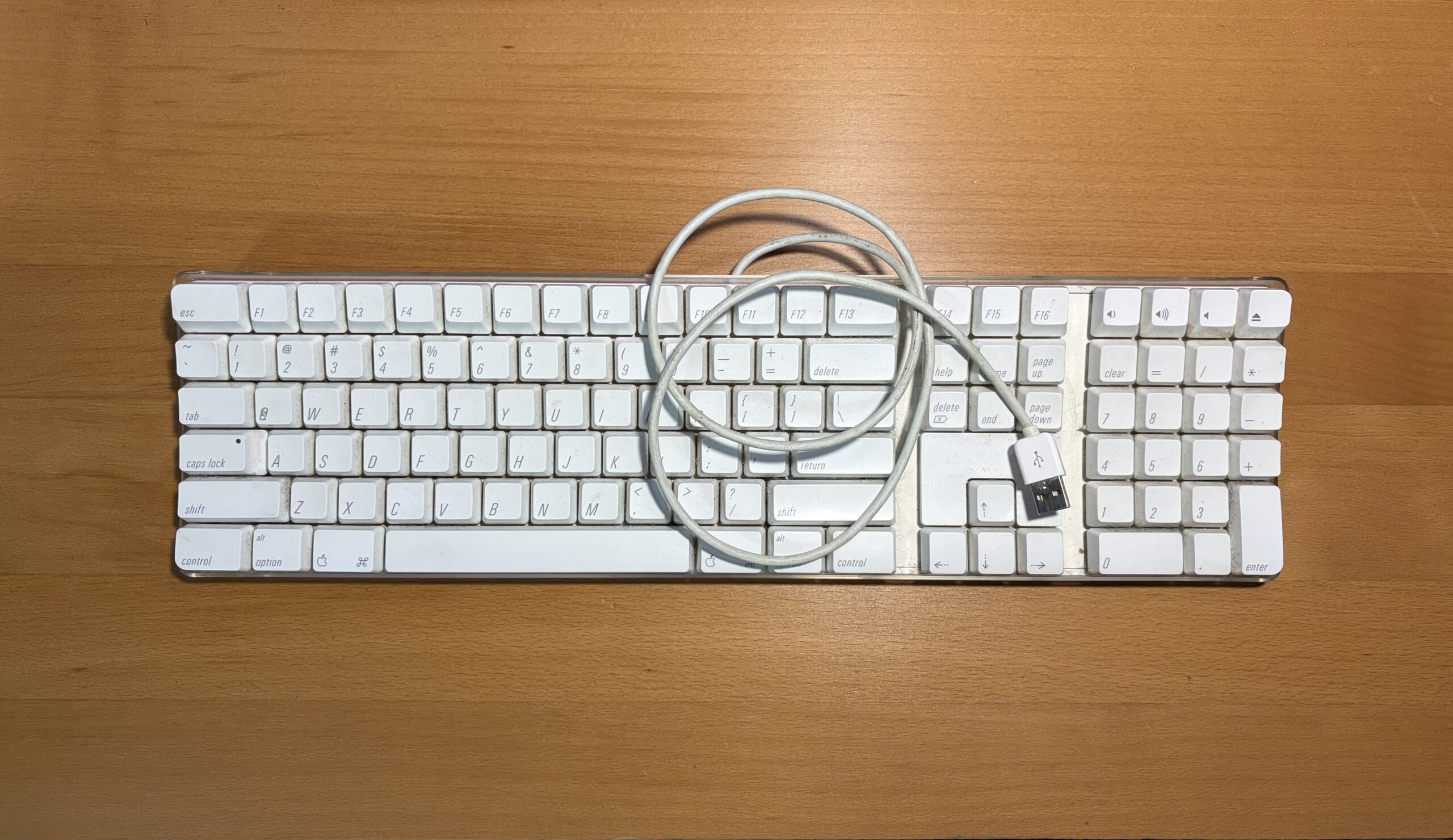
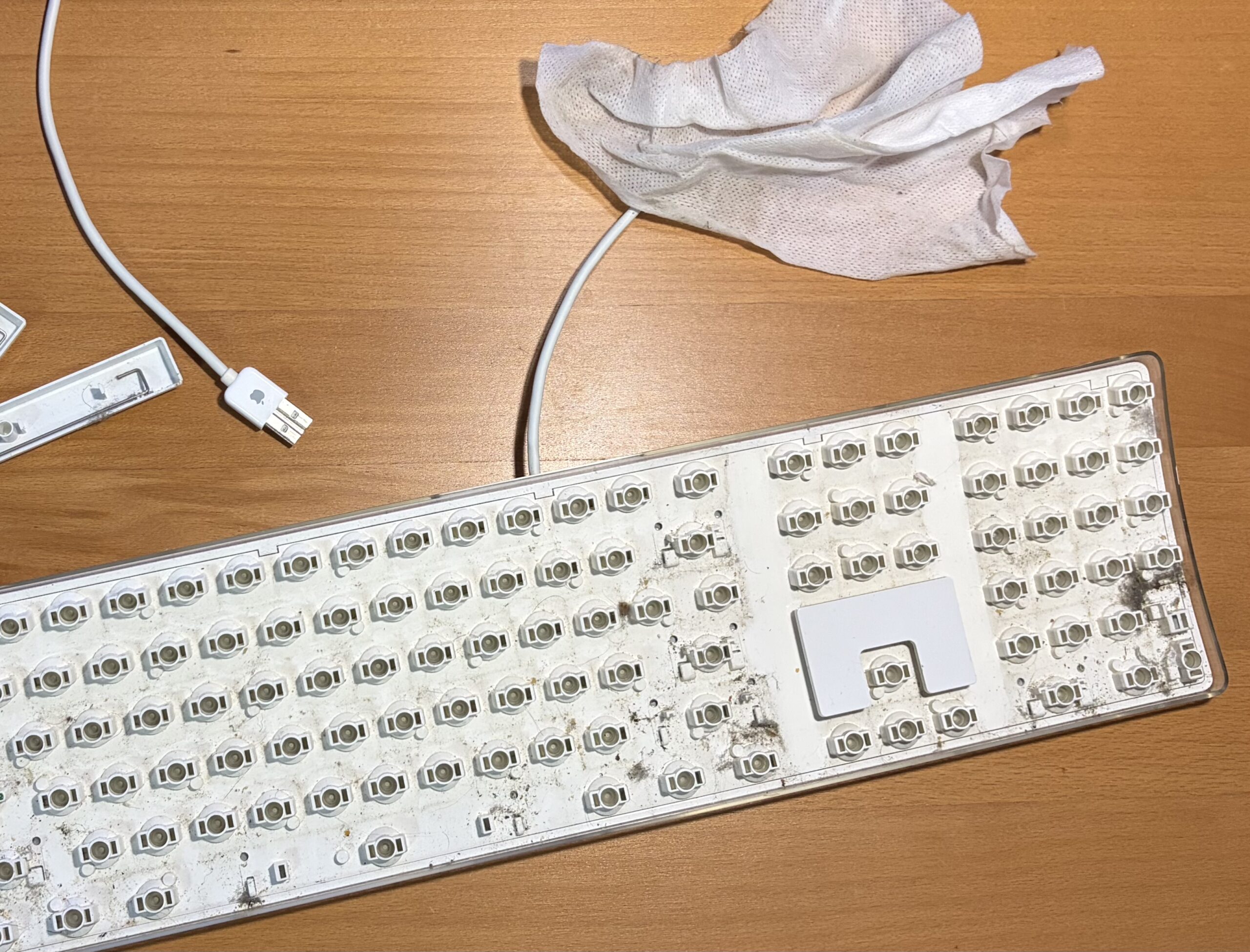
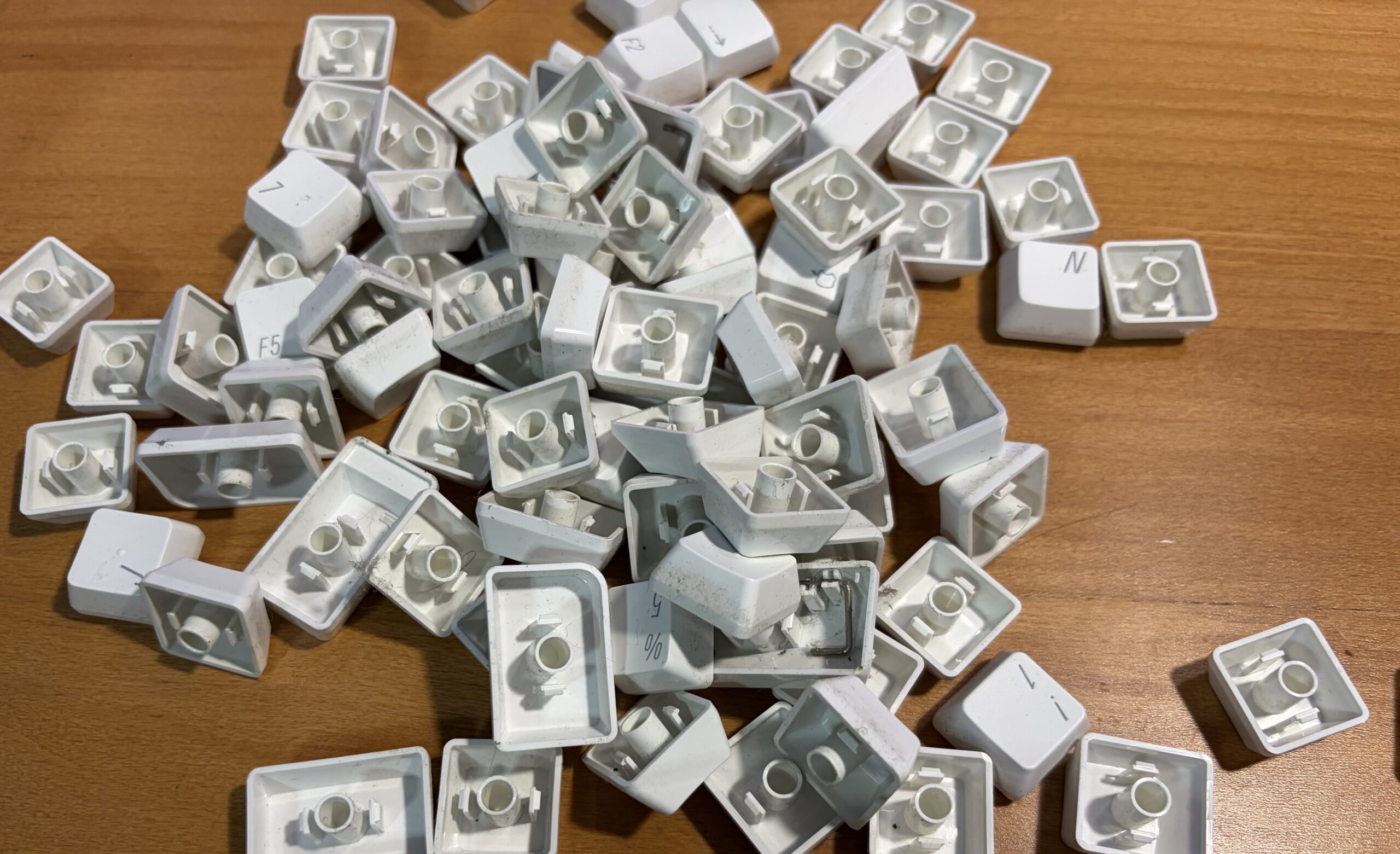
It was full of dust, grime, and little hairs. Yuck. The wire was grey from years of wear and tear, there were particles in multiple compartments, the areas underneath the keys was really dirty – this whole thing needed to be torn apart and cleaned thoroughly.
Taking it apart
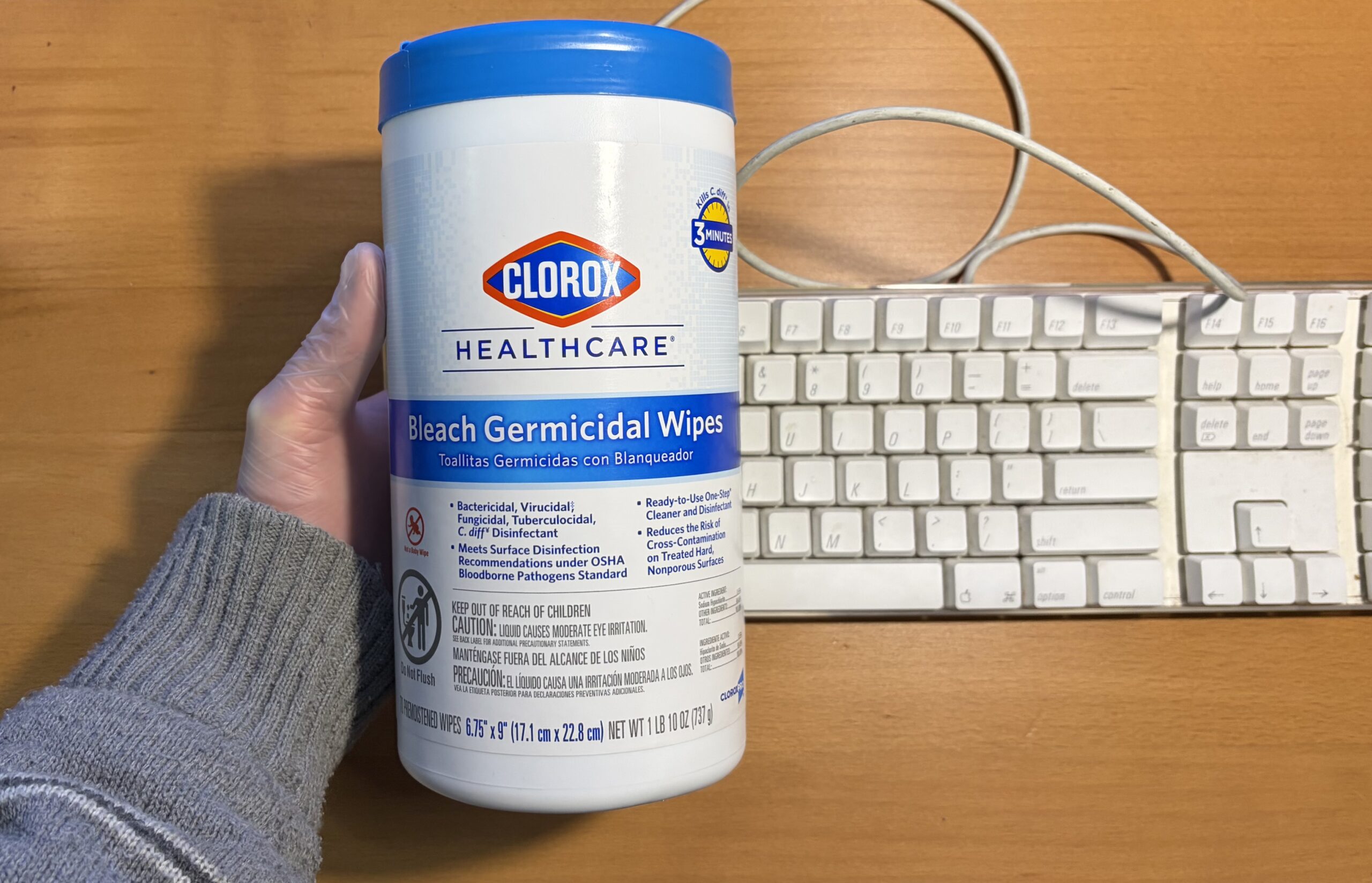
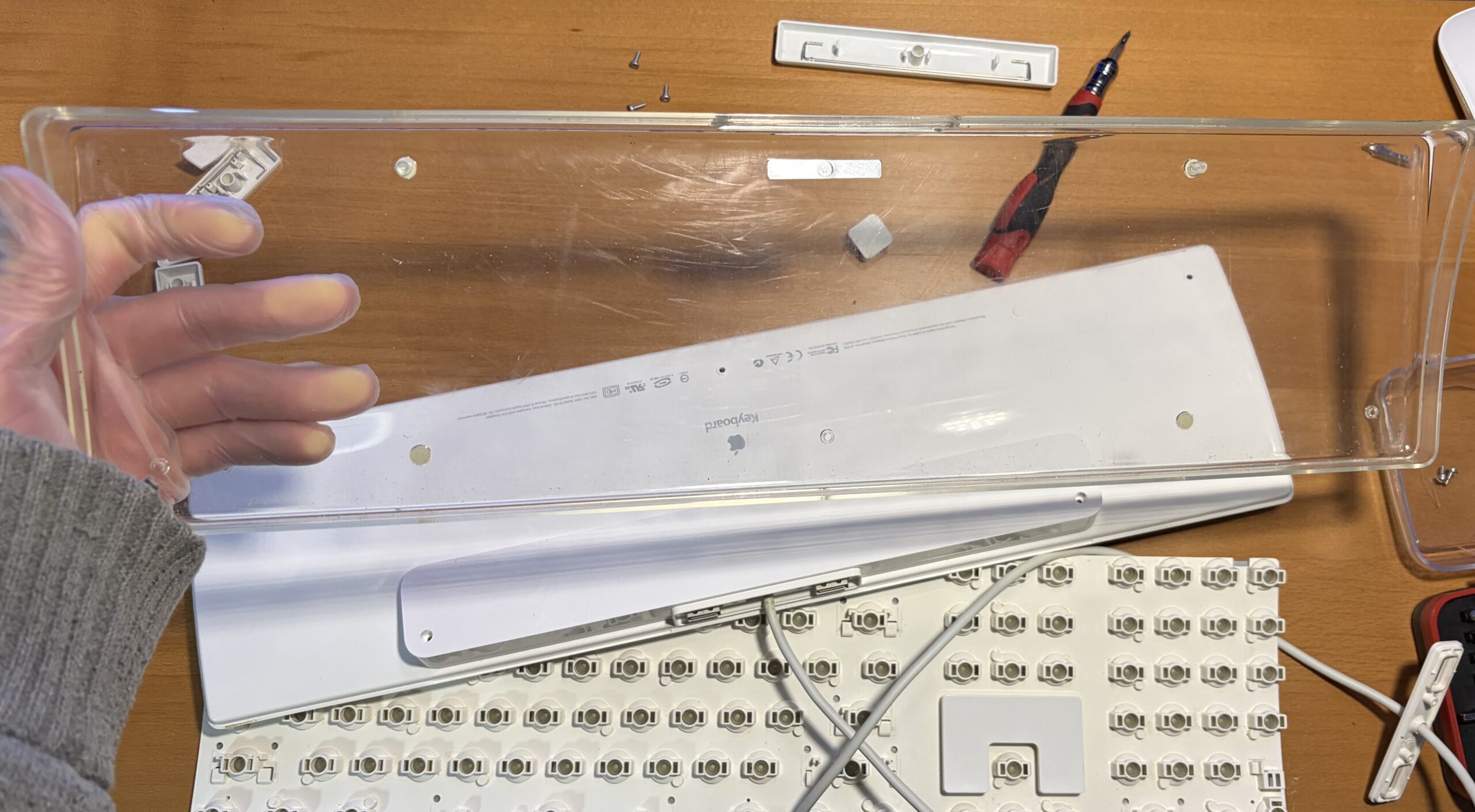
It’s a relatively simple keyboard to disassemble, and there aren’t many sort of plastic tabs in the way of disassembly. You’ll want to have an iFixit kit or a multi micro bit set to take this keyboard apart. It comes apart quite easily with some screws.
Pieced together and clean
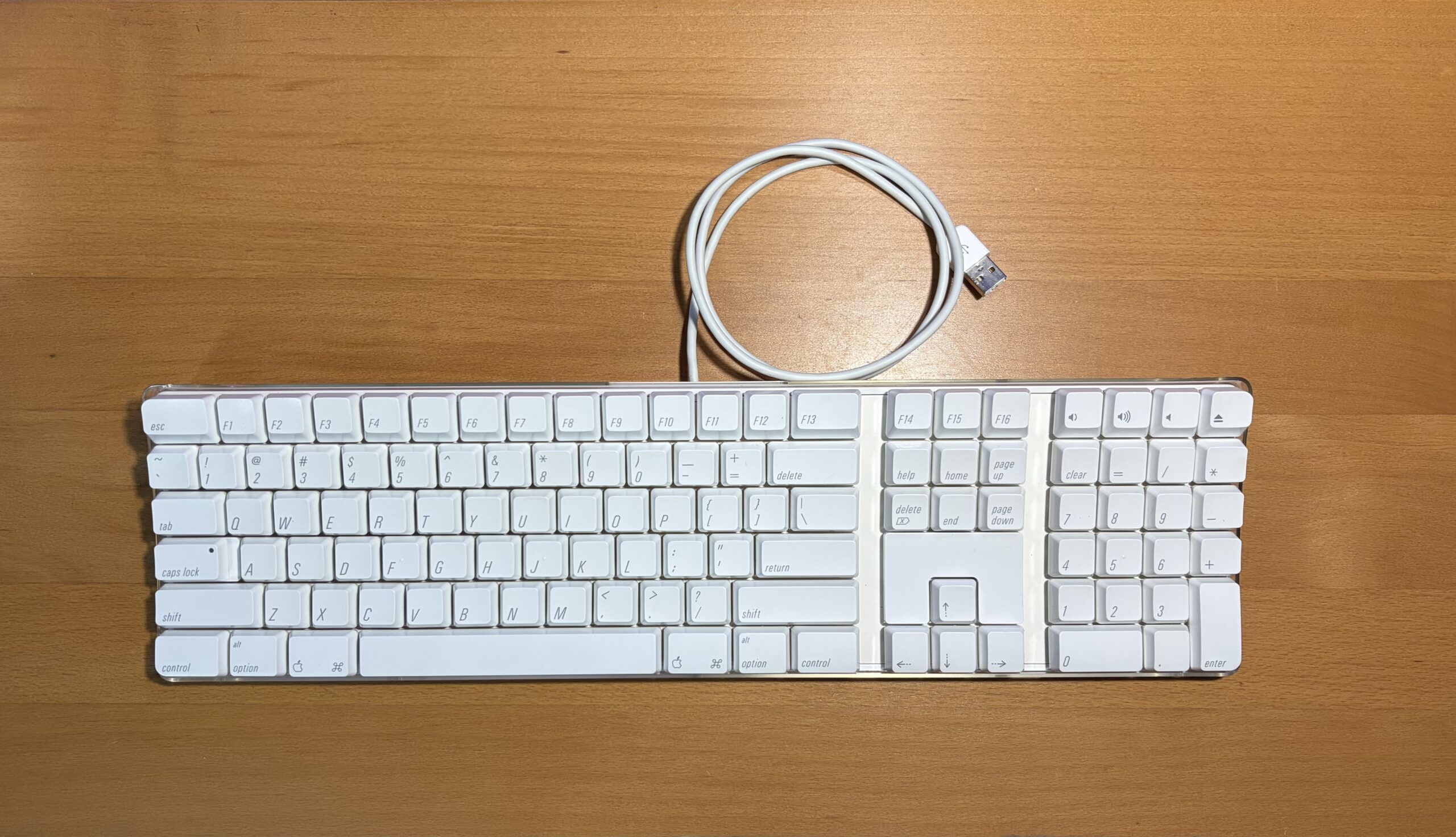
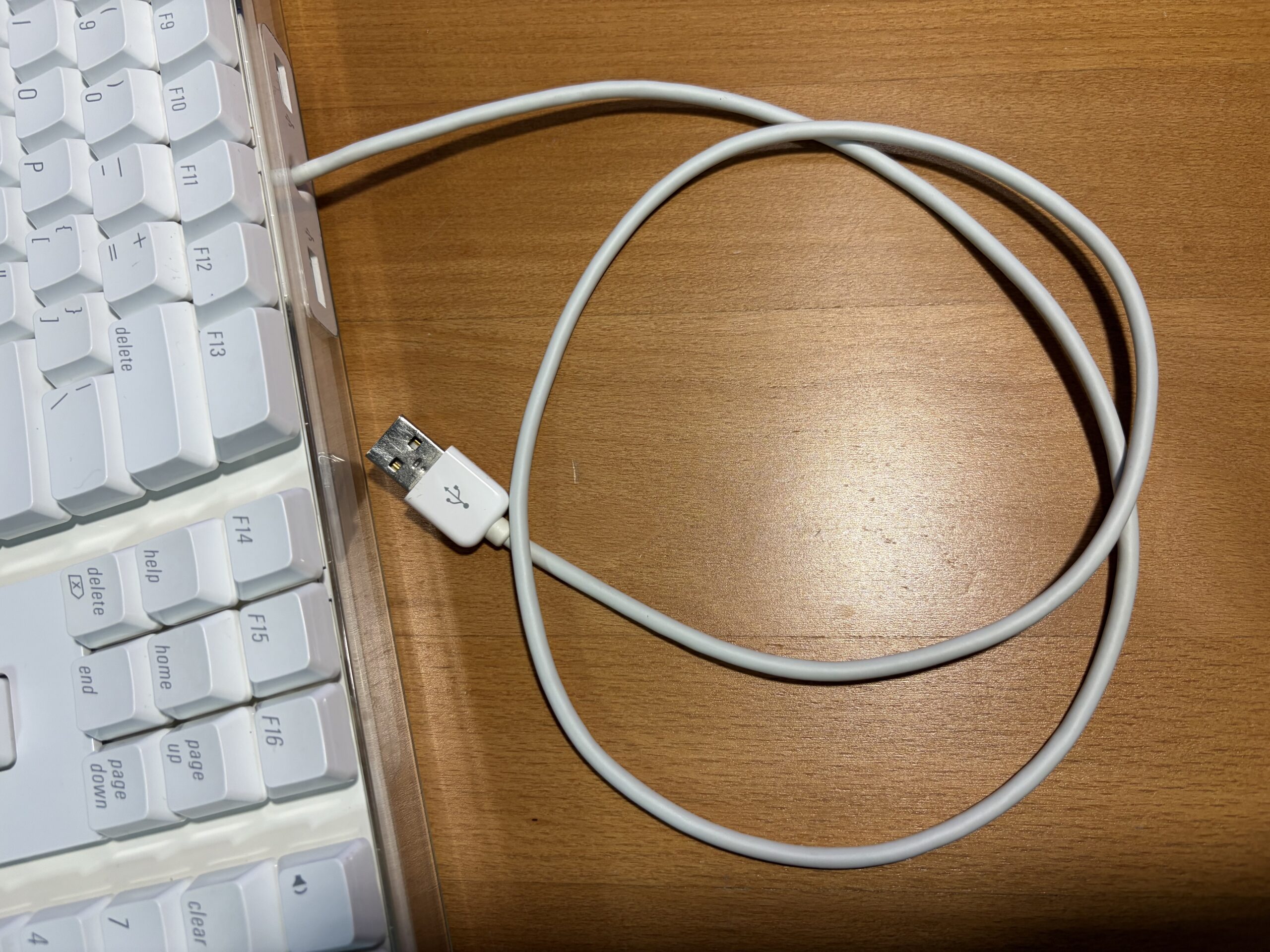
Everything feels remarkably clean, and the keyboard feels enjoyable to use. It took some time to scrub down the sides of each individual key, between the key switches, disassembly + reassembly, cleaning the wire; but ultimately it feels worthwhile for a keyboard which results in a better typing experience. Moreover, it looks quite elegant on the desk.
In Conclusion
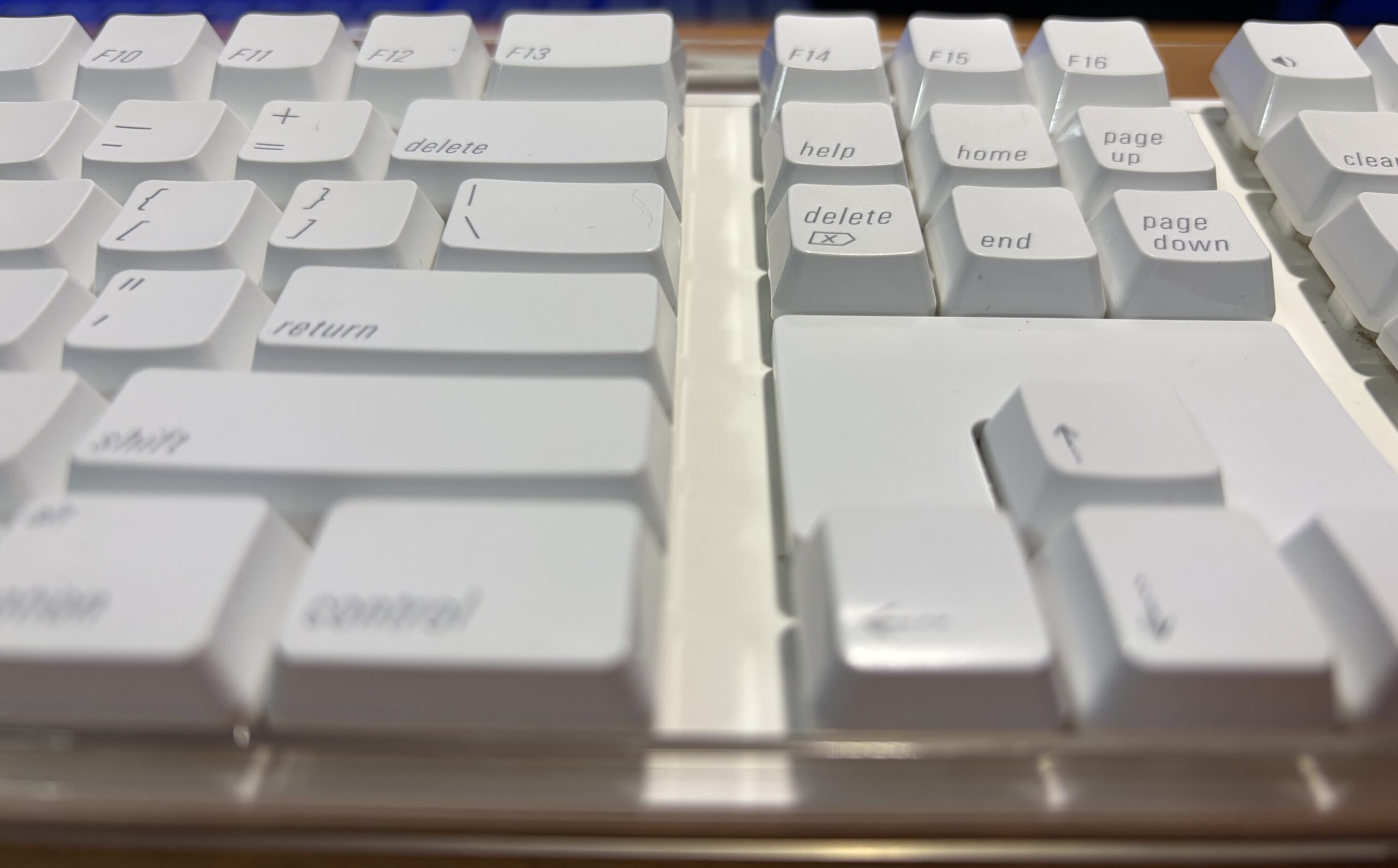
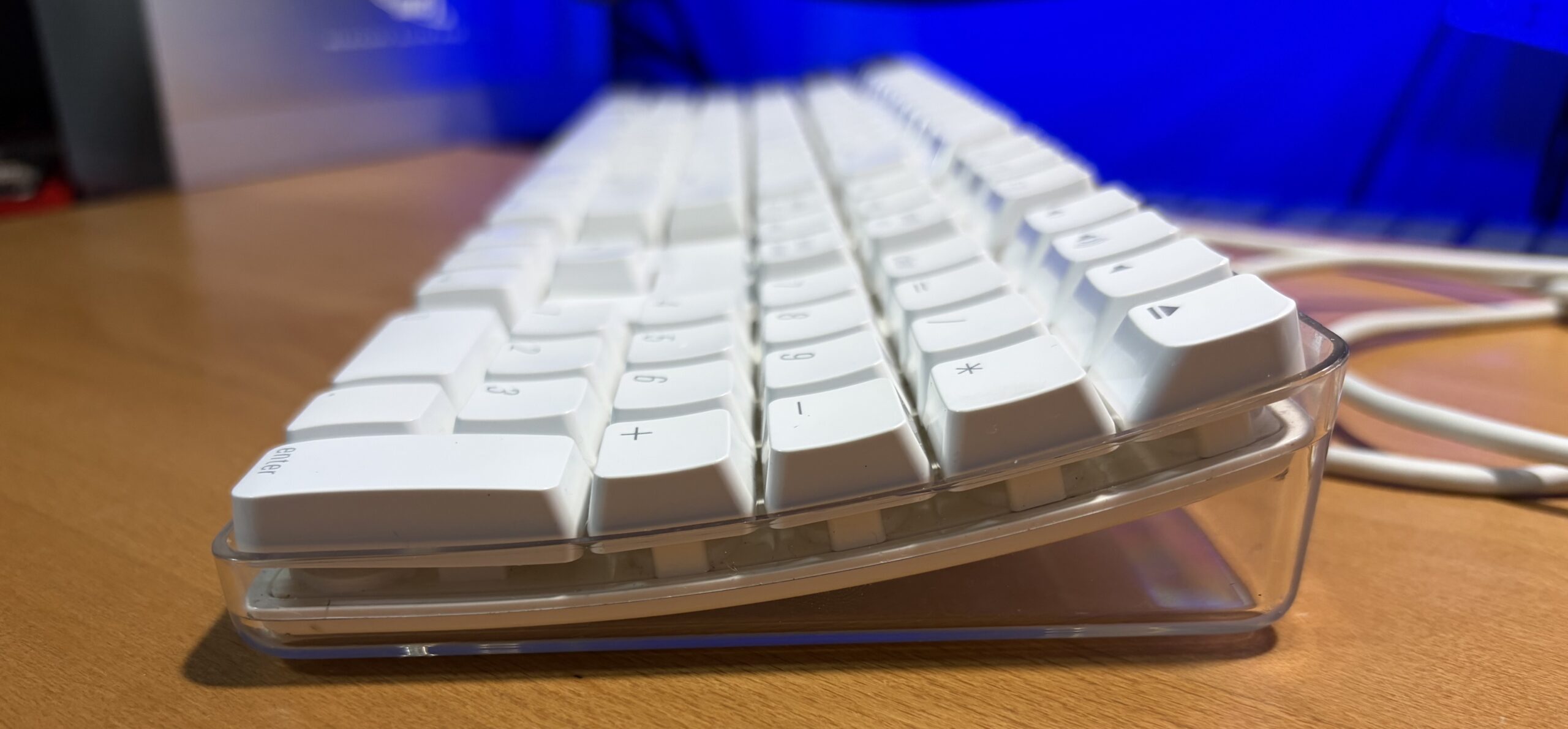
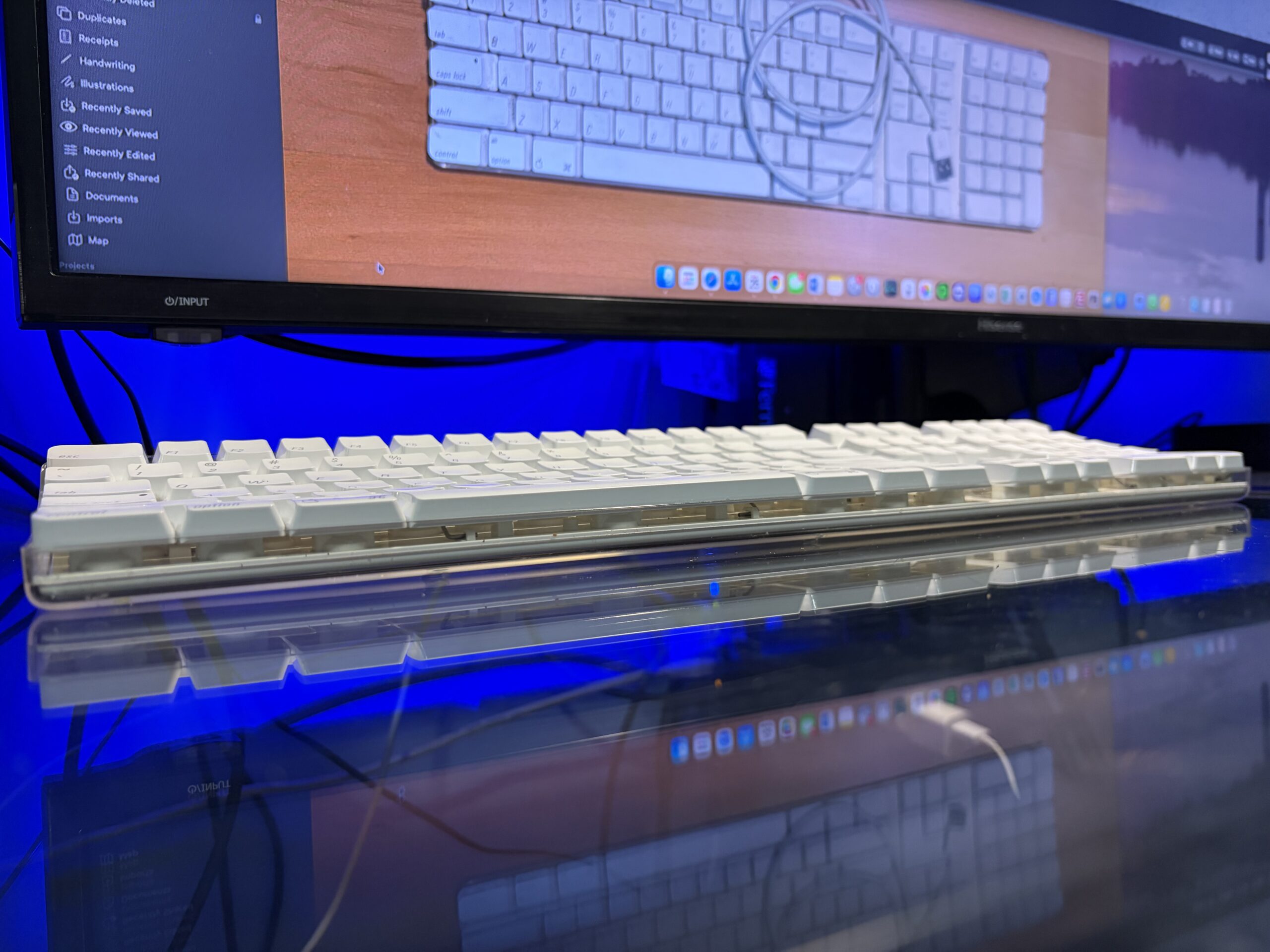
The A1048 is a weighty, clicky, comfortable and transparent keyboard which aesthetically goes hand in hand with today’s Liquid Glass design. Originally, the reason I saved any of these were to have extra backup keyboards, or to have something on hand should I add yet another Mac to my collection.
In my desire to find a new keyboard for my daily driver, to eliminate typing mistakes and improve the overall experience of typing in general, I found the solution I was looking for all along, was right where I wasn’t looking for it before.
