
Whether you’re dropping an OWC Mercury Accelsior AHCI into an old Mac Pro, are replacing a 2.5″ SATA HDD with an SSD, or deal with mostly any Mac made after 2012, Solid State Drives have become the predominant choice as the primary boot drive in nearly every modern computer. Flash storage has been used for smartphones and tablets for a while now, and only in the last decade or so has it been cost effective to include in laptops and desktops.
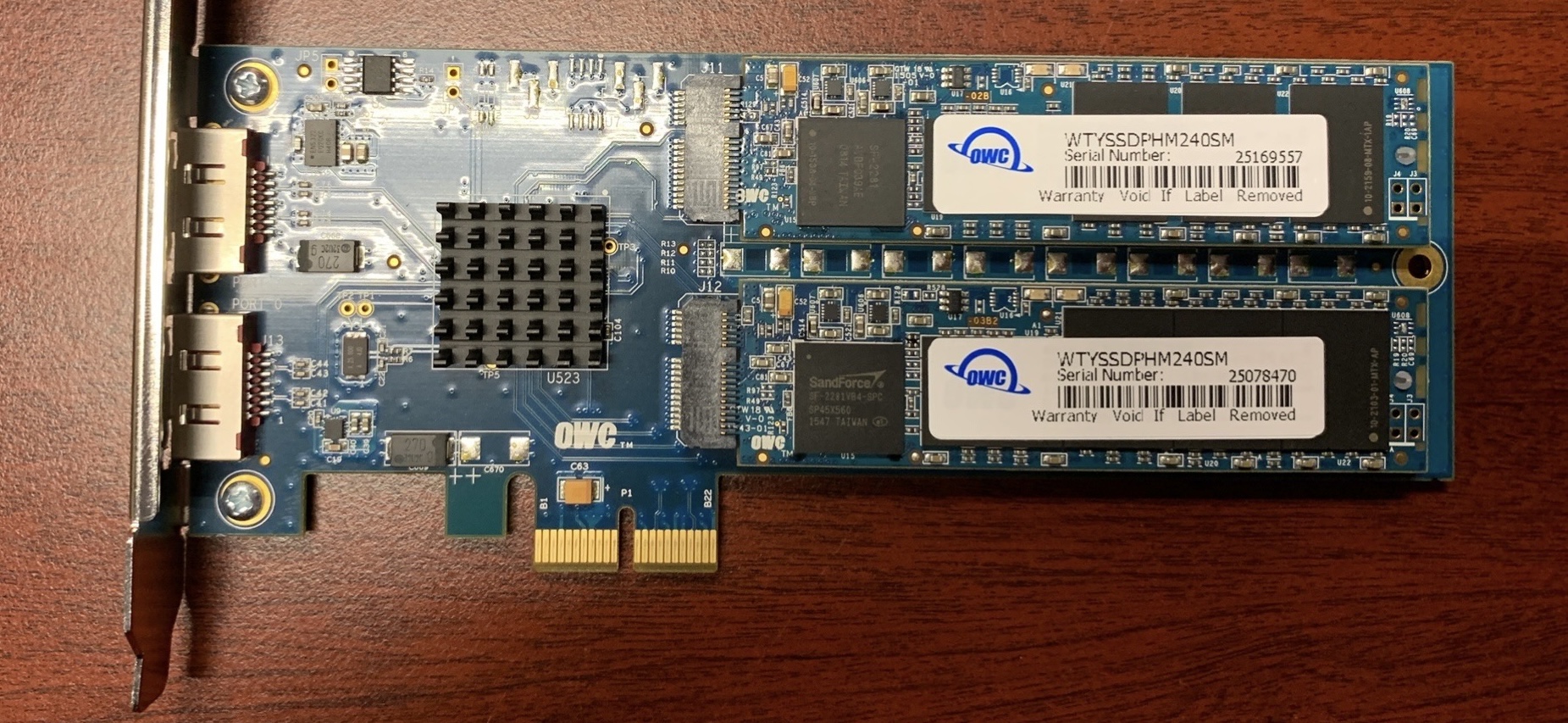 (Pictured: Two blade-style AHCI SSDs mounted on an OWC PCIe adapter)
Fast forward to 2026 and there are a number of different SSD standards, which can make it challenging to figure out which SSD works best/is compatible with your specific configuration. This article covers the many different types of SSDs, and some of the different Macs you’ll find them in.
SATA
SATA (Serial Advanced Technology Attachment) drives are the most common type, widely popularized in the mid-2010s due to their price-to-performance ratio, being substantially better than conventional hard drives. More budget and old-school friendly than other SSDs, some use it as additional storage these days while others buy for budget builds, upgrading older computers, etc;
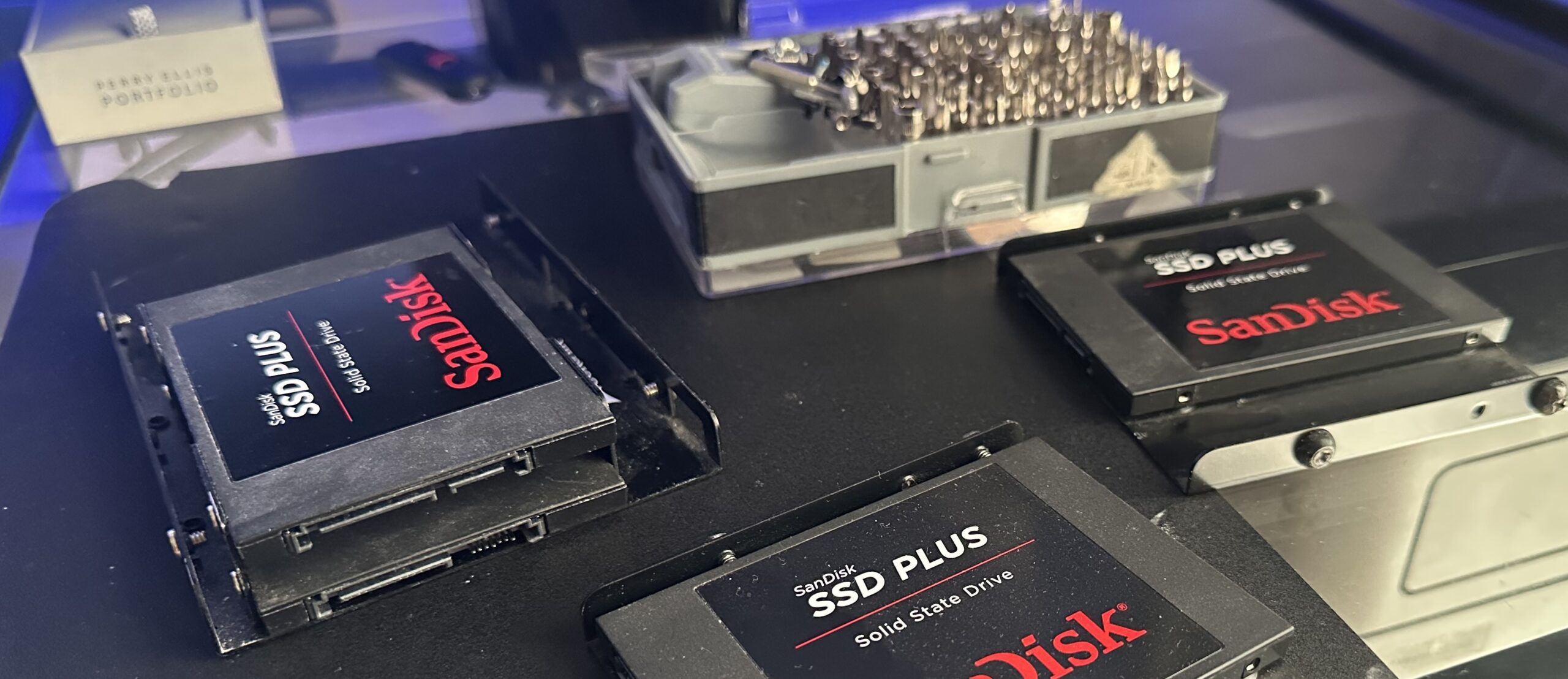
The first Mac to ship with SATA onboard was the 2003 Power Mac G5, which is compatible with some SSDs and can only see up to 150 MB/s since it has SATA 1.0. Depending on your Mac, the PCI card, SSD, and sometimes possibly even the OS, your SSD may perform differently with different configurations.
- SATA I was Introduced January 2003, Sata 2.0 in April 2004, and Sata III in May 27, 2009. Although they don’t exactly correlate to the versions found in a computer thereafter, it is up to the manufacturer to adopt the specification.
. - Sata speeds depend on the SATA Revision you have – (Sata 1: 150 MB/s, Sata 2: 300 MB/s, Sata 3: 600 MB/s)
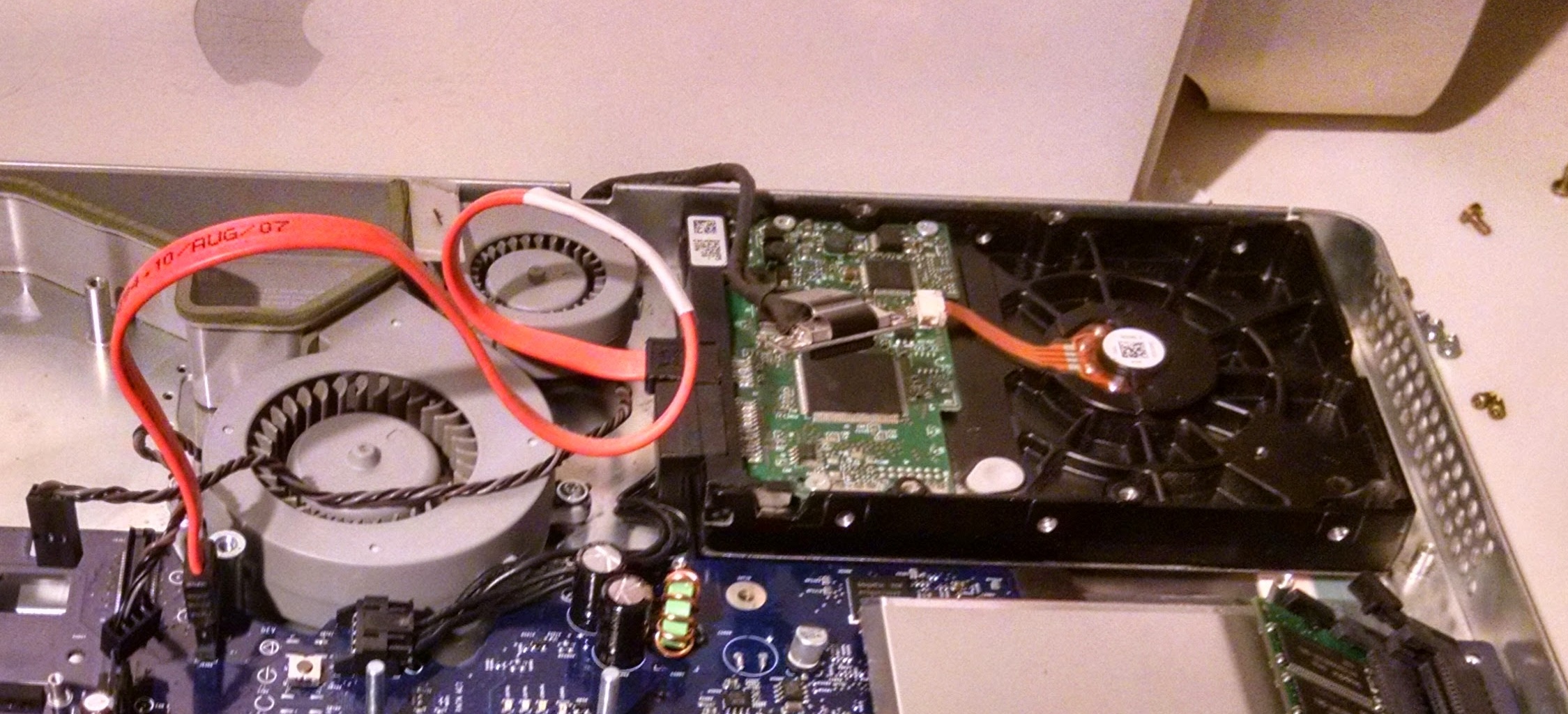 (Pictured: A rev. A 2004 1.8 GHz iMac G5, disassembled, with a non-working screen.)
- Used the same ports and cables as a hard drive, which is why upgrades were seamless and doable. No adapters needed to put a SATA SSD into a 2008 iMac to replace its hard drive.
. - Programs launch instantly versus waiting for rotating disk platters, and boot times change from minutes to under a minute when upgrading to a SATA SSD on a Mac which benefits from it, particularly the older Intel Macs.
AHCI
AHCI means (Advanced Controller Host Interface), released in 2004 by Intel, it provides a standard way for functioning, behavior of the software interface of AHCI, plus a standard way to program SATA-to-AHCI adapters. It’s a language for drives to talk over via physical SATA connections, not a standalone physical connector.
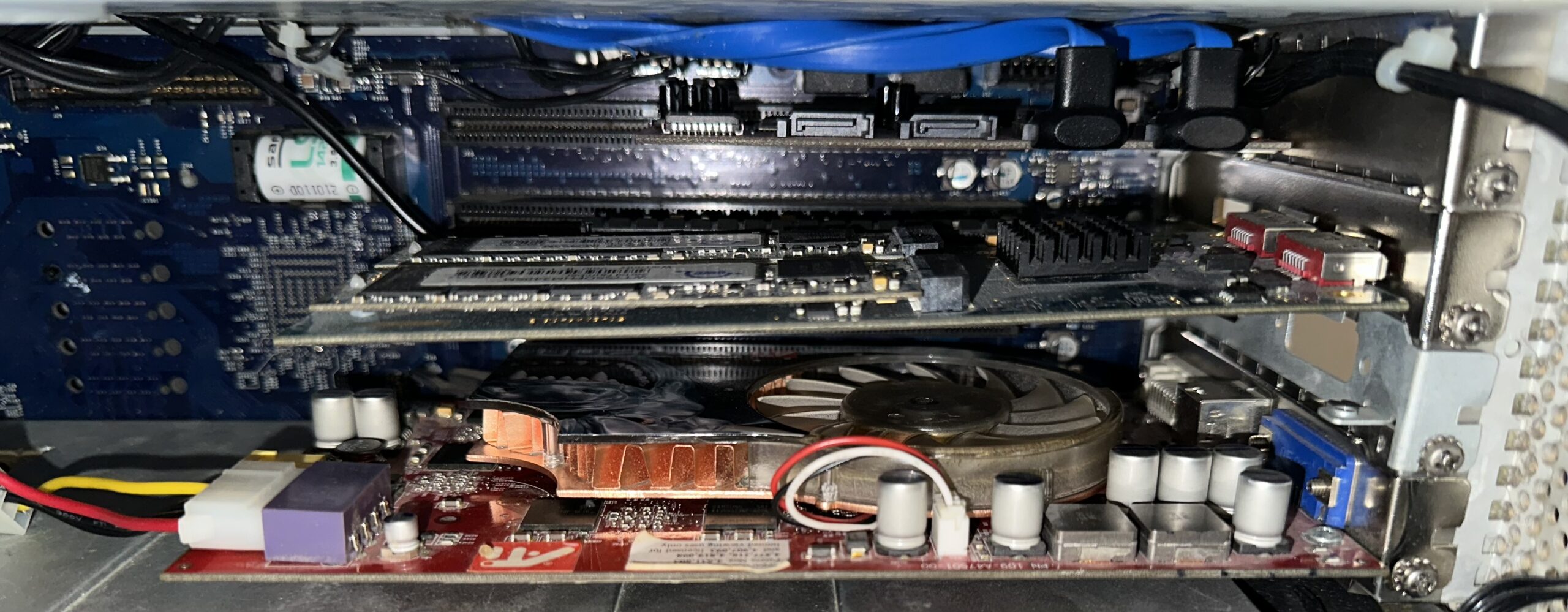 (Pictured: An AHCI PCIe blade-style OWC Mercury Accelsior, adapted to PCI in a Power Mac G5.)
- These seem to be the most compatible style of blade SSDs for PowerPC Macs. Example: PCIe OWC Mercury Accelsior 480 GB. Don’t require special OS drivers to be detected and usable, however, the Mac may or may not boot from the drive. In my case, I’m able to use it as a storage drive in Mac OS X 10.5.8 Leopard.
. - See more: Advanced Host Controller Interface (AHCI) – Tech Target
NVMe
NVMe (Non-Volatile Memory express) is designed specifically for SSDs in the modern era, replacing the previous AHCI standard used for SSDs alongside SATA. NVMe reduces latency drastically versus AHCI, dropping to under ~10ms. This is why NVMe feels faster versus AHCI in real world uses.
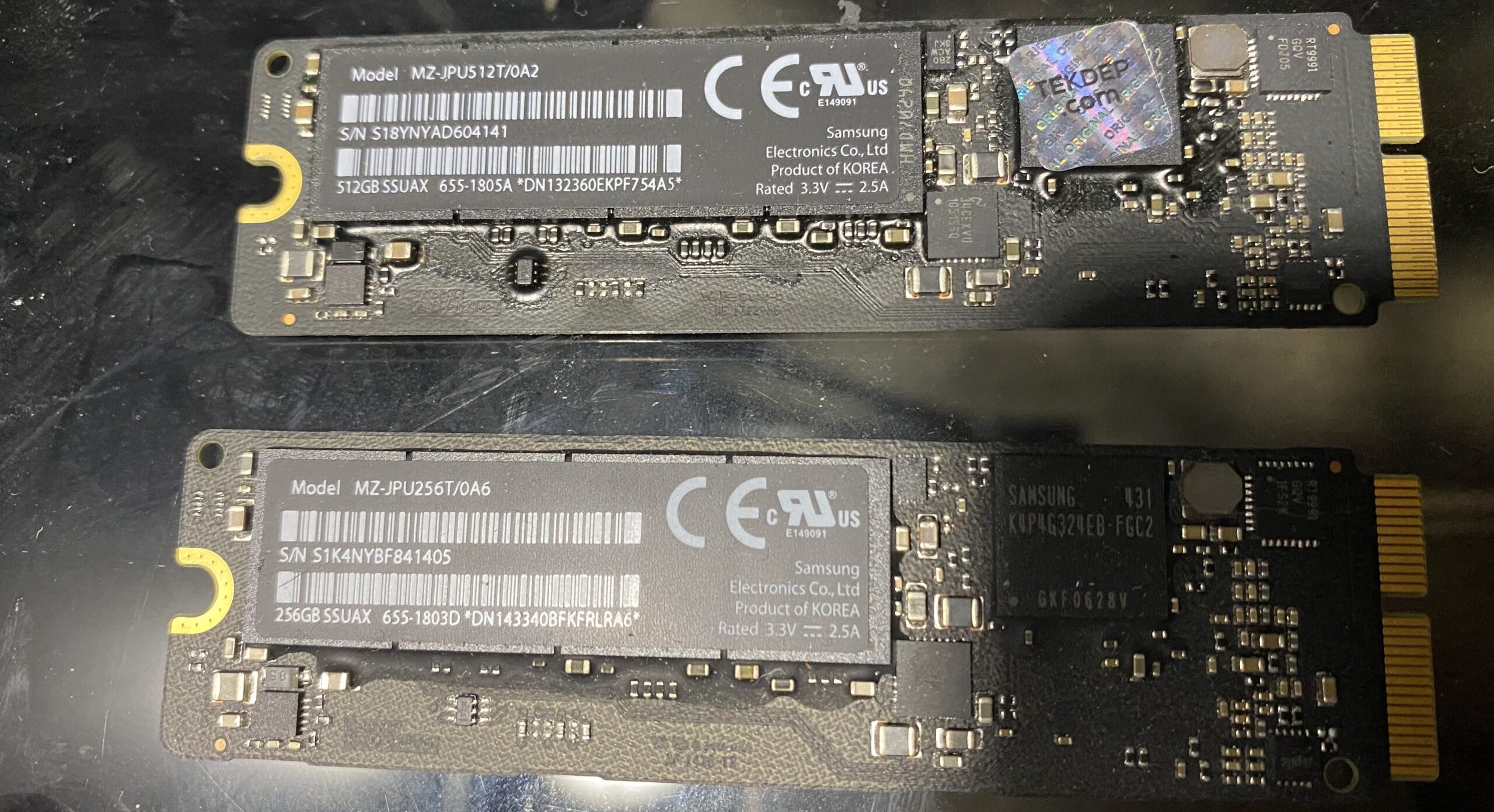 (Pictured: blade-style NVMe PCIe SSDs, for a 13-Inch retina 2015 MacBook Pro.)
NVMe supports up to 64K queues with 64K commands each, versus AHCI’s single command + 32K queues. Essentially millions of requests in parallel, versus being stuck in line at a store with only one register open.
PCIe
PCIe (Peripheral Component Interface express) offers multiple lanes for faster Read/Write speeds versus SATA, which means less bottlenecks on more modern machines. These tend to be more expensive and can also have higher power draw, and can constrain bandwidth if you have too many PCIe devices plugged in at once without enough lanes. They’re the modern standard for SSDs these days, providing the best performance.
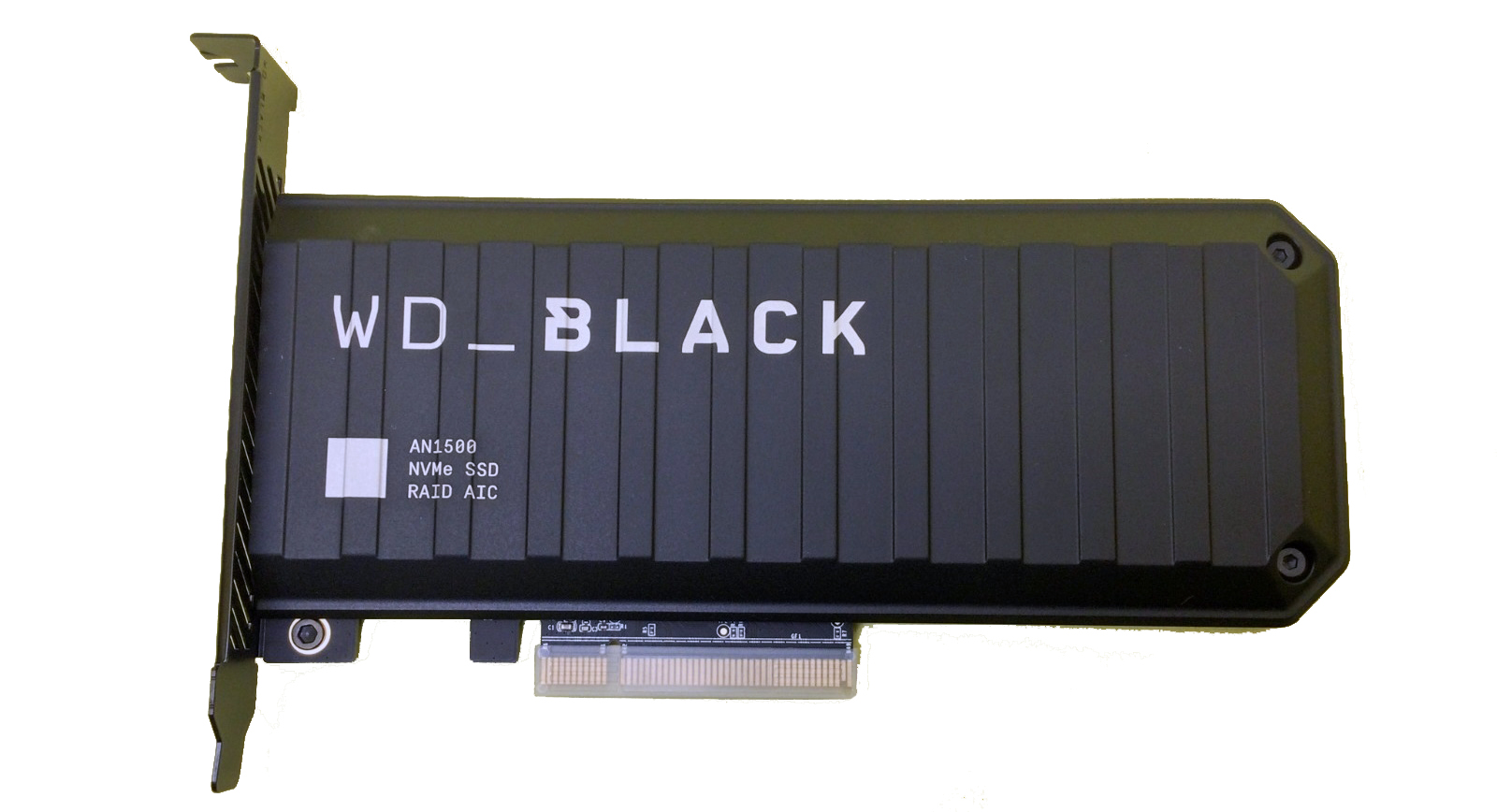 (Pictured: A WD Black AN1500 4 TB PCIe NVMe RAID AIC SSD)
M.2
M.2 is solely only the shape, the connector style of SSD, and nothing else. M.2 is to SSDs are what PCIe is to cards – a connector type. Another type of “blade” storage, these can also be compatible with PowerPC Macs if the SSD itself has compatible AHCI/SATA built-in. So when buying an SSD and it’s mentioned to be an M.2, it’s important to look at specs.
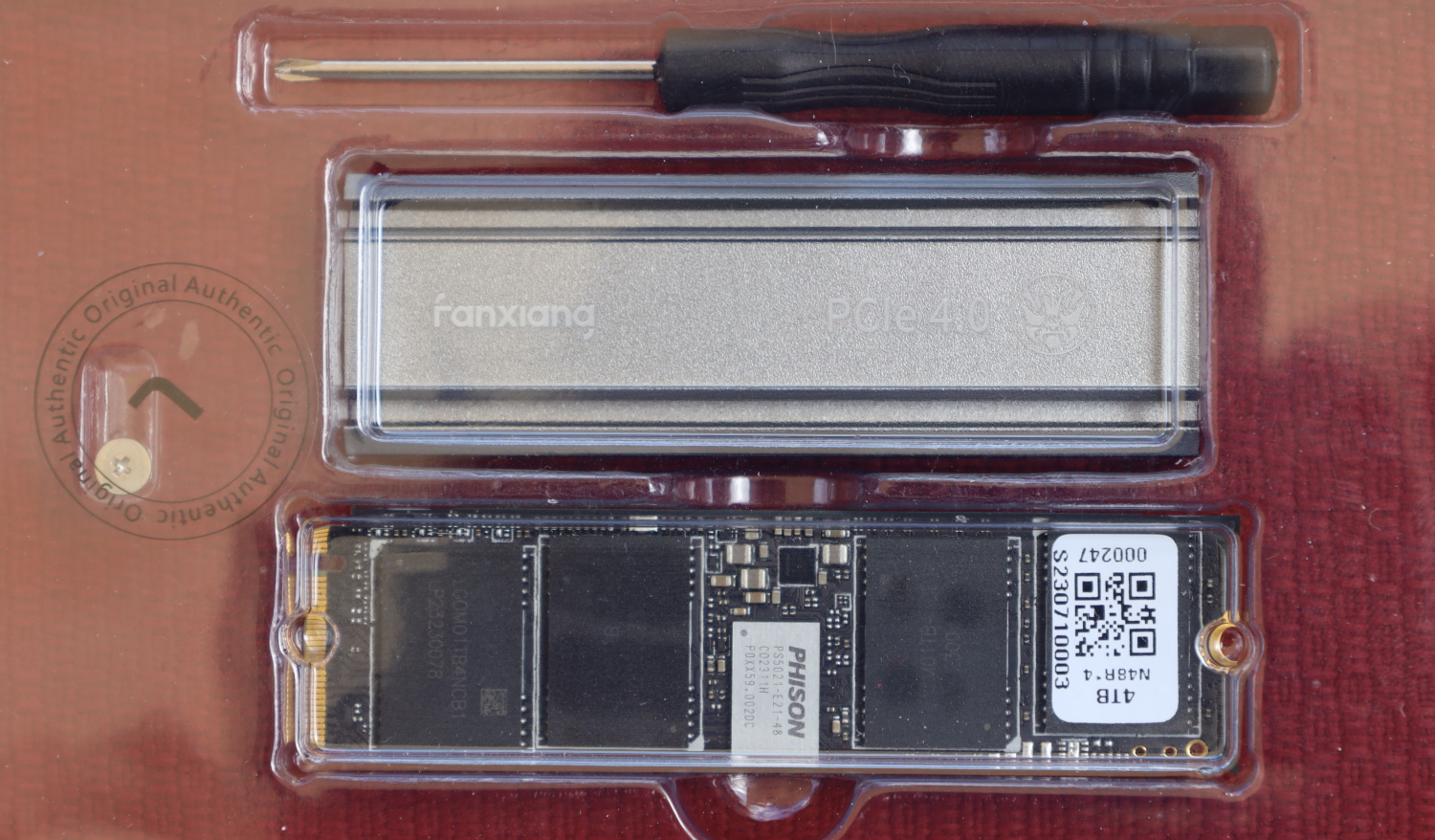 (Pictured: A Fanxiang S660 4 TB M.2 style NVMe SSD. Source: URL)
Some M.2 SSDs are just SATA SSDs with the M.2 connector, so they’ll still be limited to that 550-600 MB/s SATA III speed. Those are the the ones most compatible with PowerPC and older Intel Macs, not like the Fanxiang pictured above. Check the tech: SATA or NVMe?
RAID0
RAID (Redundant Array of Independent Drives) is just a storage tech which can combine multiple drives into a single storage unit – kind of like fusing multiple chips together so they work like one big chip. RAID can improve performance, redundancy, and tends to appear to the OS as a single drive (Although Disk Utility will show the different RAID drives).
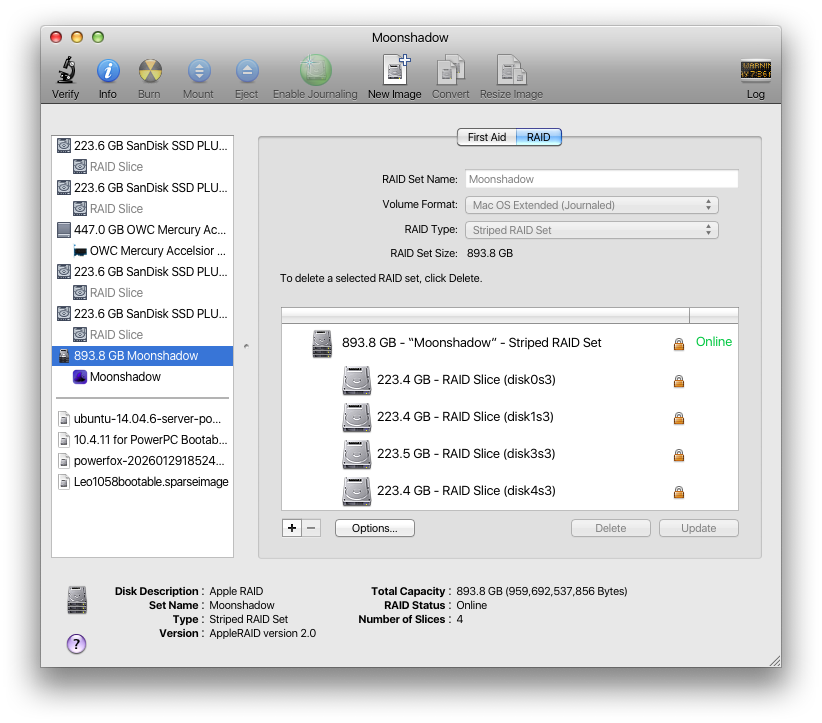
The most common form of RAID used on SSDs is RAID0, which splits data between two or more drives to achieve the highest possible speeds between all the drives combined. In RAID0, however, since the data is evenly split and there’s no redundancy – if one fails, all the data is lost. One trades Read/write speeds for reliability.
