
There is a longstanding tech myth that’s been around for a while – that charging your devices overnight ruins the battery. While there is a grain of truth in this as it stems from the days of Nickel-Cadmium batteries and the literal PowerBook 5300 fires in early production, we’re deep into the Lithium-Ion era, and charging protocols have evolved since.
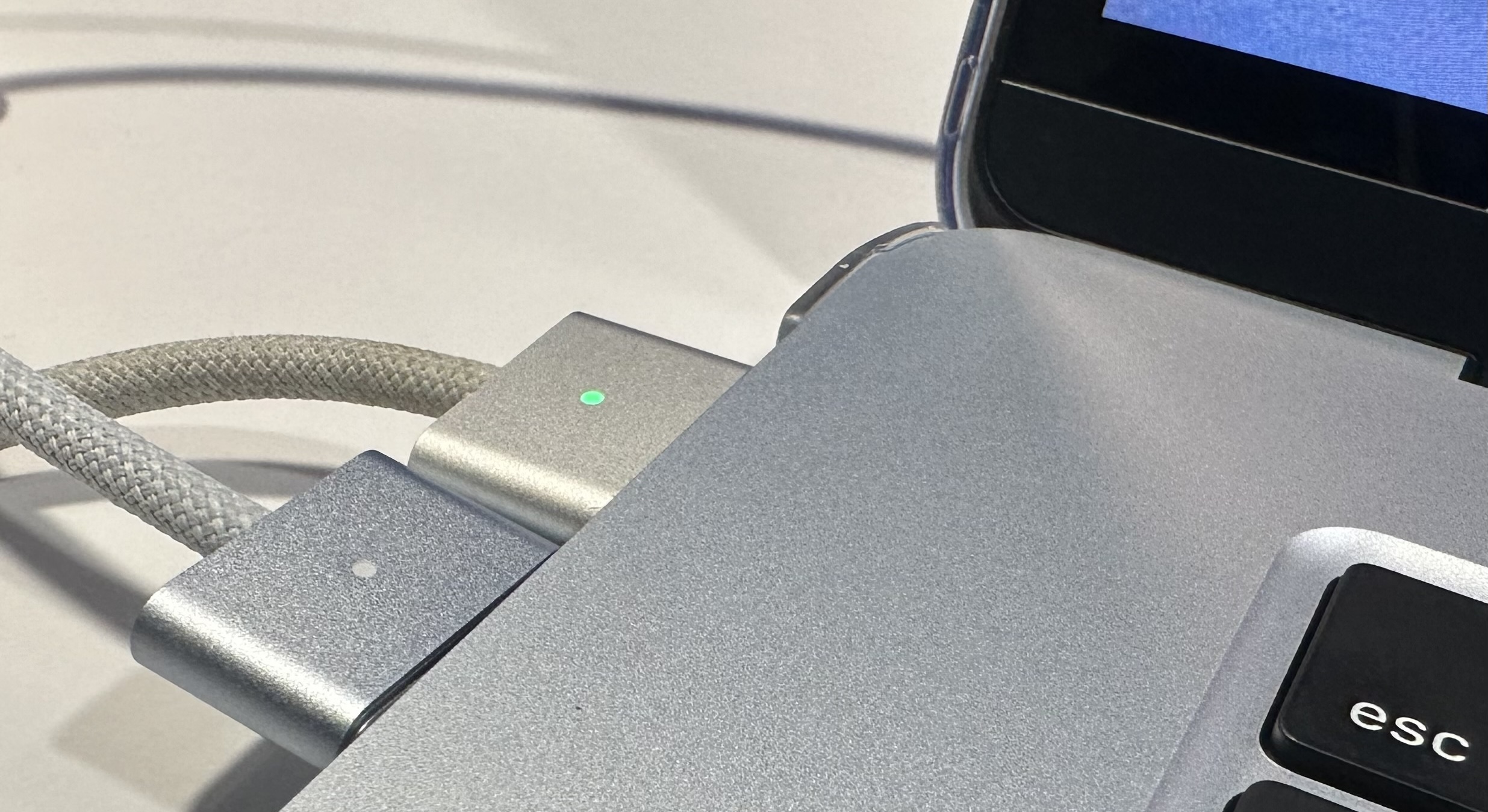 (Pictured: A Sky Blue M4 MacBook Air, with a Silver and Sky Blue MagSafe side-by-side.)
Macs have evolved their own circuitry over the years to stop the battery from charging once it gets full, and iDevices (iPhone, iPod, iPad, AirPods, etc;) have evolved in their own ways as well. Nowadays with Apple Intelligence, it learns the user’s patterns of device usage, to optimize charging and prolong battery life.
How devices charge nowadays
Since iOS 13 back in September 2019, Optimized Battery Charging tracks a person’s charging patterns. This feature tweaks battery settings to ensure the battery is fully charged by the time a user unplugs a device, whilst simultaneously spending the least amount of time at maximum charge capacity. A device will charge to 80% initially, before software takes over to finish the remaining 20% in a self-established timeframe. Software essentially guesses your pattern, and completes the battery charge 1-2 hours before the perceived “pickup” time.
Apple Intelligence takes this a step further by limiting charge capacity to reduce wear/heat, can limit to certain charging % overnight, giving you battery health statistics, cycle count, and screen on-time usage.
- Low Power Mode: Reduces power consumption by lowering CPU clock speed, relying more on efficiency cores, limiting background tasks, dimming screen brightness, capping the refresh rate to 60 Hz, and reduced fan noise as of macOS Sequoia 15.1. This mode is best to use when you need to conserve battery power, are away from a power outlet for a long time, if you just wanna keep the ‘Book running cooler for longer (also applies to iDevices).
. - High Power Mode: Essentially runs the fans at higher speeds, according to Apple’s website. While this mode is only available on the M4 Pro Mac mini, the 16″ M1/M2/M3 Max MBP, as well as the 14″ M3/M4 Max or M4 Pro MacBook Pro, it can be replicated to the described effect by downloading Macs Fan Control.
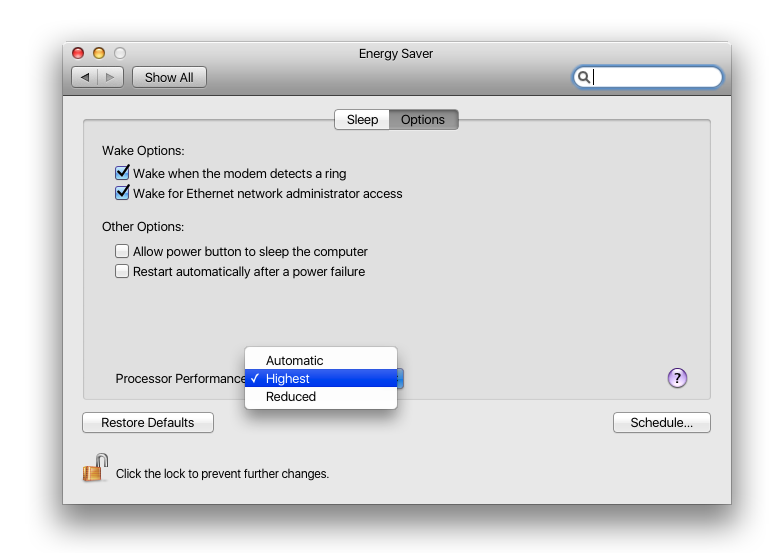
- Processor Performance Setting: A variation of the same thing to reduce, increase, or automatically manage processor performance has already been available as far back as PowerPC Macs such as the Hi-Res PowerBook G4.
. - When a Mac, iPhone, iPad or iPod stop charging: they switch to external power, using the charger instead of the full battery. Battery circuits also prevent overcharging, allowing it to rest. Optimized battery health features may also drain the battery slightly for longevity, which tends to hover around 90-95% full.
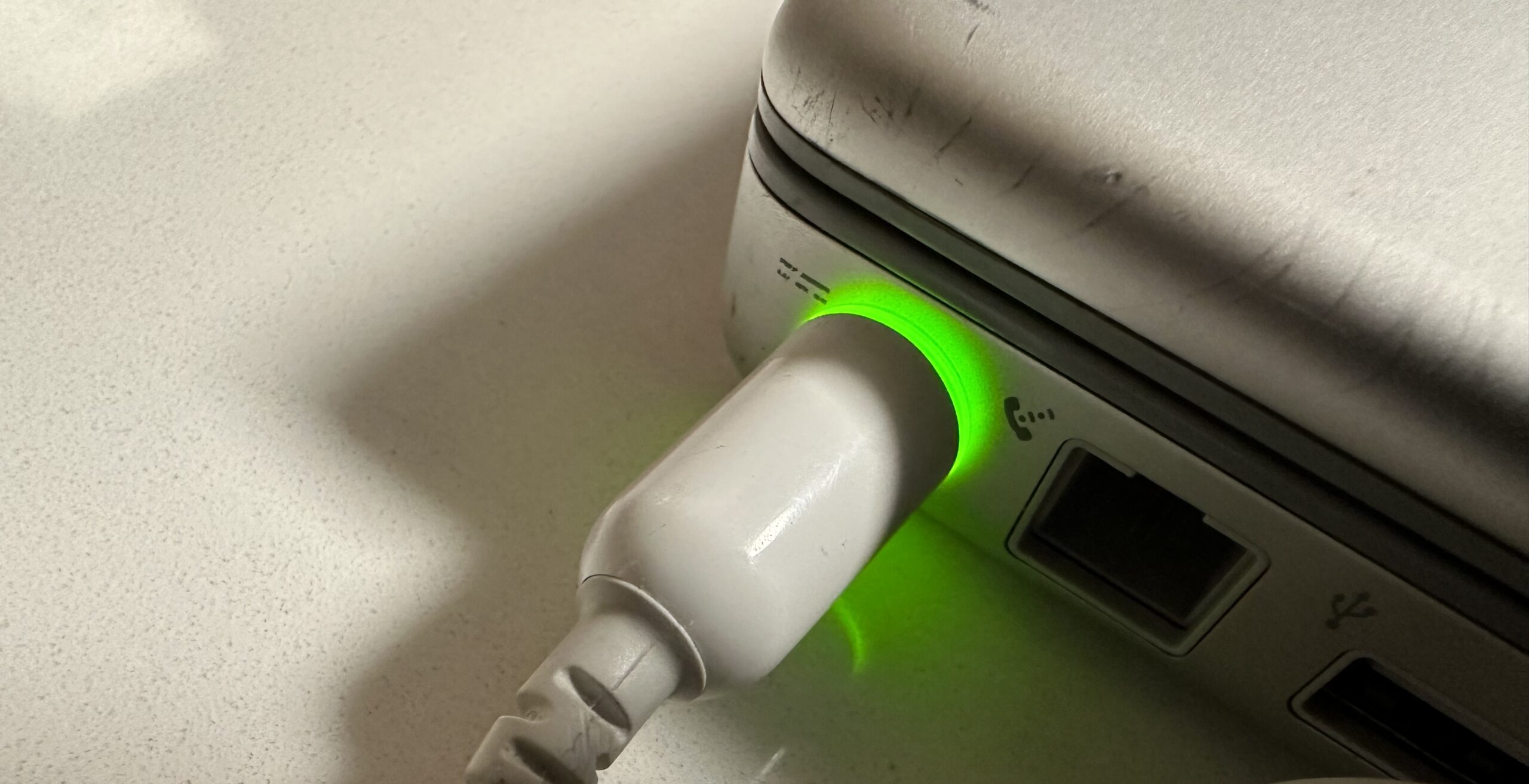 (Pictured: A 15-Inch PowerBook G4 Hi-Res, charged to capacity, via an Apple 65 Watt A1021.)
Closing and Quitting Apps
On iOS, iPadOS, watchOS, and the older iPhoneOS, closing the apps you don’t use tends to waste more power than leaving them open. Unlike on a Mac, iOS suspends background apps (when you swipe up but don’t close the app), which saves battery, improves performance, and manages RAM better. This means apps remain in system memory but aren’t executing code or using the CPU. Google’s Android does the same thing by suspending background apps in “App standby buckets”, and introduced more aggressive background process management in Android 13/14.
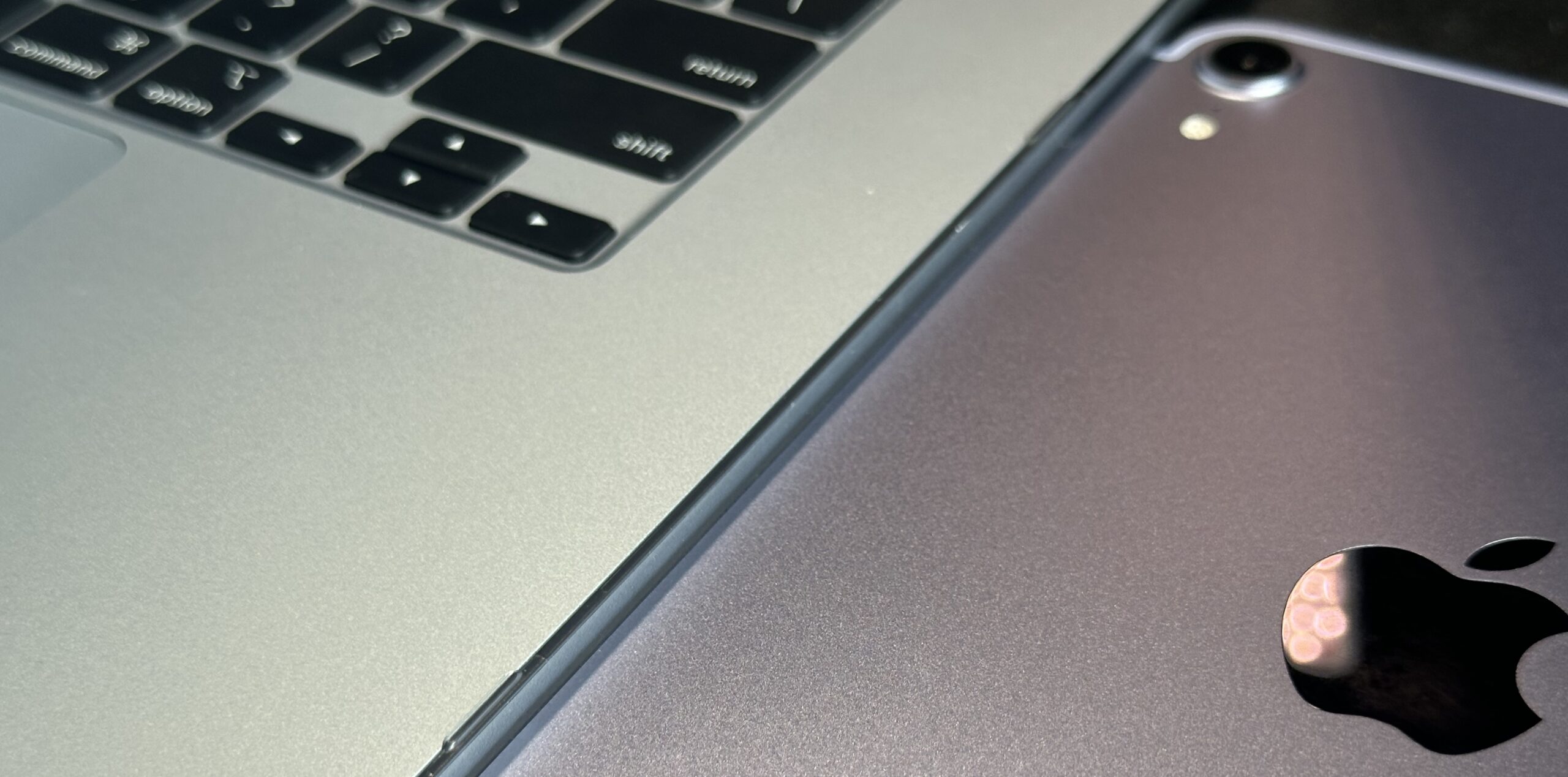 (Pictured: Left – A Sky Blue 15″ M4 MacBook Air, Right – A Cellular Purple 6th Generation iPad mini.)
Usually when you quit an app and open it again, it consumes more energy than resuming a suspended app, since it’s launching/initializing the app altogether. On the other hand if you’re running location services, have background app refresh, or if the app is freezing, that particular app will use more energy versus closing it.
Although Macs don’t suspend background apps, there are strikingly conflicting accounts of how people use their Macs regarding leaving apps open or not. Some say they quit all apps when they’re done using them, or before putting them to sleep, etc; while a few say they’ve used Mac OS for decades, leaving apps open to run all the time without ever closing them before putting the Mac to sleep.
- You don’t need an iPhone or an iPad to pause background apps: One example of this is a PowerPC Mac App called Bokeh. This third-party app allows you to manually manage, pause and un-pause apps on your Power Mac running Mac OS X Leopard 10.5 and up.
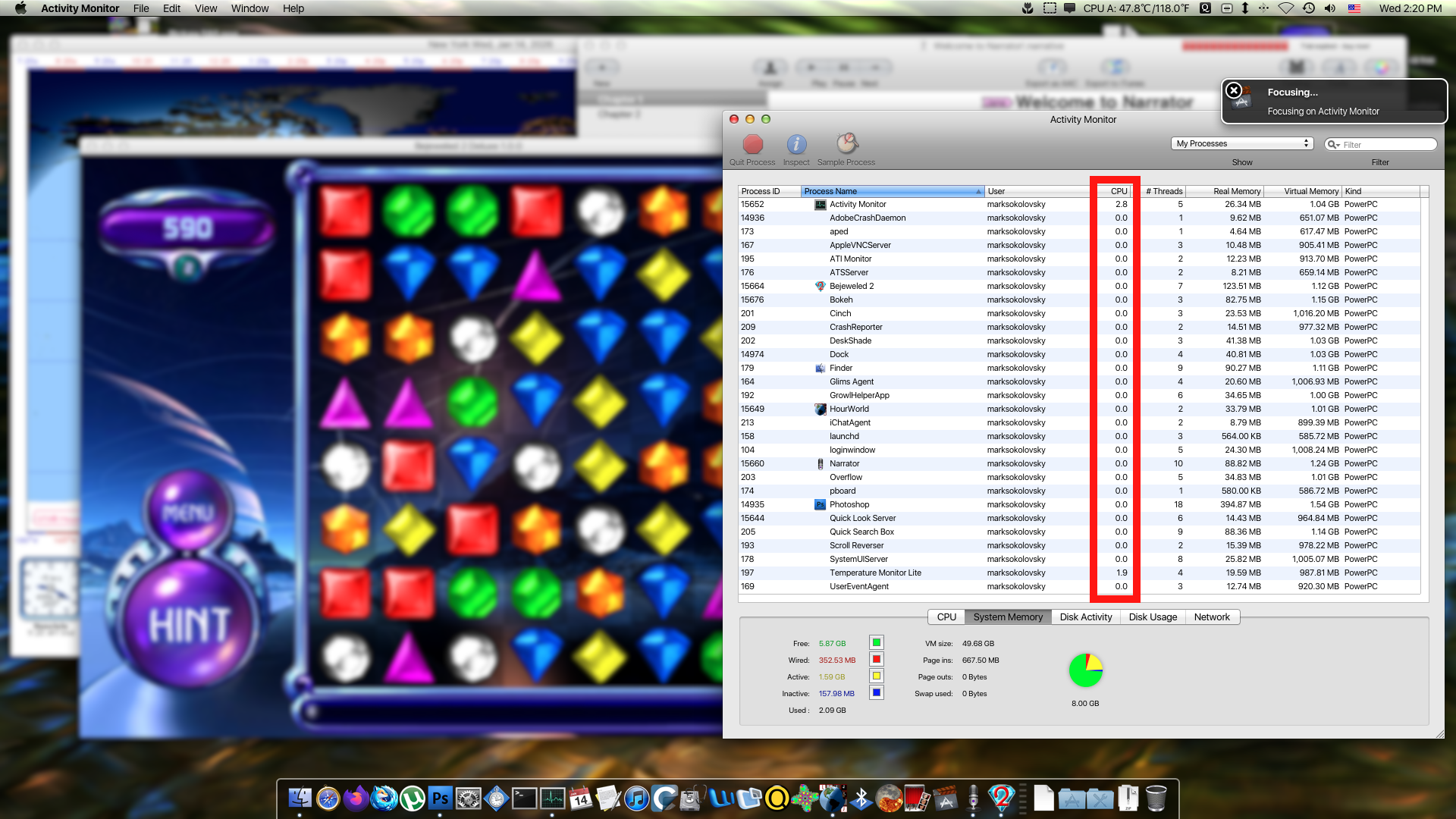 (Pictured: Bokeh for PowerPC Macs, on Mac OS X 10.5.9 Sorbet Leopard)
What happened to the PowerBook 5300?
If you recall what happened with the infamous Samsung Galaxy Note 7, you know it gave Samsung some seriously bad PR. So much so, that it had to be banned from getting on flights in Late 2016 through Early 2017. Samsung did the right thing and recalled the Note7, later rereleasing it as the Note FE. But did you know Apple dealt with a similar problem over thirty years ago?
- See: PowerBook 5300 Revisited – Charles W Moore – 1998.03.29
 |
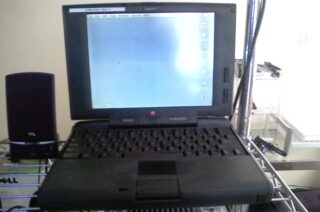 |
The new PowerBook 5300 was coming out which was the first ‘Book to sport a PowerPC chip – it also included intelligent lithium-ion batteries, until 2 burst into flames while charging and Apple immediately had to switch to NiMh batteries.. “..and it could have ended up giving Apple a serious black eye, but Apple avoided the worst.” (Daniel Knight, Apple’s Flaming PowerBook Fiasco, 2016.10.15)
Other 5300 flaws:
- Flimsy screen hinges (Mine had miniature screws modified into them for the screen to properly open and close. It was sturdy post-modification but the screws stuck out of plastic.)
. - Logic Boards: Power delivery, consumption and circuitry issues
. - Adapters: Known to break on the early 5300s
. - Lock-ups: When pressing Power + Reset at same time.
. - Trackpad button: sometimes fails from heavy-handed use
On a more positive note, this model was one of Charles W. Moore’s favorite PowerBooks, calling it one of the most attractive PowerBooks ever, that it stood the test of time well, and overall it worked well for some as a dependable workstation.
