
While the project started back in February and was attempted to be finished then, it has finally been done in its first iteration. This means mostly every navigation page (including everything on the navigation bar, tech specs, software index, etc;) can be displayed from bezel to shining bezel, without pinching to zoom.
- See: Introducing – “Horizontal view” for our website UI
. - See: Low End Mac Tech Specs in Widescreen mode
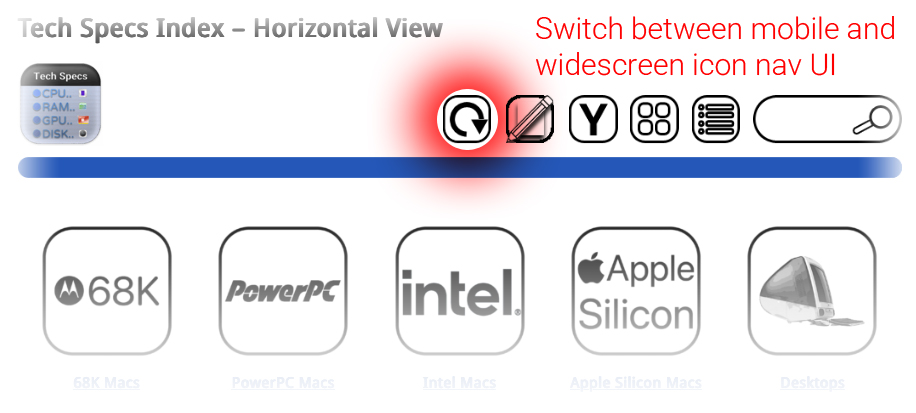
What is Horizontal view or Widescreen mode?
The original, narrower icon view has a benefit: it’s better for devices with narrower screens, and also acts as a fallback if the site UI needs the sidebar temporarily restored. Once you switch to this new widescreen viewing mode, the UI will stay like this unless you change it with any of the options above. Not all pages currently have this feature, but it will complete by the end of this week.
- Circular arrow: Switch between a narrow “iPhone” mode, or a wider “iPad” Horizontal mode. Available only in Icon view UI.
- Grid guidelines: iPhone/narrow view – 4 x 6 maximum per page, iPad/widescreen view: 5 x 6 maximum per page
- Paper + Pencil: Article Timeline View by Month & Year
- “Y” button: Tech Specs by year, completed for years 2000 – 2025. Lists when devices were announced.
- 4 squares: Default icon view, “iPhone” mode
- List of items: List mode, reduced images, with directory listing
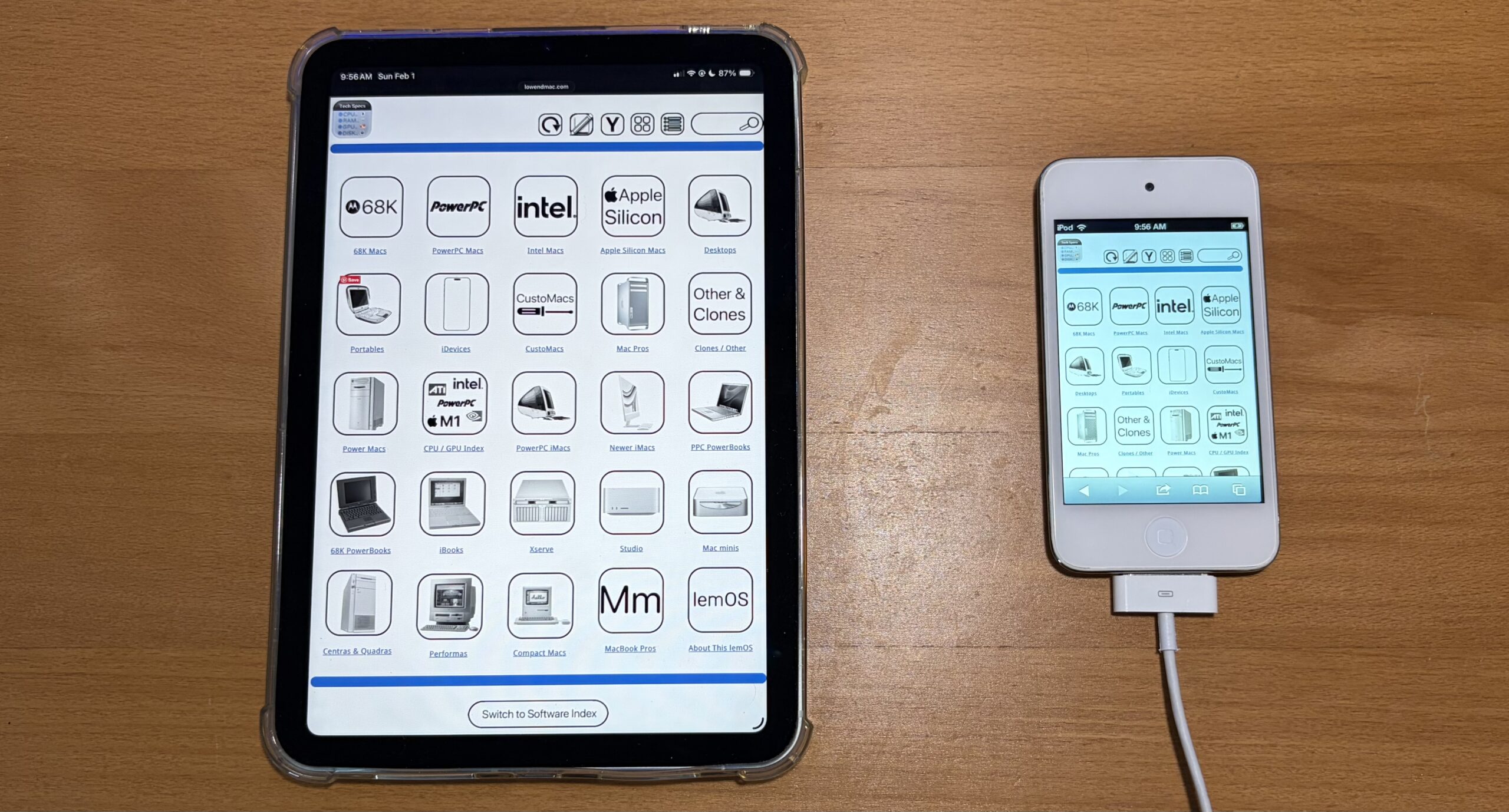 (Example of how the UI can be envisioned to be easier to use across multiple sizes of devices.)
- This feature will only be available in Icon Mode.
- When you navigate all the way to an article in your browser, use your browser’s back button to go back to the UI mode you were in. That way, all the site’s navigation buttons stay in the mode of your preference.
- The nav ui buttons on the bottom of each article will link you back to the default icon view, just like the nav ui buttons on the site toolbar.
- If a page randomly switches viewing modes while you’re browsing, it means that page you navigated to is either incomplete or has a broken link. Please allow until end of week for completion.
- All articles display in the narrow view mode.