
iOS 27 Developer Beta 1 has been out since WWDC 2026, with the second beta slated to be released soon. There are a number of changes and performance improvements to be appreciated in this very first developer beta, along with oddities to be expected with prerelease software.
Just like last year, I decided to take the plunge and check out what the latest iOS has to offer – to see what it can do for me and to share with our readers. So far I like what I see, and I have bugs to share.
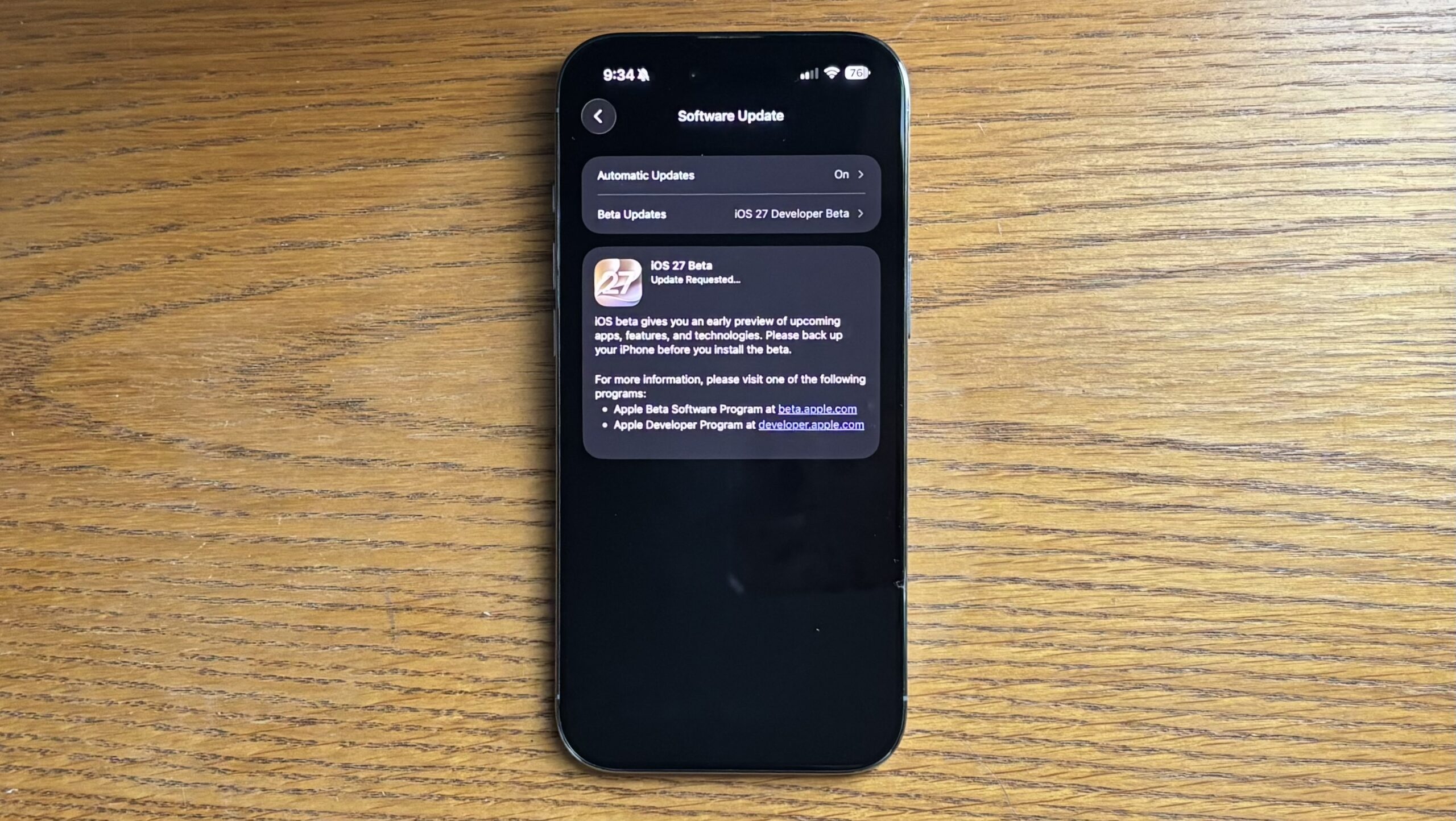
iOS 27 development timeline
- Up until WWDC – Internal Testing Only – Before June 8th, 2026
.
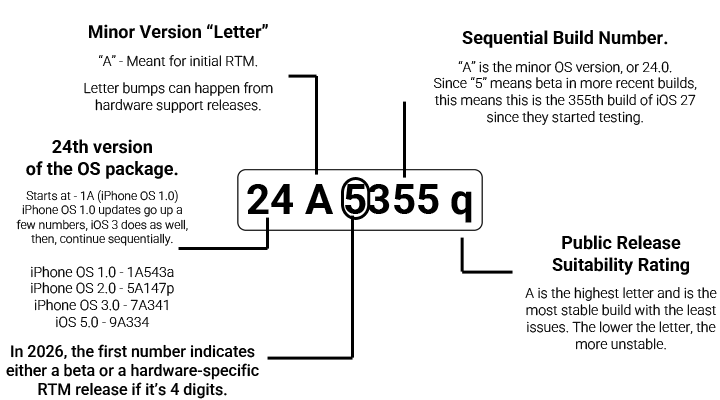
- iOS 27 Developer Beta 1 (Build 24A5355q) – June 8th, 2026
iOS 27 Beta 1 Release Notes
- To see a full list of iOS & iPadOS 26 Beta 2 Release Notes, you may go to the Apple website.
. - Download: iOS & iPadOS 27 Beta 1 Release Notes.webarchive.zip (1.5 MB)
The Test Device
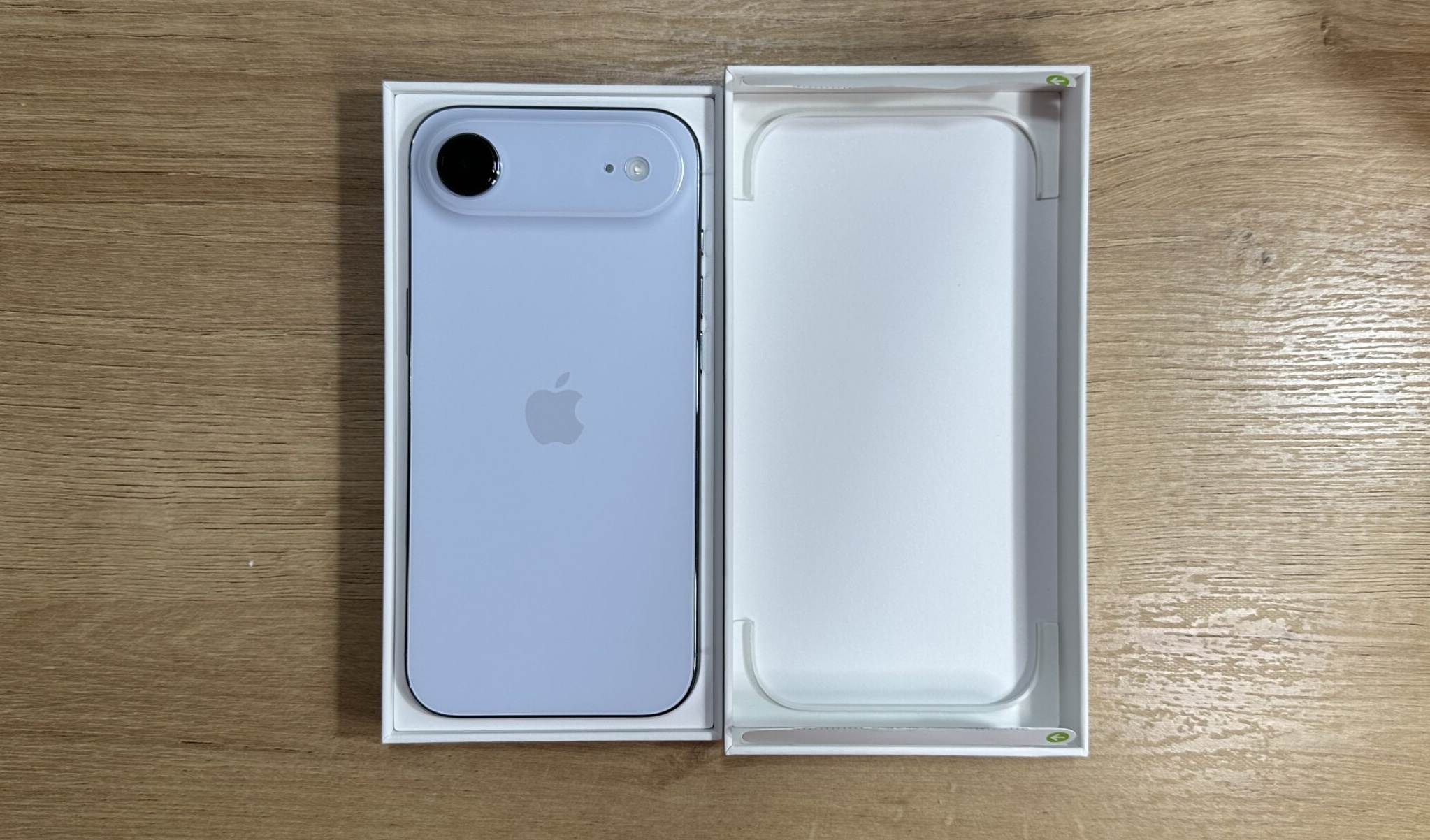
My daily driver since upgrading in September last year, a Sky Blue 256 GB iPhone Air. It’s a super sturdy, reliable, blistering-fast, beautiful phone.
What I personally noticed while running beta 1
After the update, for some reason it seemed like the screen was unusually sensitive and there were some erratic touchscreen-related behaviors within the first few days. The phone definitely feels a bit faster than it did on iOS 26, although some of the animations are either glitching or appear as though they’re sped up too much.
- When taking a screenshot, it will skip to the editing screen right away sometimes.
. - When receiving a text verification code, there is a delay between the time you can paste the code versus when it pops up in the UI/Keyboard area. Or they just don’t pop up automatically. Other users are saying this as well.
. - PowerBeats Wireless 3 keep disconnecting and reconnecting randomly on their own. This behavior never happened before in iOS 26. The tune will play in the headphones for “disconnecting”, before playing the “connecting” tune almost right after.
. - I never let Apple Intelligence index my phone before, so my battery was draining massively. Even after getting indexing done, it feels as though my battery drains a bit faster now. On day 1 – In the span of being on my phone for 20 minutes, my phone went from 59 to 54% in my hands just texting and keeping 1-2 apps open at a time, while it was indexing.
. - I like the older style of notifications, where I can see everything as opposed to letting Apple Intelligence handle priority notifications.
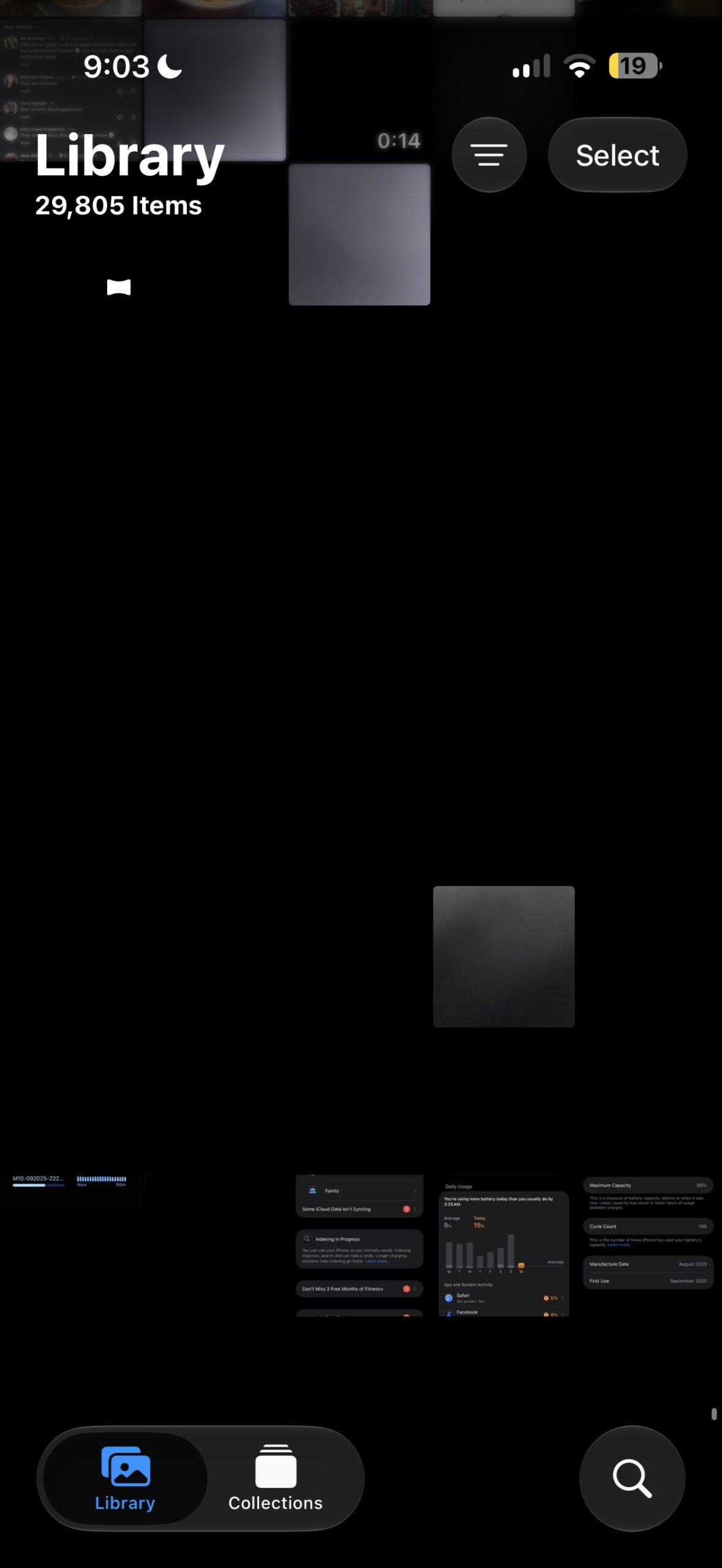
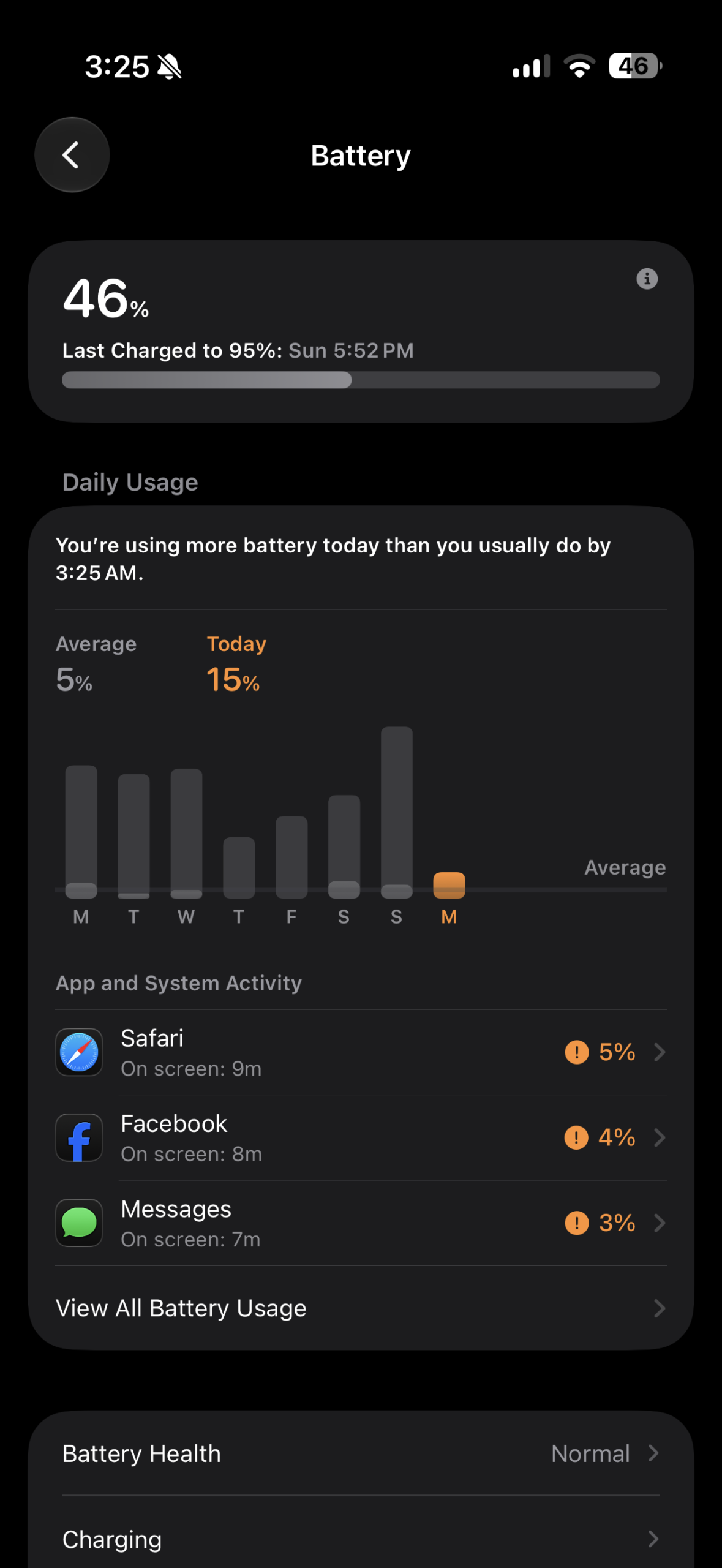
. - I don’t know how it happened: for the first time since having the phone, the camera launched on it’s own in my pocket and stayed in the app with the screen on for 3 hours. I only noticed how warm my phone was when using it for break at work, and my gallery was filled with photos & video recordings while it sat in my pocket. The screen was particularly sensitive after updating. It drained the battery on the phone massively, going from that 95% charge to ~60% in that time. Library screenshot is from the following morning.
 |
 |
- Increased screen FPS in low-power mode! This was a very nice change from iOS 26’s FPS-capped low-power mode, from a user experience. I think there should be an option somewhere to allow this to be changed, to give users more options for power saving as this can effectively reduce power use.
. - When swiping down to refresh in Facebook, there’s a new animated icon.
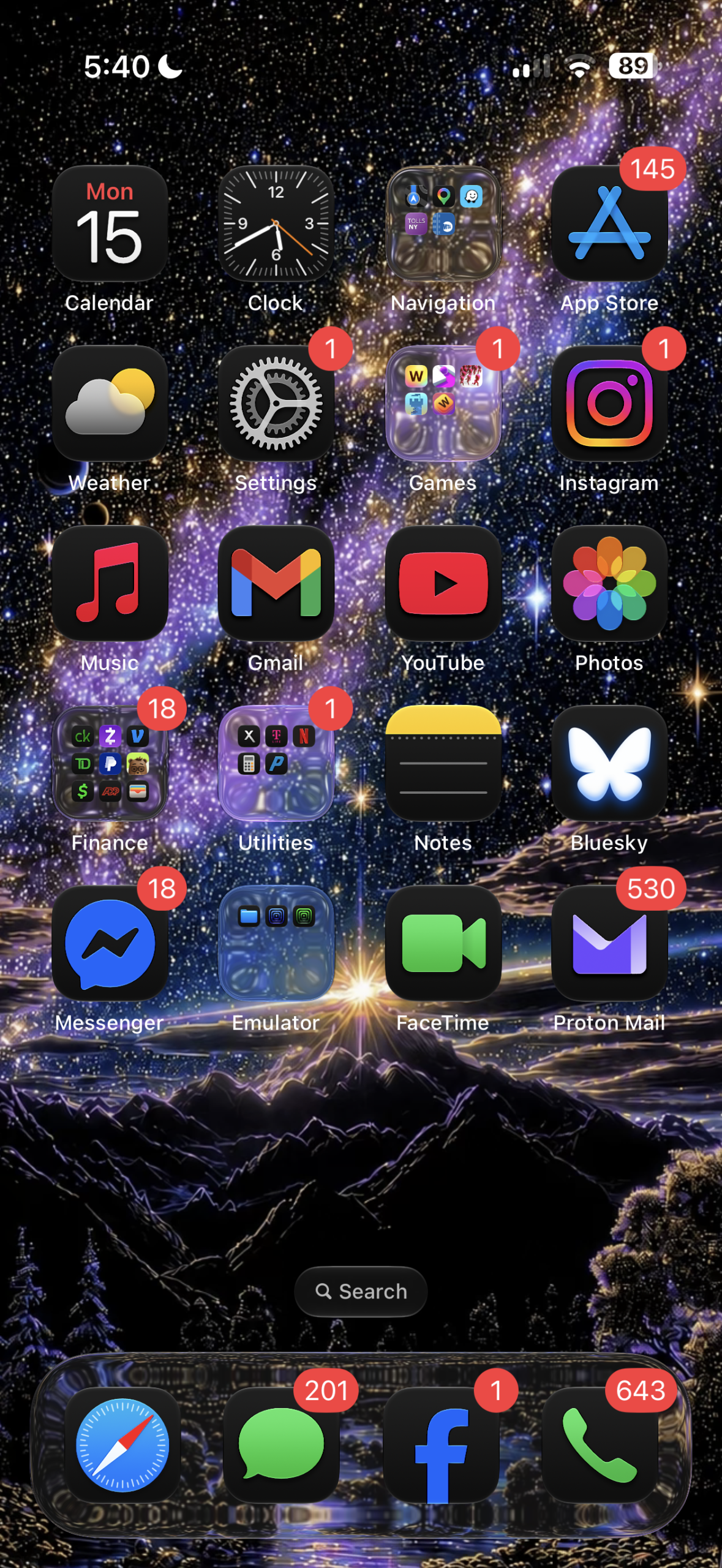
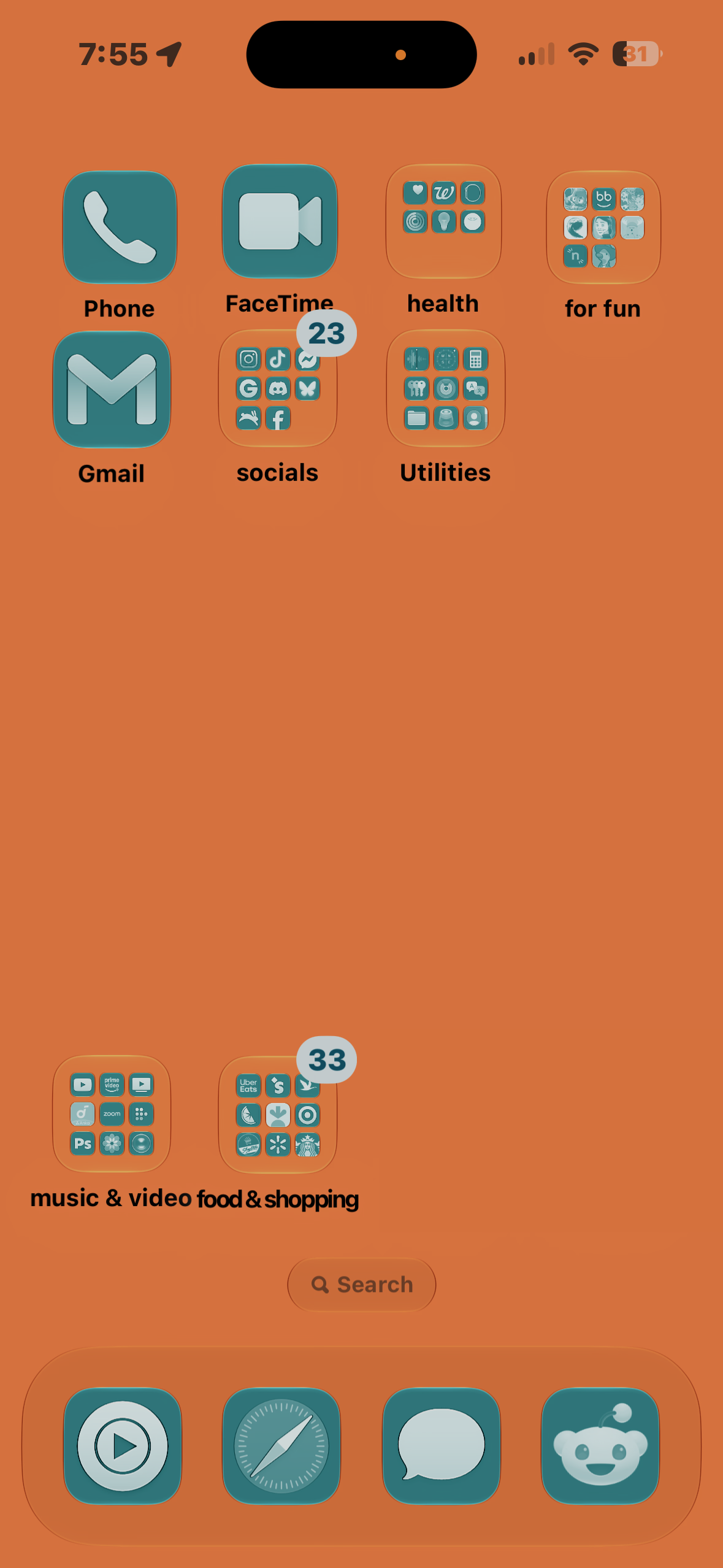
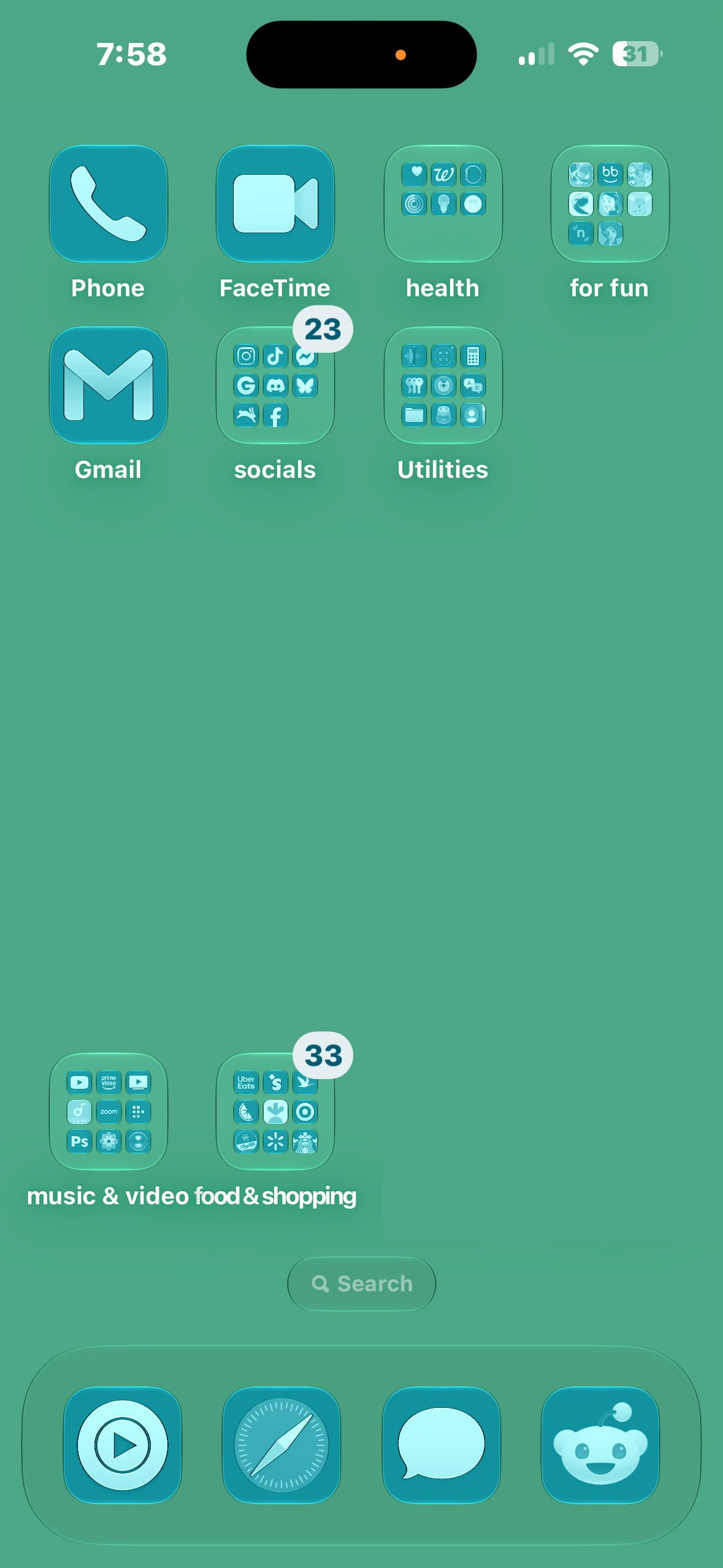
. - I like how much clearer the translucency is, when you adjust it all the way down in settings. The icon dock and folders on the Home Screen look phenomenal. I kinda notice how the refractions are a bit different, too.
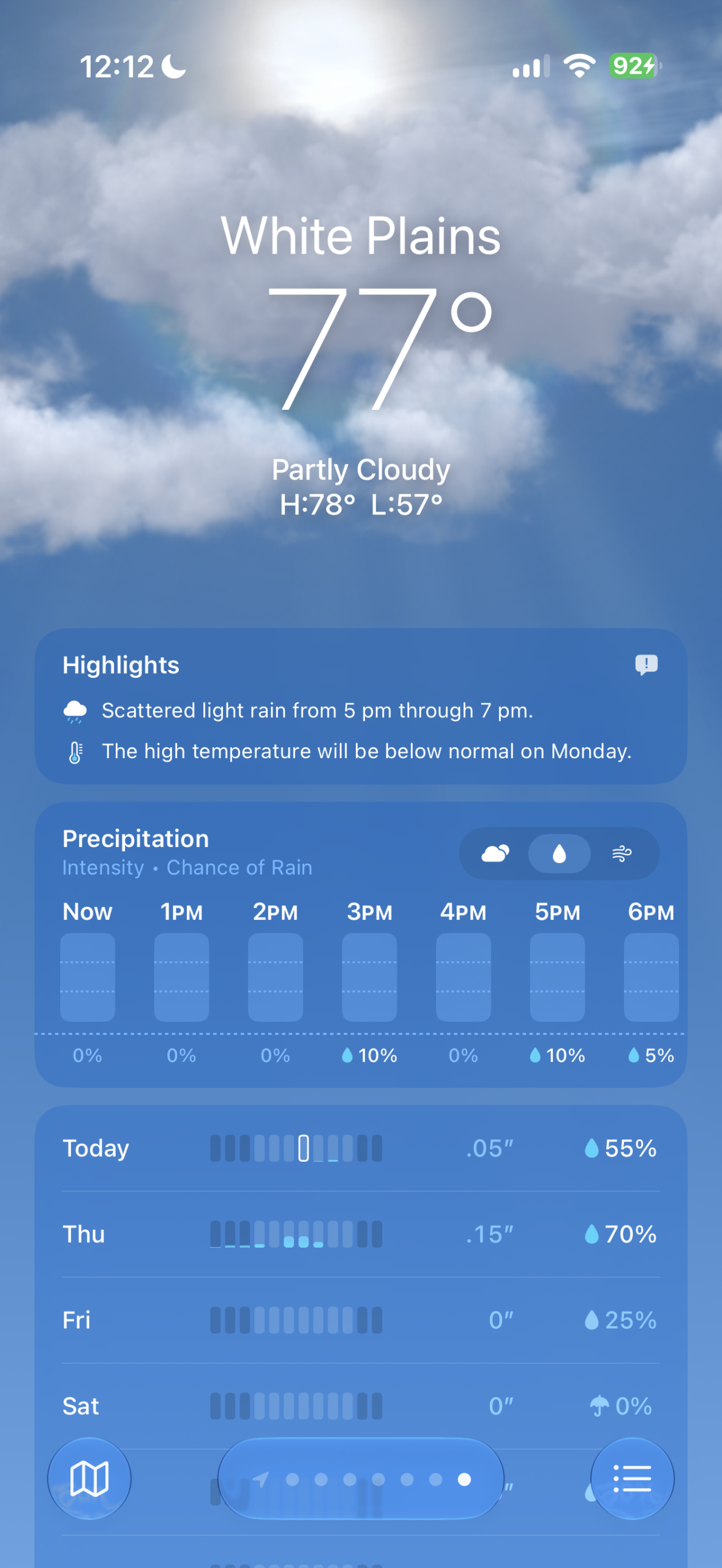
. - I enjoy the new additions and design tweaks to the weather app as I use it particularly often. On my desk at home, I have a vertical monitor with the macOS weather app open nearly 24/7. It’s like a virtual appliance at this point.
. - There are a number of minor visual UI tweaks which make the UI more enjoyable/easier on the eyes
. - Safari is noticeably much faster, especially on this website!
 |
 |
What some others are saying
- When attempting to change a background photo for the Home Screen, the Settings app and/or Home Screen may crash and leave the background a random color.
. - This feels like a faster iOS already, over even the most recent version of iOS 26.
.
 |
 |
Tracking Geekbench 6 Performance
I ran Geekbench 6 on here to see the effect of running iOS 27 vs. iOS 26, and to my surprise it appeared as though nearly all performance benchmarks increase except maybe Multicore CPU – tracking along the same way as macOS 27 did with benchmarks. The increases in Single Core CPU are meaningful, as this contributes to app launch times.
The numbers tell a story of real-world performance gains and these benchmarks can swing just as far in the negative direction given the right circumstances. It seems like there’s a grain of truth in all this, as early adopters are reporting a faster experience.
Metal performance looks substantially increased as well on this iPhone Air, which will contribute to better animation performance as well.

CPU
- On iOS 26.0, Sept 21 2025: 3693 Single Core, 9402 Multi Core
- On iOS 27, DB1 24A5355q: 3728 Single Core, 9384 Multi Core
GPU
In Conclusion
It’s been exciting to check out the latest iOS, seeing what’s changed and what still needs to from a user perspective. The iPhone Air had served me well over the past year battery-wise with Apple Intelligence off on iOS 26, so only time will tell how my battery life will be affected as I try some new things out. Can’t wait to try out the new Siri AI once I can get my hands on it.
Despite some of the immediate improvements available with this first Developer Beta, I still wouldn’t recommend this for anyone who’s relying on a mission-critical device. It’s not unstable, but you will spend time figuring out workarounds and solutions to issues arising. After indexing and syncing was all done, my iPhone Air does indeed feel faster.