There’s the brand-new MacBook Neo, there’s the M1 MacBook Pro, the M1 MacBook Air.. and then there are the M2 MacBook Airs. While they may stand apart in shape, size and even age, what they mostly have in common in Mid-2026 is their value to performance. Today we’re taking a look at a Mid-2023 15-Inch M2 MacBook Air.
When the M2 Air dropped in 2022, the new design brought it into the same fold as the M1 Pro MacBook Pro. The M2 chip also brought along a few tweaks in the form of: increased clock speeds on both the CPU and GPU, newer and faster LPDDR5-6400 (3200 MHz) RAM, and increased L2 performance core cache. The M1 chip was already a stunning success, and these improvements only serve to make this M2 MacBook Air even better.
Clocking in as a 3 year old computer as of today, is it worth going out of your way to get one?
What sparked the idea for this?
It was another eBay find like the 2011 mini, but the stakes were a little higher. Seller listed it as water damaged, but showed it fully working in the pictures. It was a complete shot in the dark, reading the description was slightly reassuring, but you just never know. $319 later, and this turned into the bargain of a century.
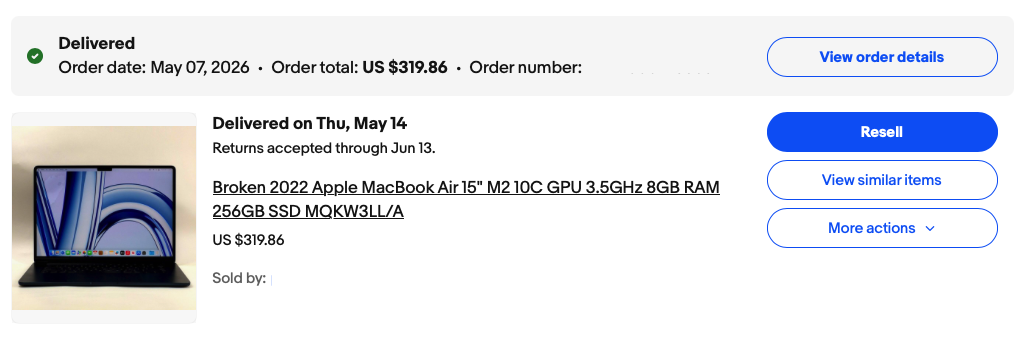
I desired a light, portable, but powerful “enough” machine with a materially large enough screen for writing/designing; going back and forth between whether or not I should just get another 16″ M1 Pro MacBook Pro like before, or another M4 Air like before I switched over to an M4 mini setup, or.. more like something along the lines of what I found.
Affordable Yet Up-To-Date
Device support on Apple devices tends to stick for 5-7 years, although in some cases even more. With the release of the MacBook Neo, the value of a refurbished entry-level Apple Silicon ‘Book changes quite a bit.
- If you’re on a budget and need more screen real-estate, are sure the MacBook Neo could suit your needs save for just the screen size, this is a great option to look into. The M2 chip and most of the other specs line up similarly, you’ll get more years of support over an M1 Mac, and they tend to cost around the same as a MacBook Neo.
So far so good
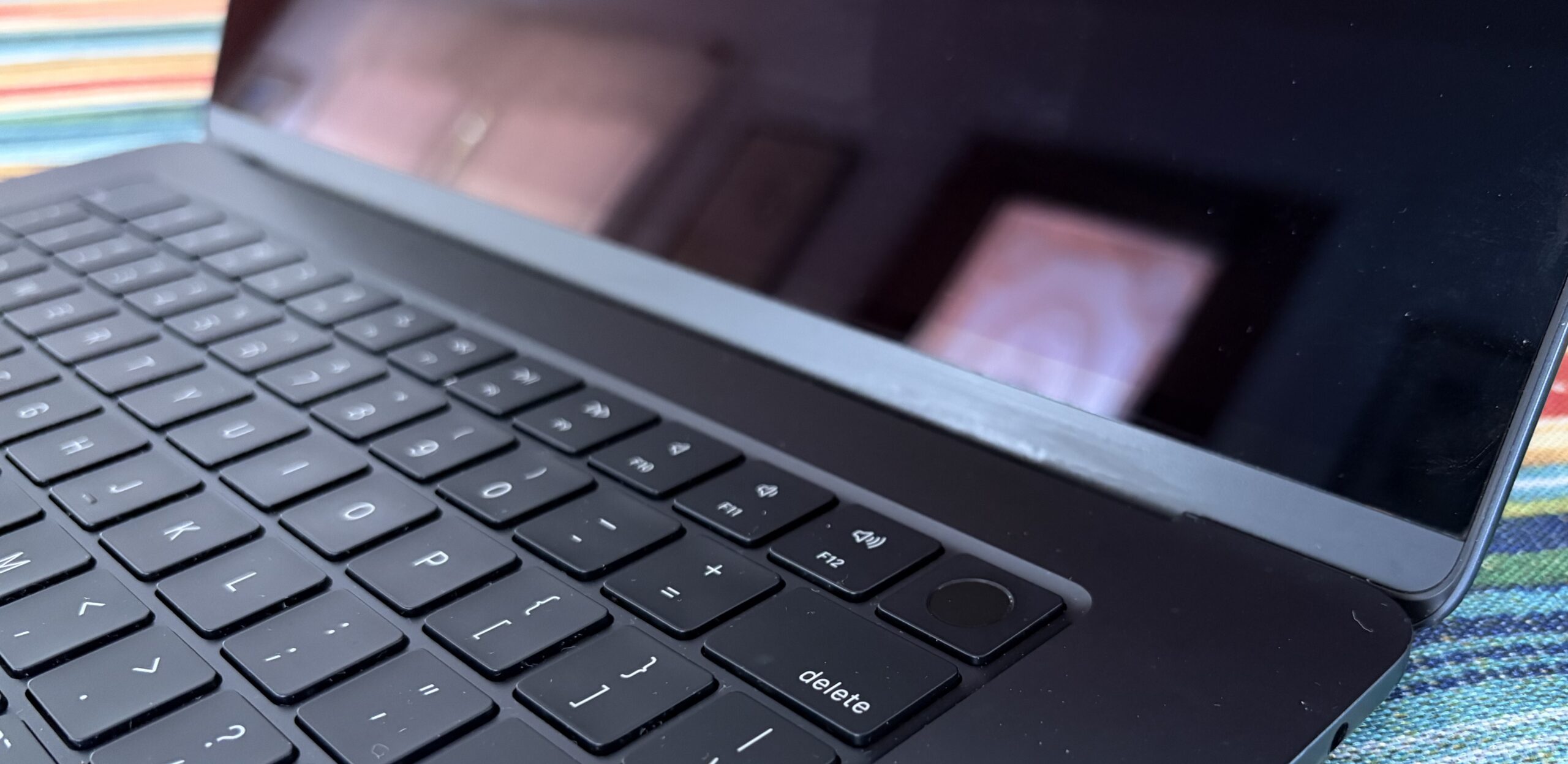
Much to my surprise, my initial excitement had not been betrayed and the device surely is functioning as described, now almost a full month in. The only thing seemingly wrong with it are some non-functioning keys.. nothing a bluetooth keyboard (or a replacement part later on) can’t fix.
 |
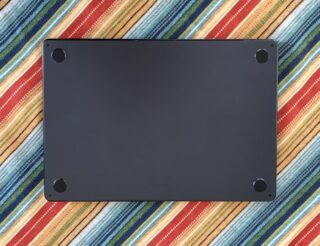 |
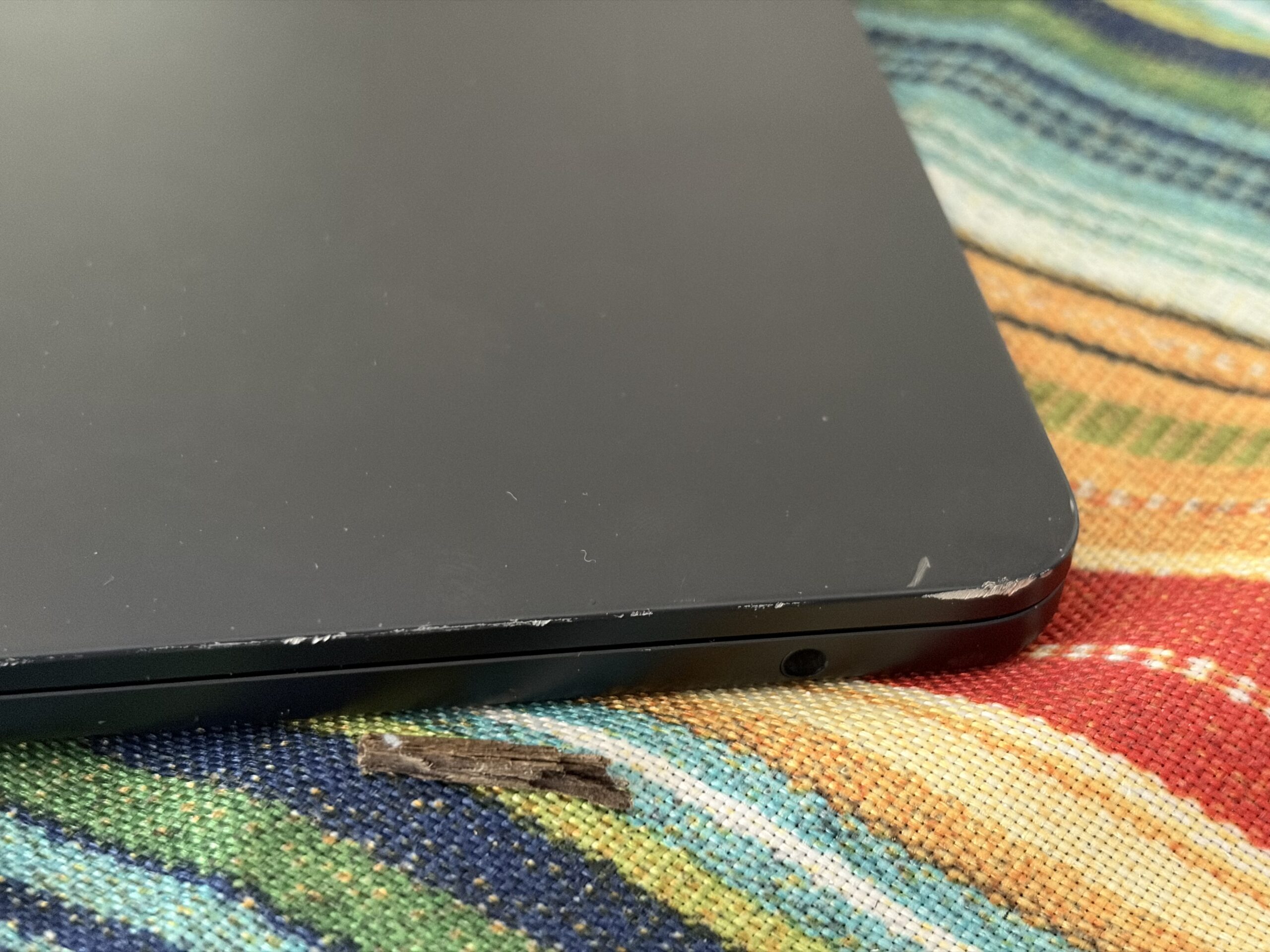
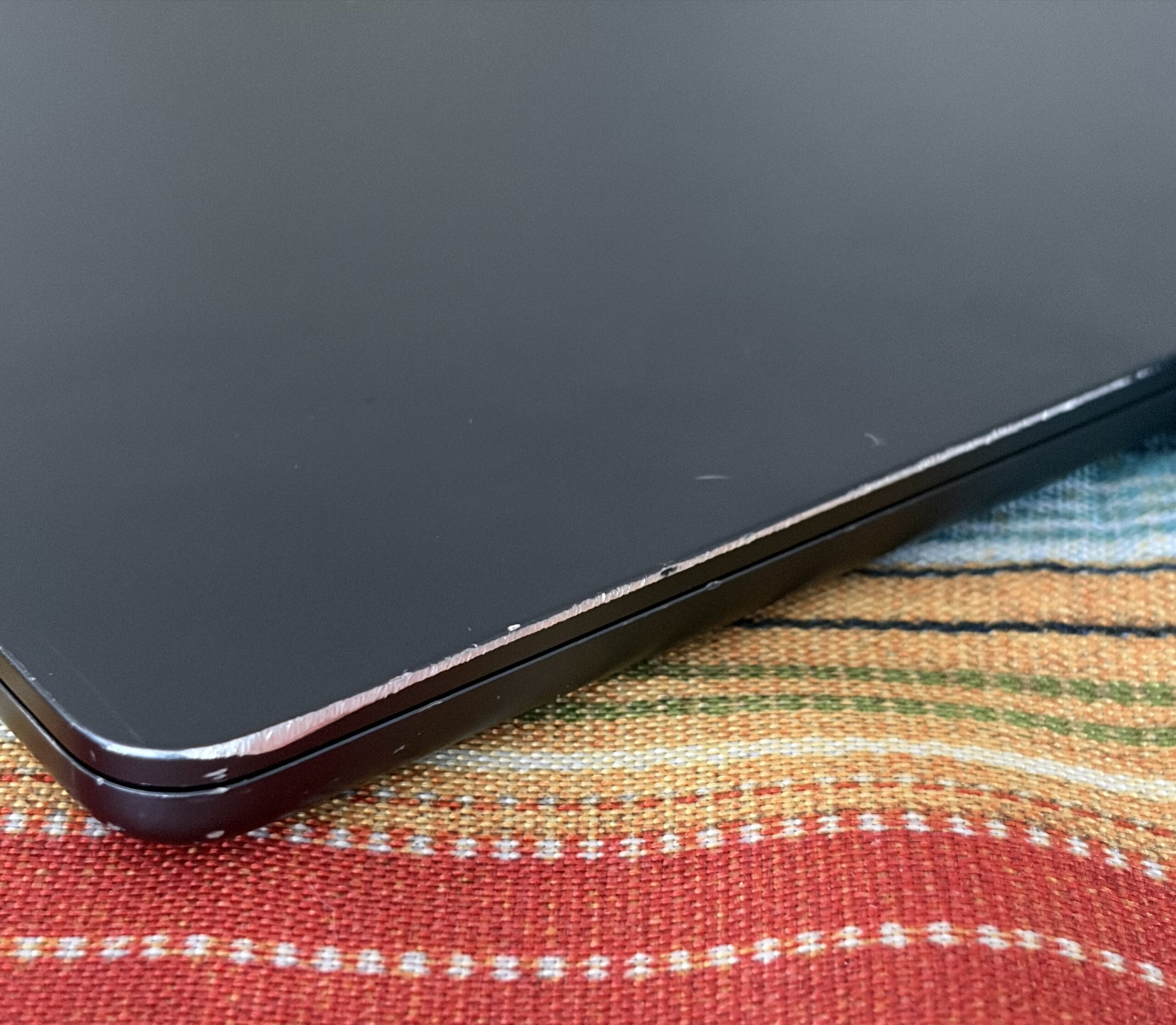
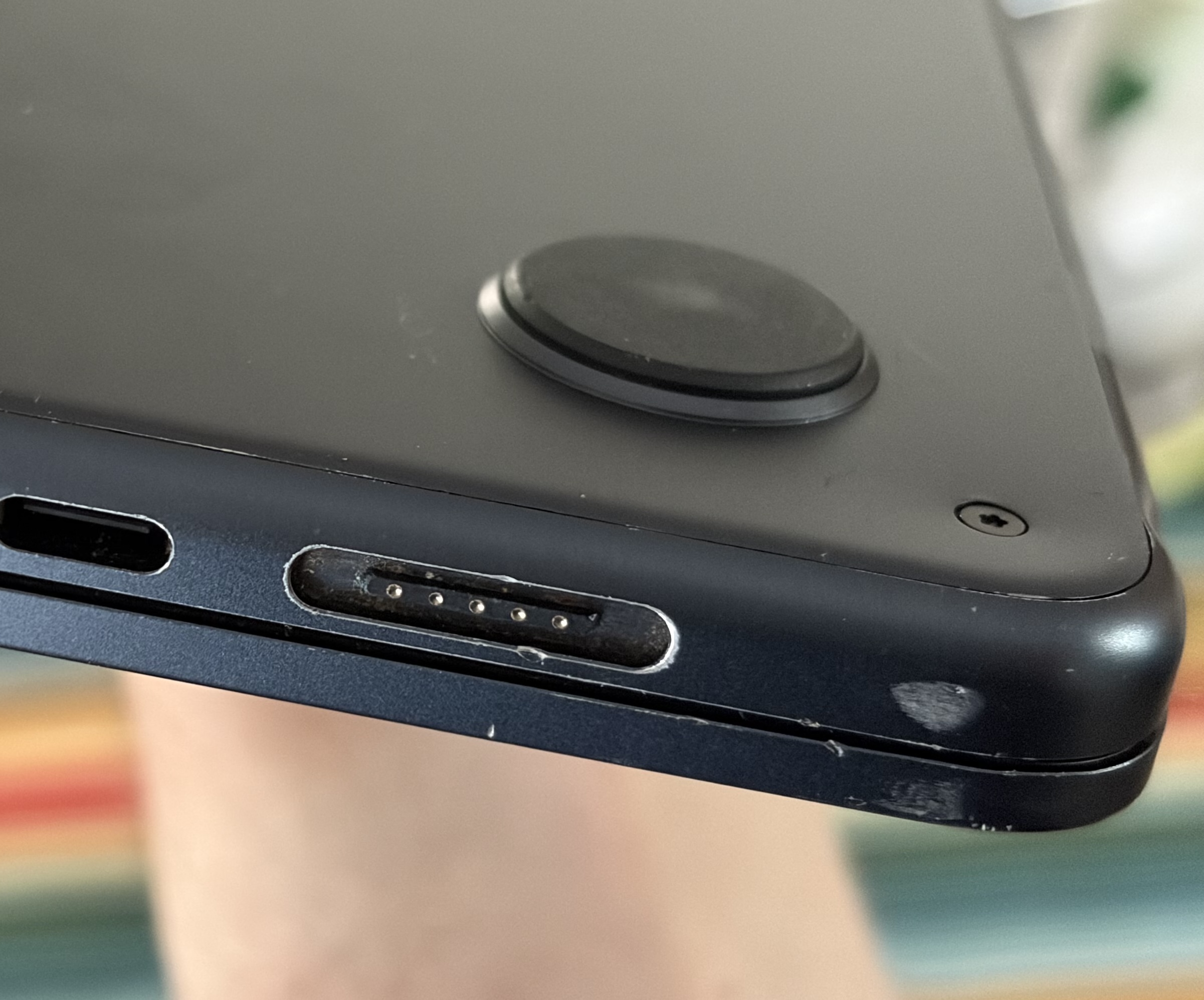
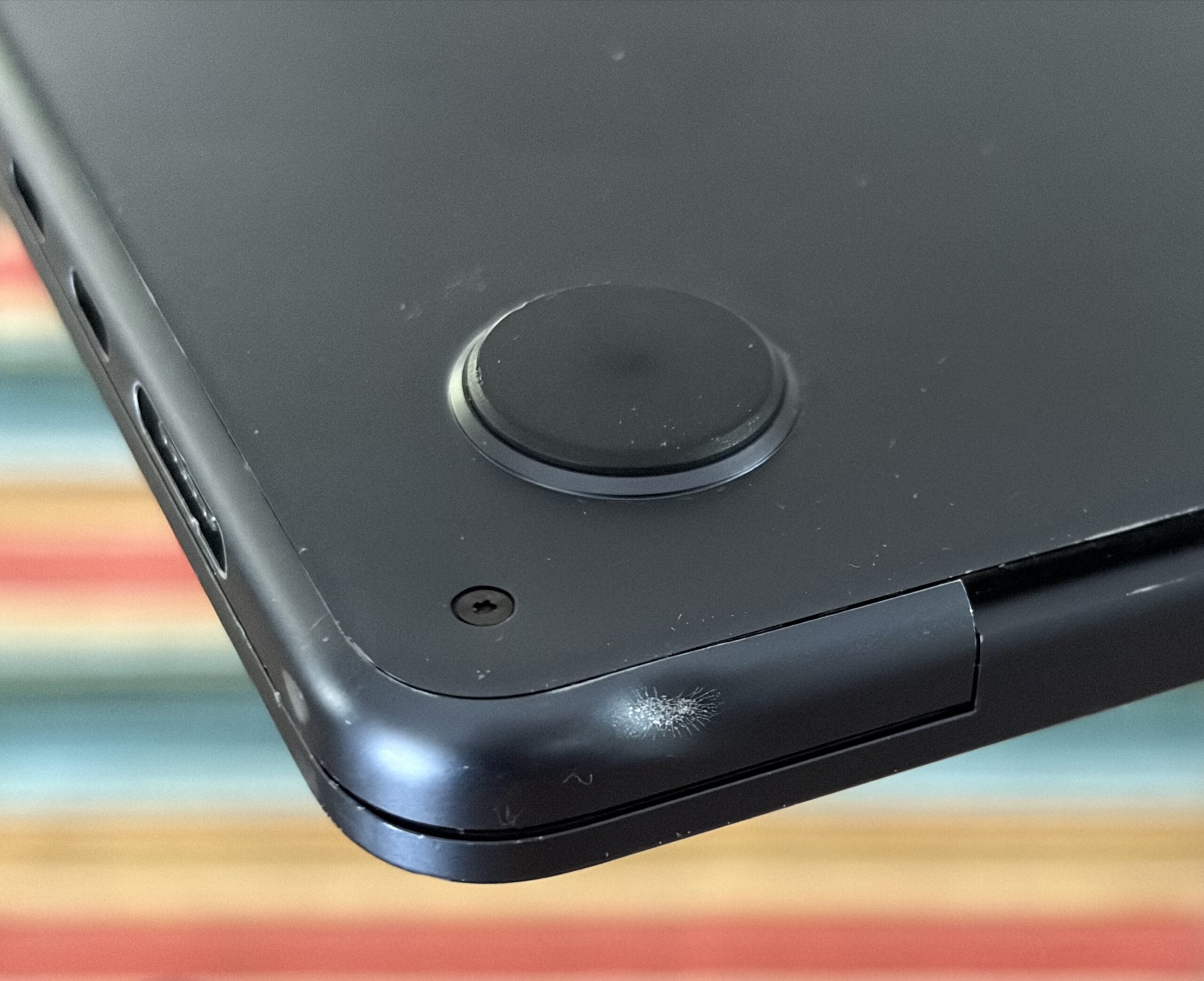
The display is fine. There’s a single minor dent, quite a few invisible scratches, and some of the edges look sanded/as though it was dragged on a rough surface. Despite all this, it doesn’t give off the impression it was ever dropped. Hinges are A-ok, no weird clicking/unusual force/positioning of screen when opening or closing the laptop – it opens and closes as though it were new. I think I got quite lucky, as this kind of damage could easily affect the frame and screen, but didn’t.
 |
 |
 |
 |
Even more surprising was the overall condition of the SSD, having only 9.8 TB written to it along with 100% SSD health. It reads and writes up to 1650 MB/s sustained, which is roughly 3 times faster than Sata III.

In this 256 GB model the speeds are achieved through a single SSD NAND, while the 512 GB model and up takes advantage of two NANDs for increased speeds of around ~3000 MB/s. Either way, performance is plentiful for most tasks. I find even a VM runs quite nicely on here, save for a toasty chip.
 |
 |
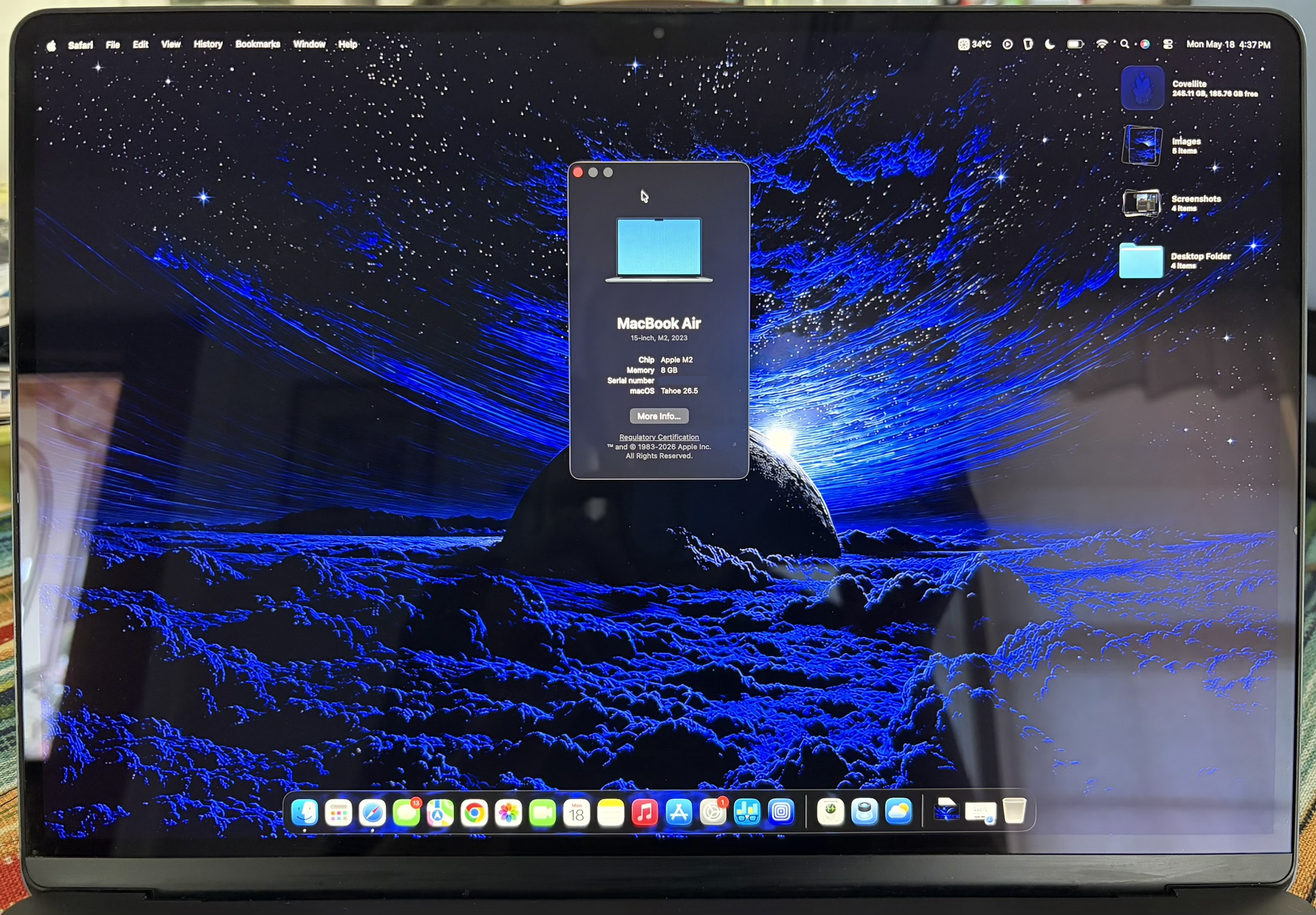
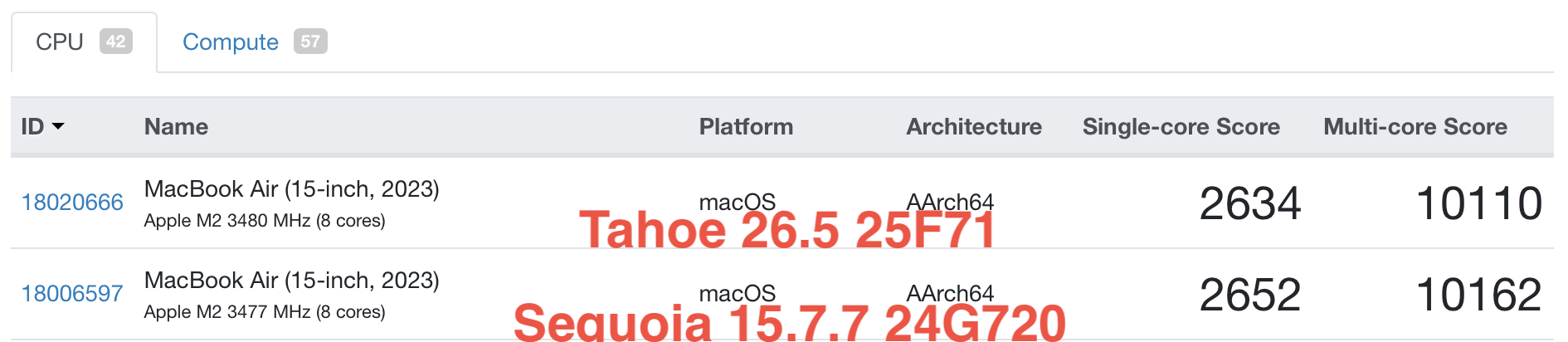
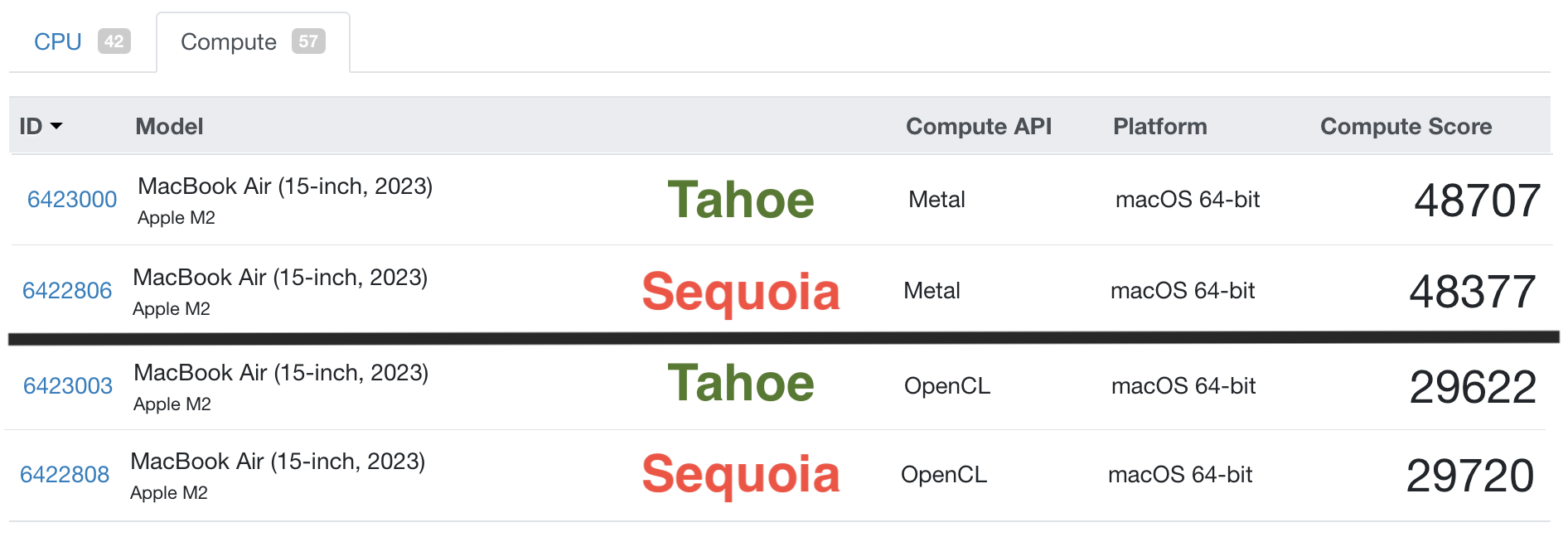
I had my jitters upgrading to macOS Tahoe on 8 GB RAM, recalling upon my experiences with a base model M1 Mini running Sequoia on 8 GB RAM as a daily driver back in Late 2024. Still, I made the plunge anyway, and it runs slightly better than expected. Sequoia definitely felt more snappy, Tahoe is snappy enough on here.

Geekbench 6: macOS Sequoia vs. macOS Tahoe
- Geekbench 6 (Links to benchmarks)
Comparing the M1, M2, and A18 Pro specs
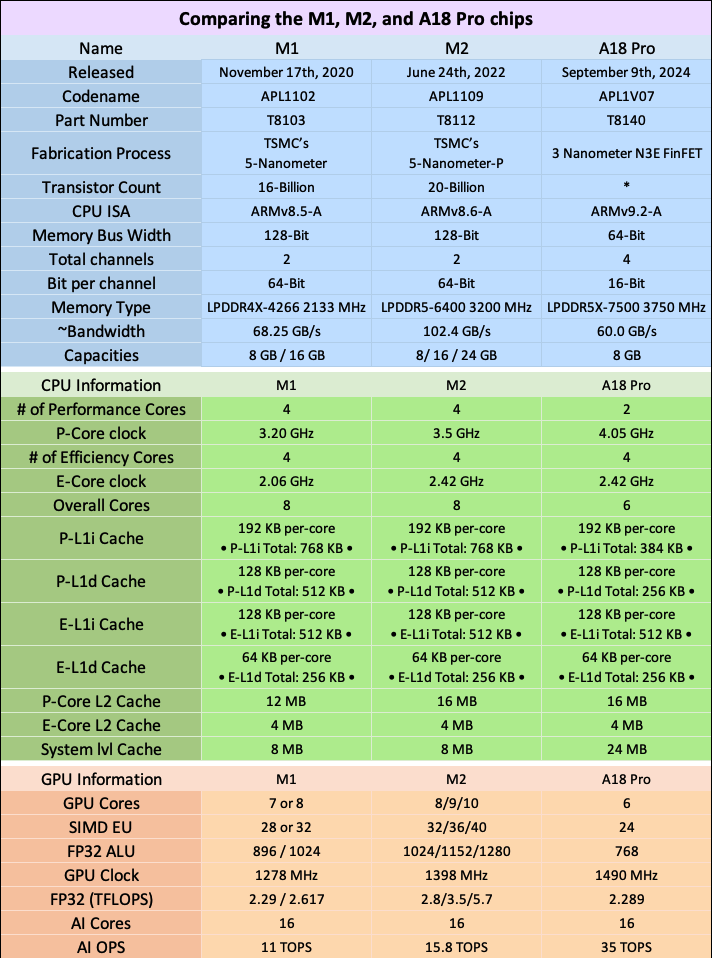
When you lay the differences out between an M1 chip, M2 chip and an A18 Pro chip side by side, you can see their differences more clearly. For the average user, however, mostly any Mac which has either one of these chips will feel mostly the same in Mid-2026. Each has it’s own advantages.
- Macs with an M1 chip: Still punch, perform, and keep up. M1 chips are in their 6th year of software support (except the M1 iMac, released in 2021), so keep in mind they may not have many OS updates left. The upcoming macOS 27 may or may not be the final release for M1 Macs.
. - Macs with an M2 chip: Will feel kinda snappier over an M1 especially if you get a 512 GB model and up due to increased memory bandwidth, CPU+GPU clock speed, and more Performance core L2 cluster cache. Some M2 Macs were made in 2022, while others in 2023. These still have about 3-4 years of updates and support left, and can be a great value for the right price.
. - The MacBook Neo with A18 Pro: Best-value new MacBook, ever. Offering similar or superior specs to the M1 chip (and in some ways even the M2), since it’s currently still being made in Mid-2026, it should receive updates for longer than any M1/M2 Mac. Get one of these if you don’t need the bigger screen, over a used M1 or an M2 machine for everyday things.
Protecting your ‘Book
Whether you’re protecting a new purchase or a well preserved vintage device, a case is one of the most effective ways to insulate your device from damage while using it.
I enjoy the aesthetic quality of the devices I choose to own so I get clear cases. My biggest gripe with these over the years is how brittle some get after aging, and how some clear cases are susceptible to cracking with ease. Price isn’t always a factor either – I’ve bought $15 and $50 cases that cracked.
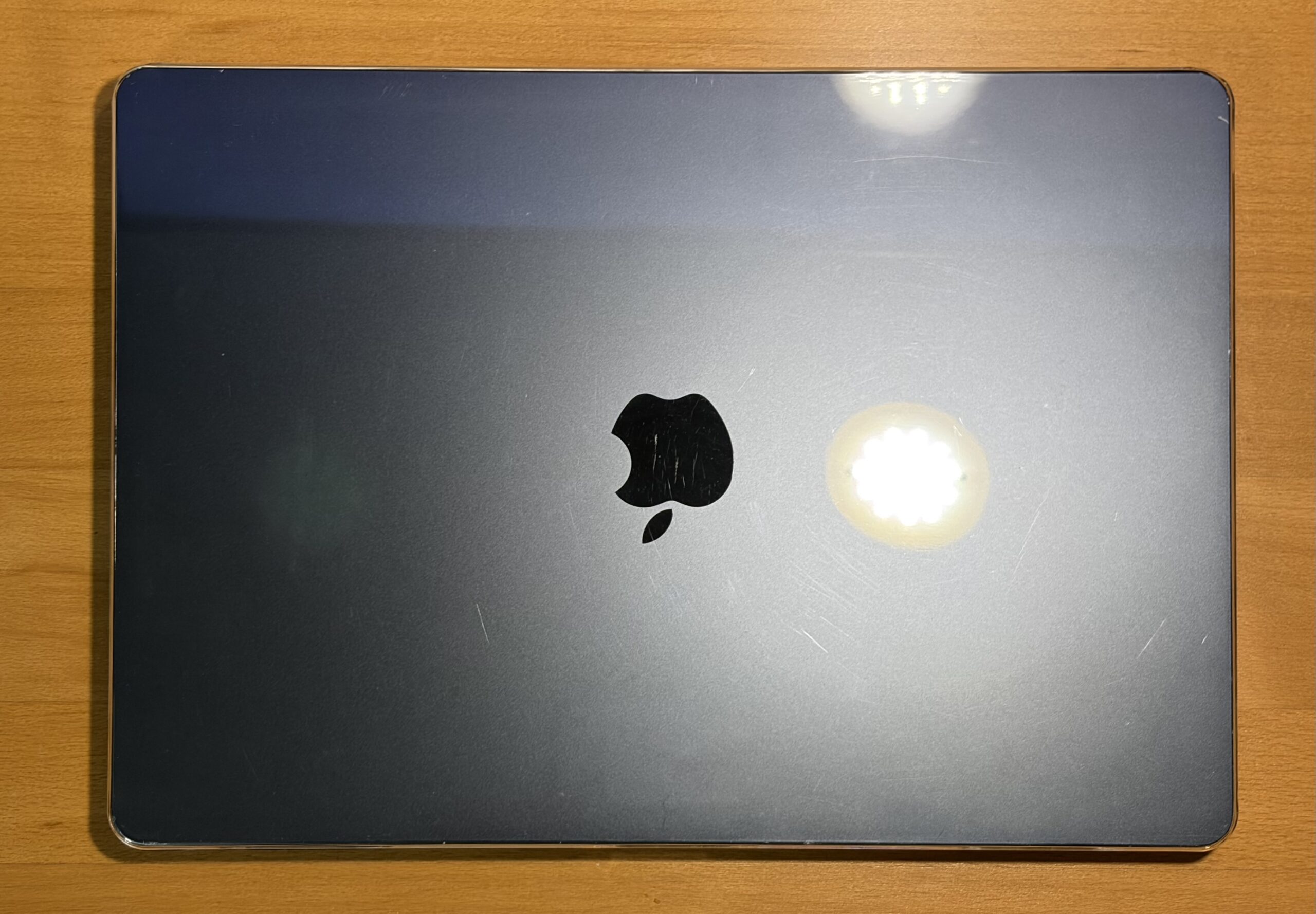
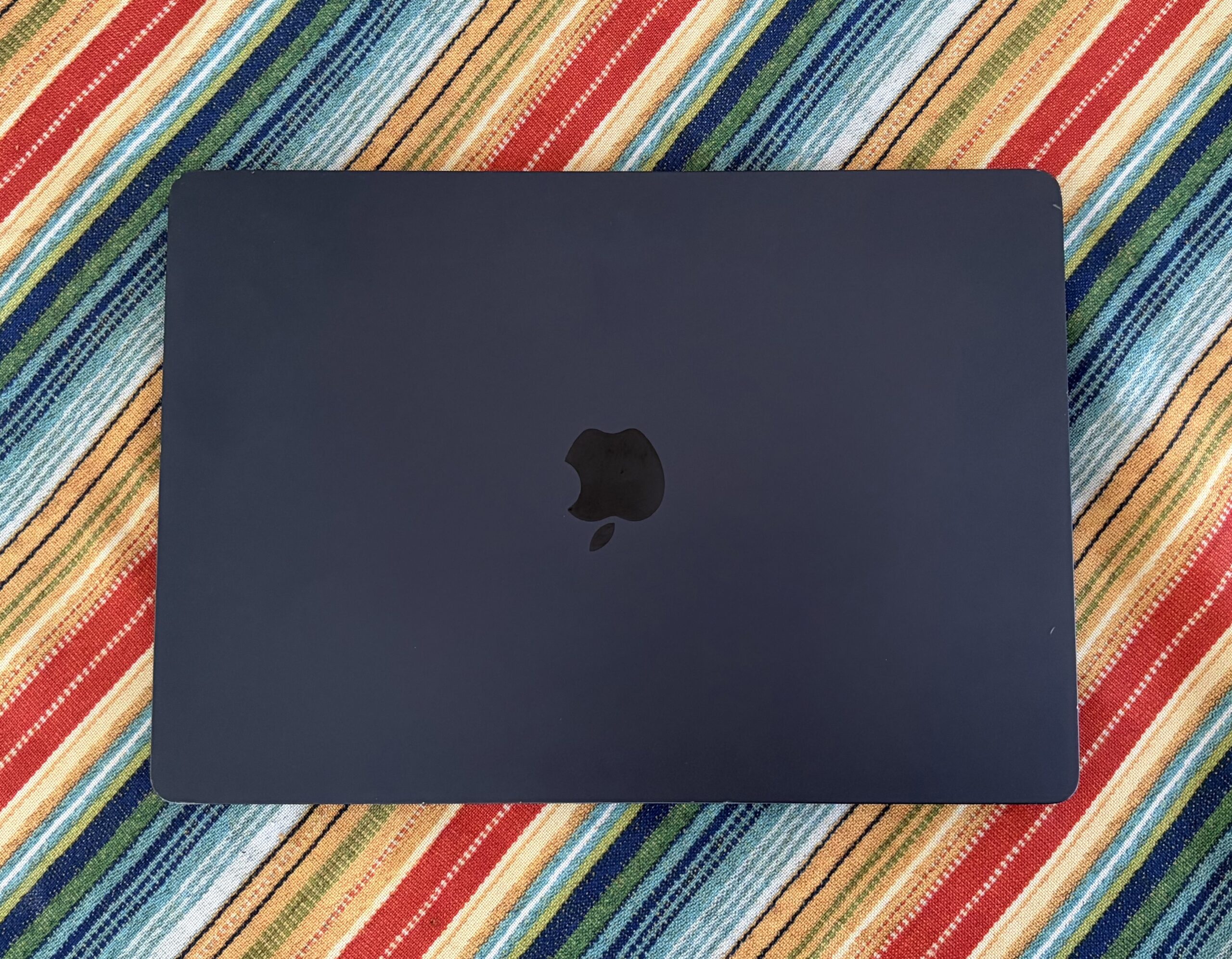
This time around, I went with a $10 Amazon clear case simply to help protect it from further scuffs, direct light impacts, and worrying less when toting it around. So far it’s holding up alright, no chipping, it’s getting the job done for now.
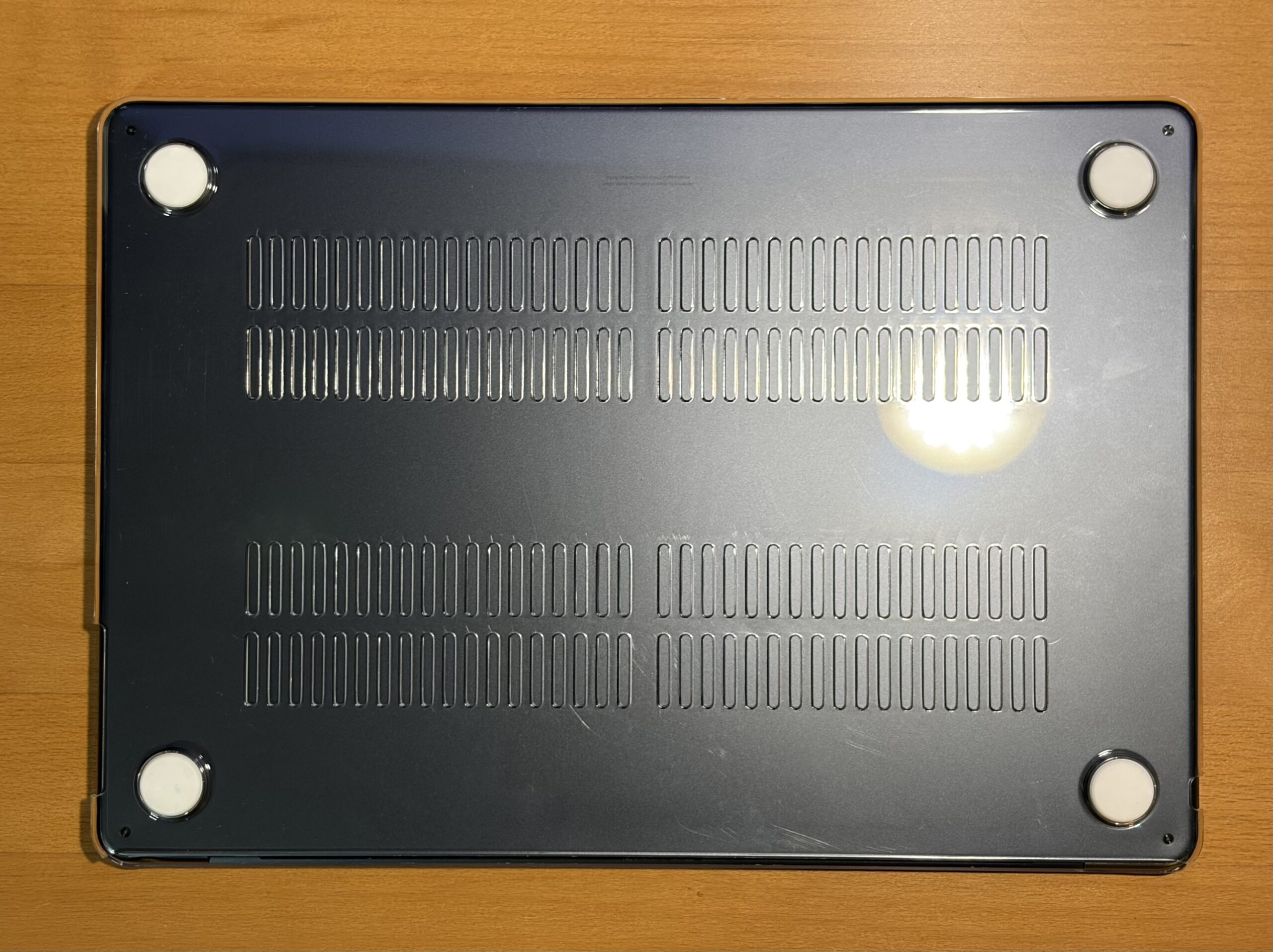
I tend not to go with screen protectors, but seeing as I’m using an external keyboard and have the tendency to sit it on top of the ‘Book while typing, I wouldn’t wanna close it accidentally.. perhaps a screen protector is in order.
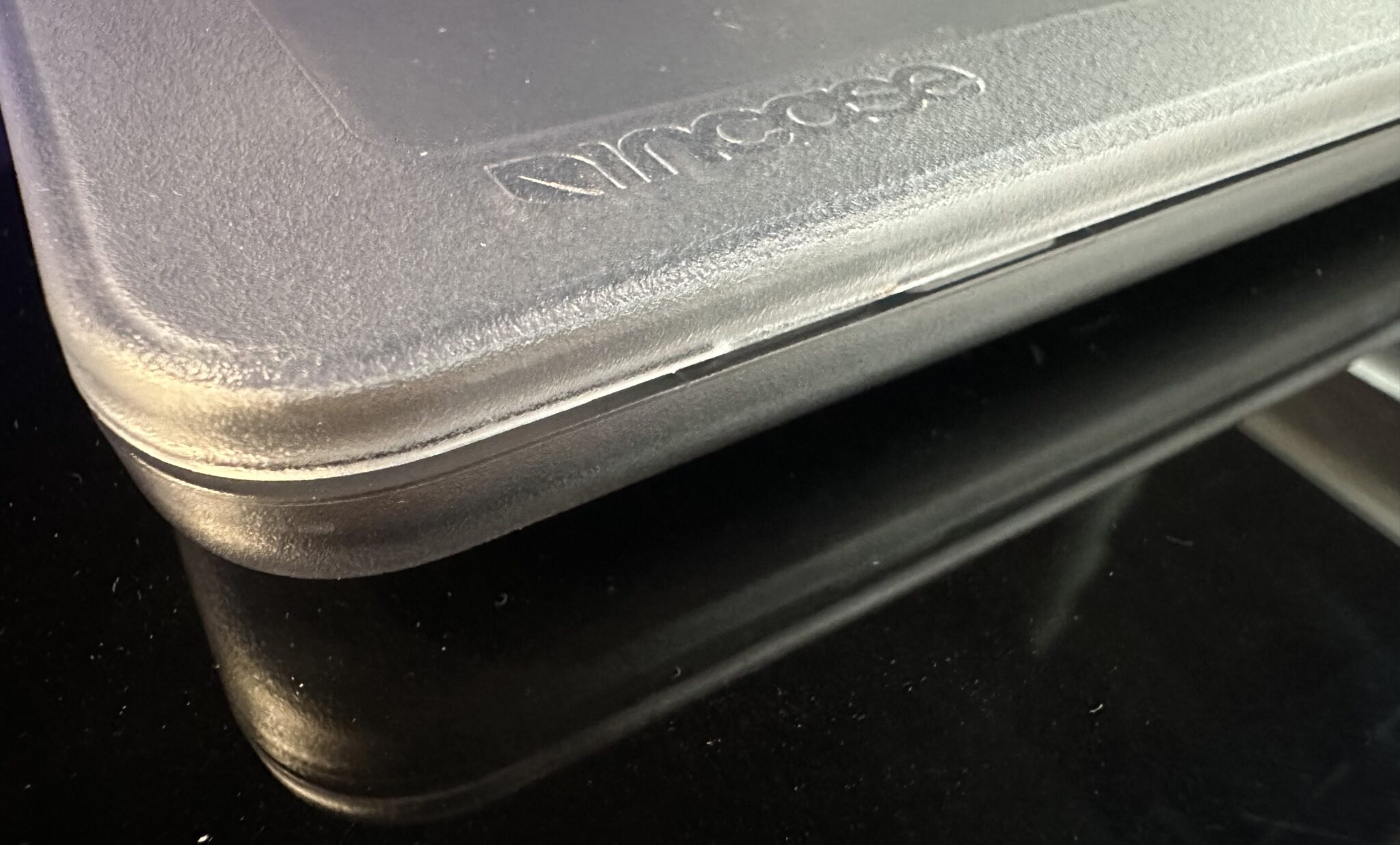
Recommendation: Incase Edge Hardshell Case for 15″ MacBook Air
When I bought my M4 MacBook Air last year, I went with their Incase clear case. It felt sturdy and a bit more refined compared to other clear cases. It seems to me like good material. They whittled down the side of the tabs that latch onto the ‘Book, the tabs endured over time, and didn’t appear to cause any weird closing gaps.
- Link: Incase Edge Hardshell Case for 15? MacBook Air (Apple)
. - Link: Cases and Protection for ‘Books (Apple)
A great workflow machine
Now, I’m no longer tied to a desk to be able to work on the website (once again), and that’s what matters. The next step is figuring out the graphic design workflow on here, since I’m used to using the Power Mac G5 with Photoshop CS4 all the time.
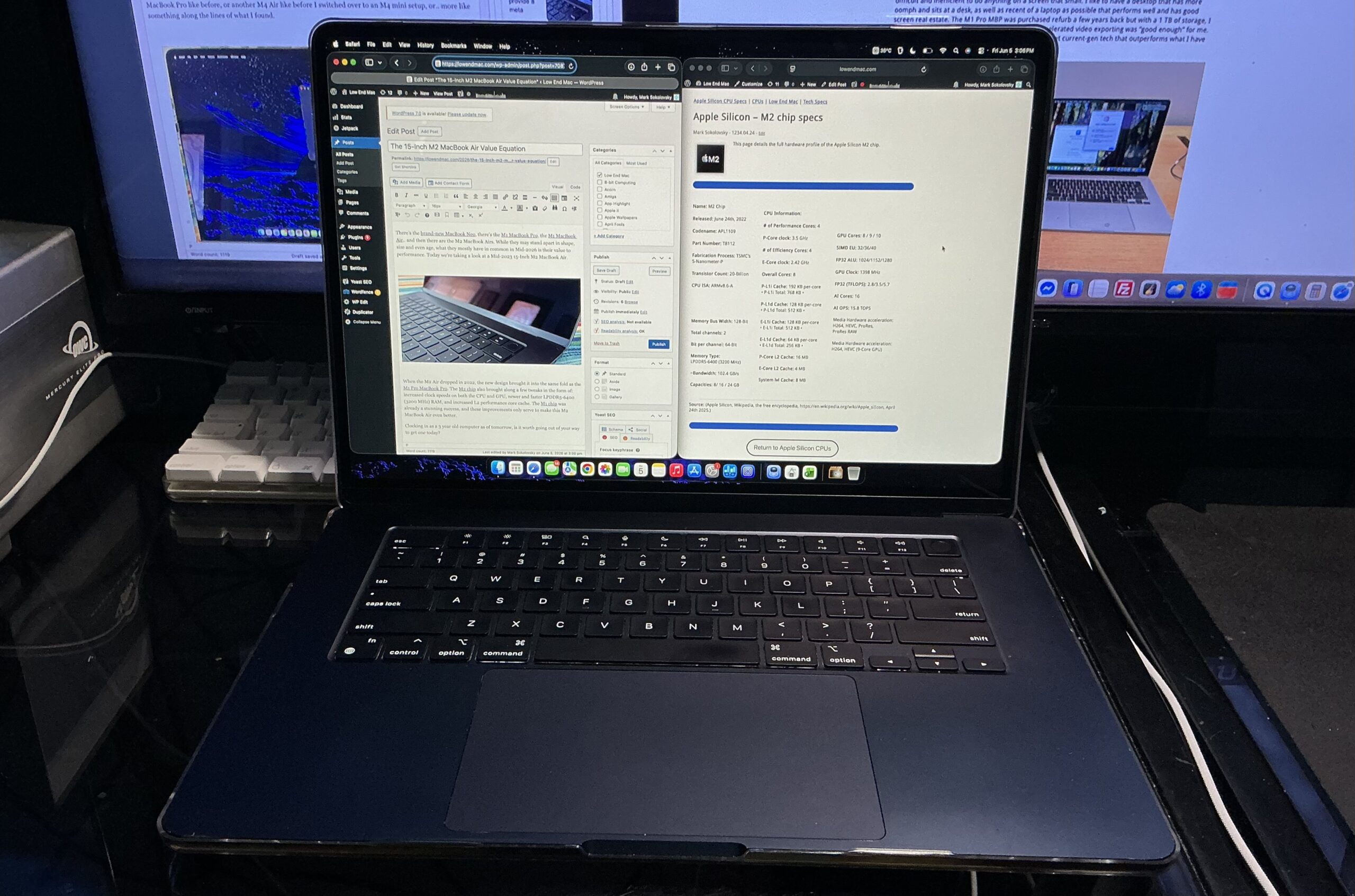
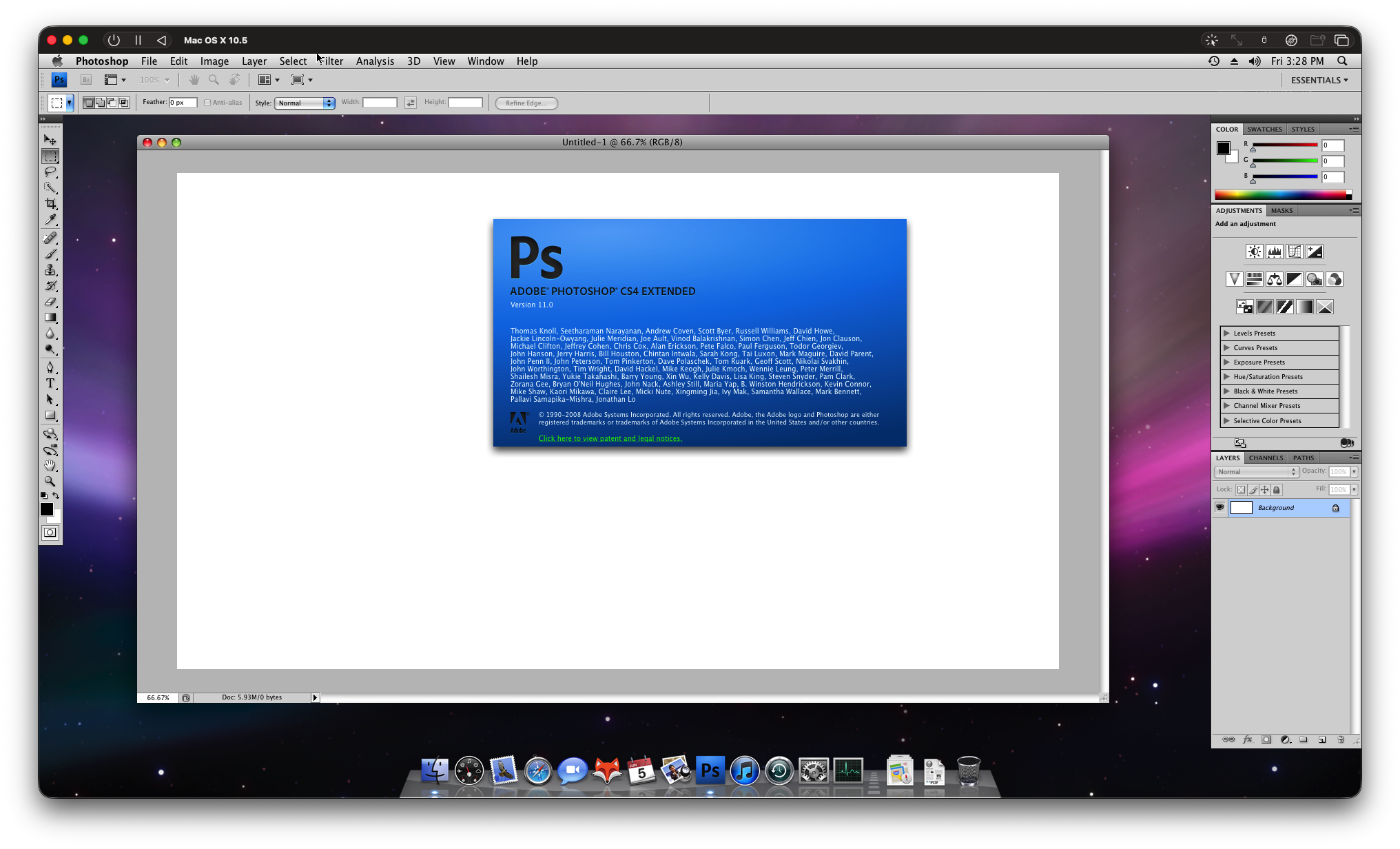
I did try a Leopard VM in UTM and it ran well enough, though the CPU was hitting 72c and it made me think of the thermal pad mod others have done for this machine. Photoshop was usable despite the lack of video hardware acceleration, but this VM somehow amounted to a 50 GB size I wasn’t comfortable just keeping on a 256 GB SSD. Perhaps I’ll look into a Tiger VM with CS4 installed, or even a newer macOS with CS6 installed within. I have an external 240 GB USB 3.0 SSD, though it performs far better off it’s own internal PCIe NVMe single NAND SSD.
Battery life lasts most of the day, or all day, or for multiple days, depending on how I’m using it. Sometimes I don’t even need to charge it when it sits unused, or even need to bring the charger with me. It lasts a while working on the website with multiple pages up, and an especially long time when just watching a YouTube video or a movie.
RAM disk Speed Test
These results are a reflection for the following configuration: macOS Tahoe 26.5, 256 GB SSD, 8 GB RAM, 15-Inch M2 MacBook Air with 10-Core GPU.
- RAM disk size: 4 GB
- BlackMagic Disk Speed Test: 3 GB test file, 3,114 MB/s Read, 14,572 MB/s Write
- AmorphousDiskMark 4.0.1: 2 GiB, 5 passes
- SEQ1M: 16,010.54 MB/s Read, 14,757.99 MB/s Write
- SEQ1M QD1: 19,129.25 MB/s Read, 21,138.38 MB/s Write
- RND4K QD64: 940.20 MB/s Read, 20.81 MB/s Write
- END4K QD1: 451.88 MB/s Read, 22.45 MB/s Write

Some Use Cases
- A solid entry-level Mac at the right price, offering similar performance to a MacBook Neo or an M1 MacBook Air, but with with a larger screen.
. - A solid secondary Mac.
. - A solid upgrade for those still weighing their options while using an Intel Mac.
. - If you buy a MacBook which has a dead keyboard but functions otherwise and don’t plan to fix the keyboard, it can sit at a desk, plug into external devices, monitors, etc; and your Mac won’t lose power through power outages unlike a traditional desktop without a UPS.
Boot Time
Having to wait for an external keyboard to connect means waiting a little longer until it gets to the desktop. A small, temporary price to pay for a device which works completely otherwise, is still supposed to have software support for another 3-4 years, and can even still be serviced.
The Verdict
All in all, an M2 MacBook Air is an excellent Mac. While for years I’ve been talking about 8 GB being a limiting factor in entry level Macs, it feels a bit less limiting in an M2 MacBook Air versus the M1 Mac mini I had a while ago. In any case I’d still recommend 16 GB as the minimum these days, but it doesn’t mean an entry level M2 Mac should be overlooked.