
Everyday when you see any sort of graphic in a GUI (graphical user interface), or in any printed media such as a billboard, poster, etc; they relate to different image file formats. Each format was created for specific purposes. While some are universal, others are less known about, and a few are difficult to interact with without the right software.
Each file extension or format has its own personality quirks and drawbacks, and tends to have their own acronym attached to the letters of the file format name. This article was inspired by some recent discussions, and covers the more common image file formats you’re likely to see on your Apple gear.
Adobe PSDs and PDFs
Adobe is the creator of a few proprietary image formats, as well as the company which made the PDF (Portable Document Format). Created in 1993, PDF is what Mac OS X 10.2 Jaguar and 10.3 Panther used when you took screenshots.
This format was meant as a universal standard regardless of what computer you had and the fonts it had installed. It is mostly vector based, storing text and graphics as mathematical descriptions, while also allowing raster images alongside.
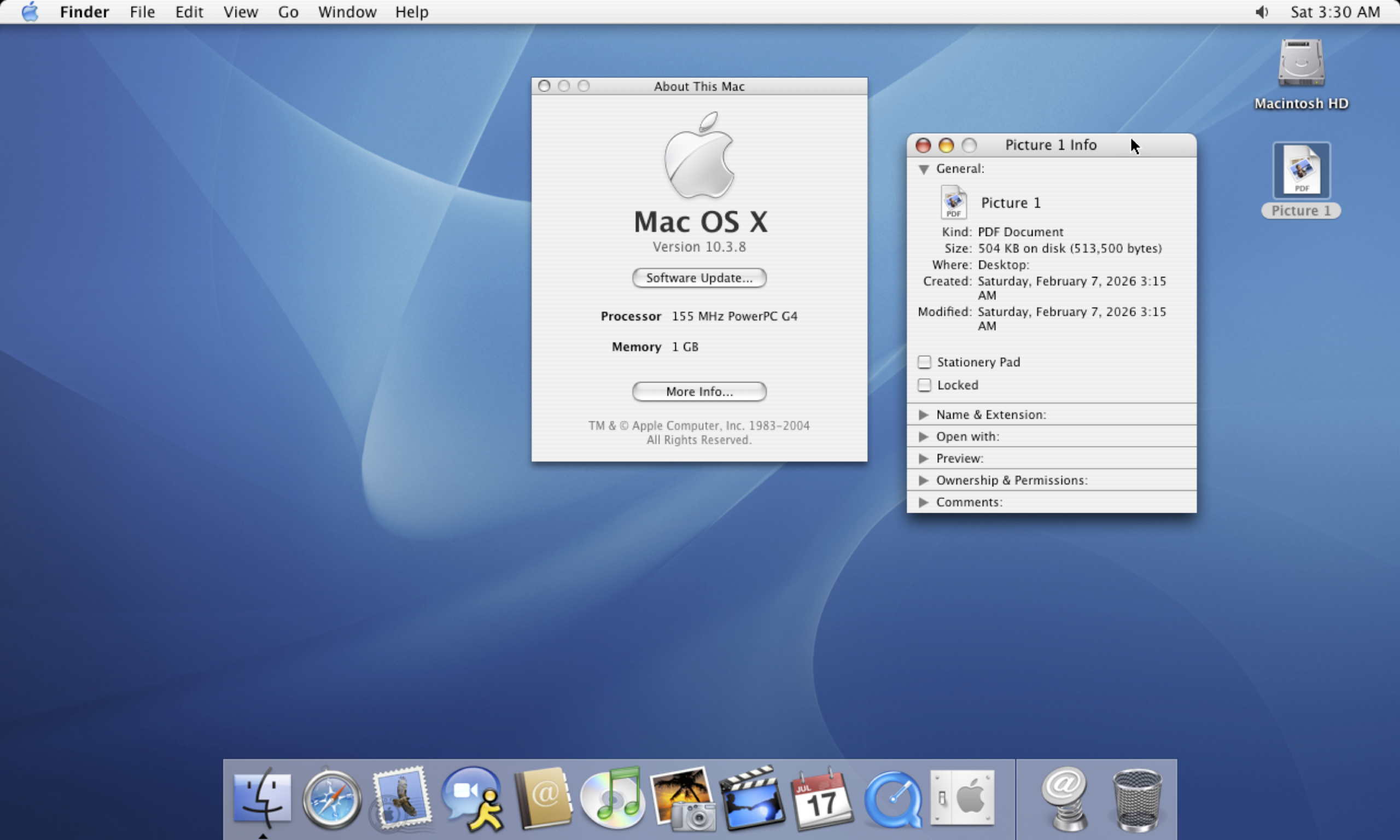 (Pictured: Mac OS X 10.3 Jaguar with a screenshot on the desktop.)
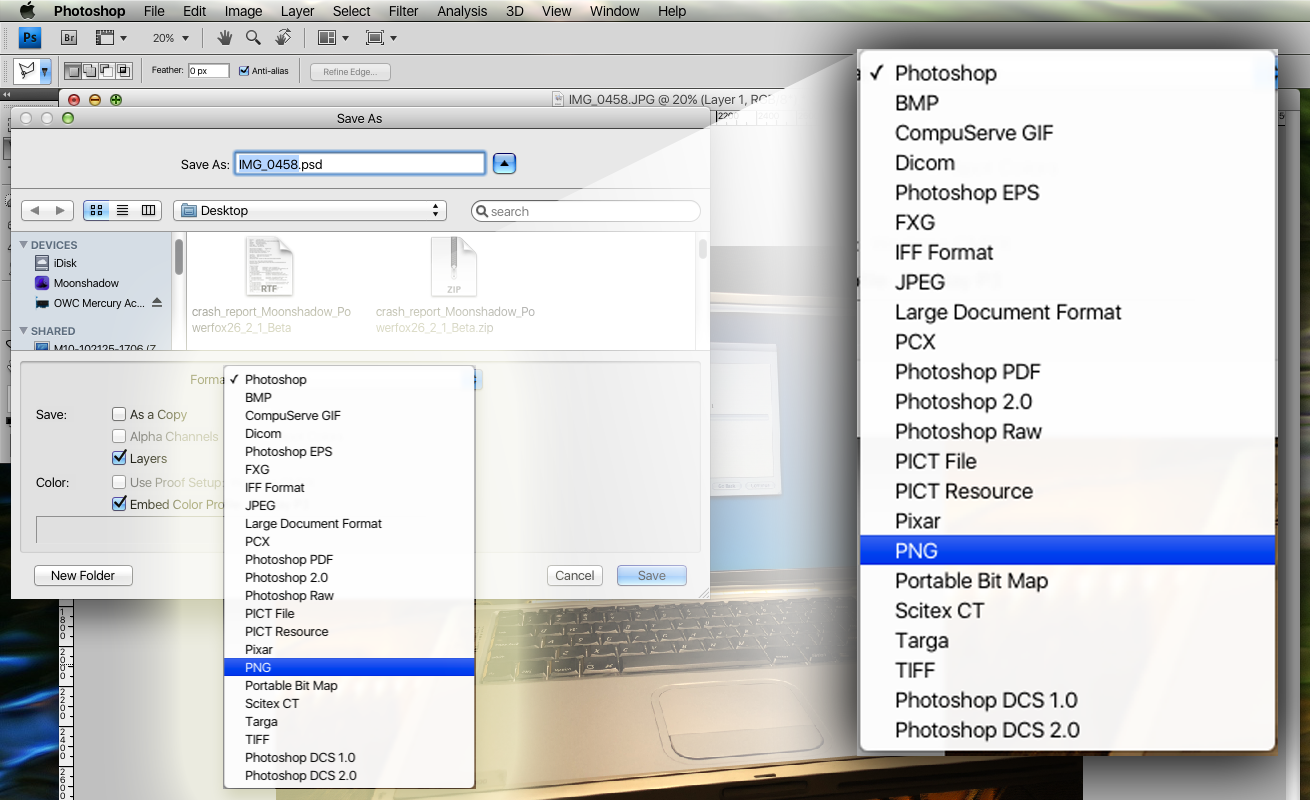
PSDs (PhotoShop Documents) on the other hand are the gold standard for professional raster image editing, and used in Adobe’s Photoshop application. Most of the graphics made on Low End Mac are first saved as .PSD files, before then being saved as PNG files – this way they can be modified later if needed. Photoshop project files save editing decisions, although their size can vary greatly depending on the size of the project. They may also be shared by compressing as a .zip file, bypassing some file sharing limitations.
Photoshop images are stored as layers with each layer having its own alpha channel for transparency, and are mainly raster-based. Certain elements, however, like shapes and text are done as vectors, making them scalable and editable. Also saves adjustment layers, blend moves, smart objects, effects, etc. Many image readers can read .PSD files but the ability to edit them remains with Adobe Photoshop.
- CMYK/RGB/Grayscale/B&W support, 8/16/24/32 Bits per channel
. - Gimp uses XCF files, which is their near-mirror equivalent (eXperimental Computing Facility)
. - See more: Documentation of the XCF file format
TIFFs (Tagged Image File Format)
Before the August 24th 2002 Mac OS X Jaguar update, the earliest versions of Mac OS X 10.0 Cheetah through 10.1 Puma used TIFF as the screenshot image format. Created by Aldus Corporation which later merged with Adobe Inc, it first appeared in September 1986.
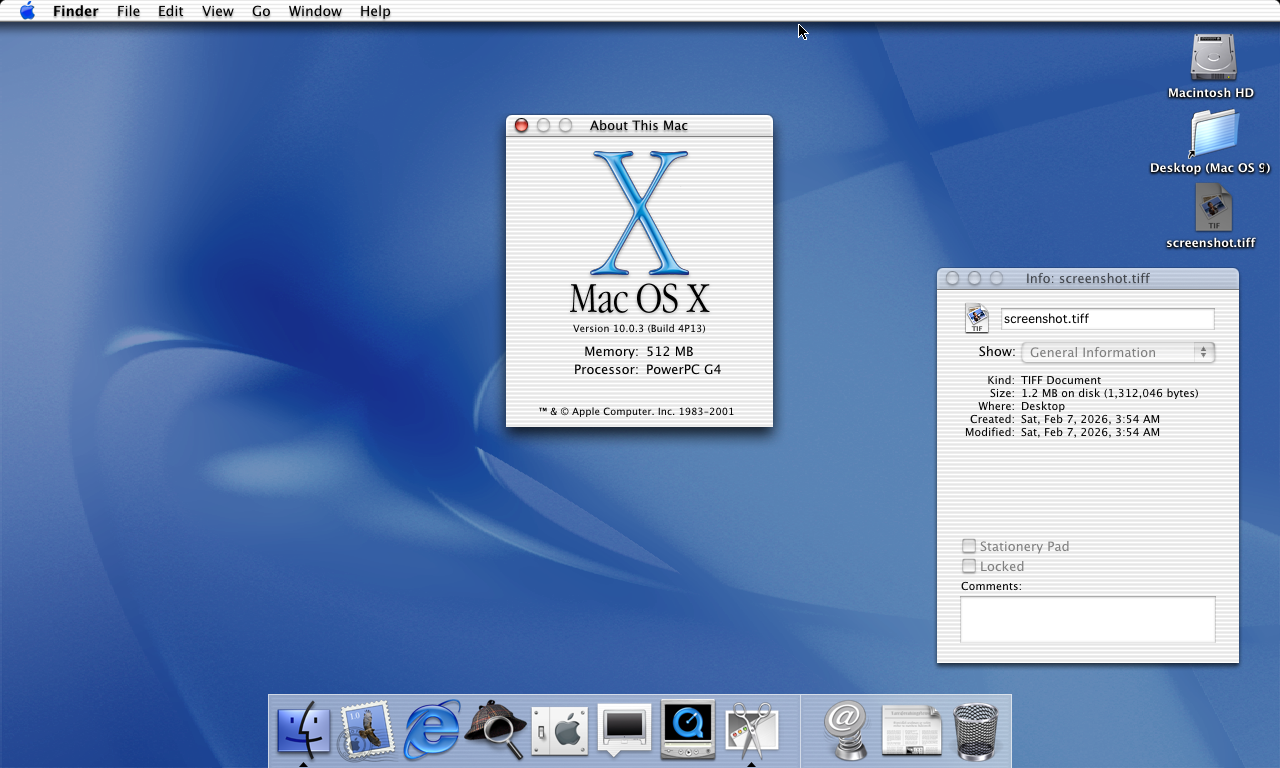 (Pictured: Mac OS X 10.0.3 Cheetah, with Grab.app open and having saved a screenshot)
TIFF stores raster images with flexibility, and is meant for printing and scanning, mostly. It also supports multiple layers and is widely used in professional applications. The file sizes also tend to be larger.
- Available in lossy/lossless/no compression, Alpha channel for transparency.
- 8-Bit thru 32-Bit color depth + – RGB/CYMK/B&W support
PNG (Portable Network Graphic)
Created in 1994, it was sort-of a counter-reaction to the limitations of the 1987 Compuserve GIF format, but also includes some improvements which make it still quite the usable image format today. Mac OS X 10.4 Tiger was the first Mac operating system to save screenshots as .PNG files, which has been the default ever since. Contemporary macOS versions such as Tahoe continue to use .PNG.
- Stores raster images using lossless compression – so, smaller sizes without image data loss.
. - Supports transparency via alpha channel, with each pixel having its own value.
. - Best for: Websites, video elements/graphics, etc;
. - PNG-8 = 8-Bit color, 256 Colors, similar specs to, but better compression than GIF
. - PNG-24 = 24-Bit color, Millions of Color, Alpha channel (8-Bit for R, G,B & transparency only) – larger file sizes than JPEG as this retains image data. Less ideal for CYMK printing.
JPEG (Joint Photographic Experts Group)
Created in 1992, Its most significant contribution was making image file sizes small enough to finally be shared with others using available portable storage media at the time. JPEG uses lossy compression to shrink file sizes, via discrete cosine transform. This deliberately throws away pieces of data through trigonometric functions, representing the pixels mathematically as opposed to every single pixel value. It’s also adjustable, the size of the file for the quality of the image.
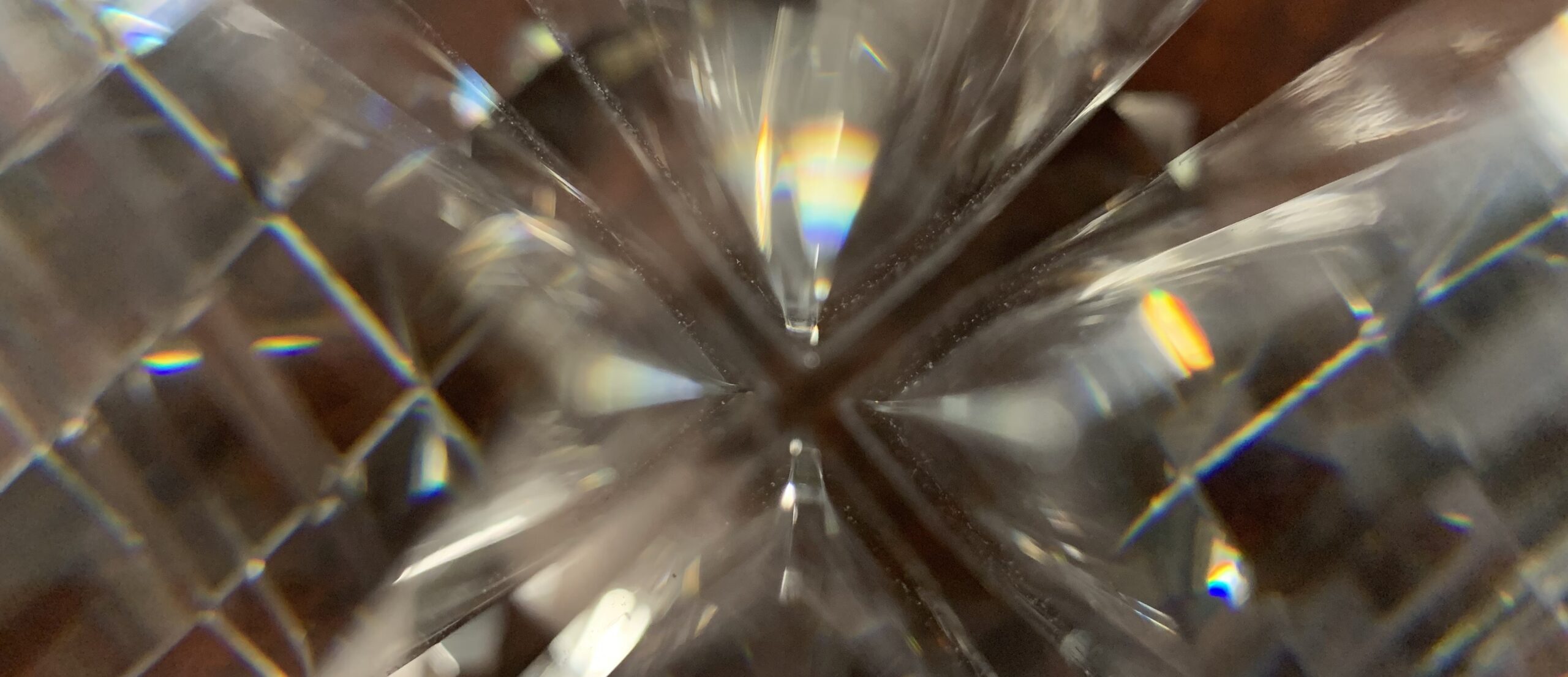 (Pictured: A random assortment of glass on top of a wooden table, saved as a JPEG)
- No transparency support or alpha channels, but supports RGB, CYMK, 8-bit per channel.
. - Extension can be .JPG or .JPEG. These naming conventions are both used as back in the day, different OSes had their own limitations. There is no difference in their meaning.
. - Any device on earth with a GUI made after 1992 should be able to see these types of image files.
ICNS (Mac) & ICO (Windows)
ICNS and ICO files are purpose-built for OSes so they can represent files, apps, folders, menu actions, and other aspects of the UI. Sort-of like an HEIC container, ICNS and ICO files can store multiple versions and resolutions of the same image, letting the OS decide which is the most appropriately scaled version for the display resolution or GUI. These images contained inside an ICNS or ICO file tend to be pre-rendered raster images with specific pixel dimensions.
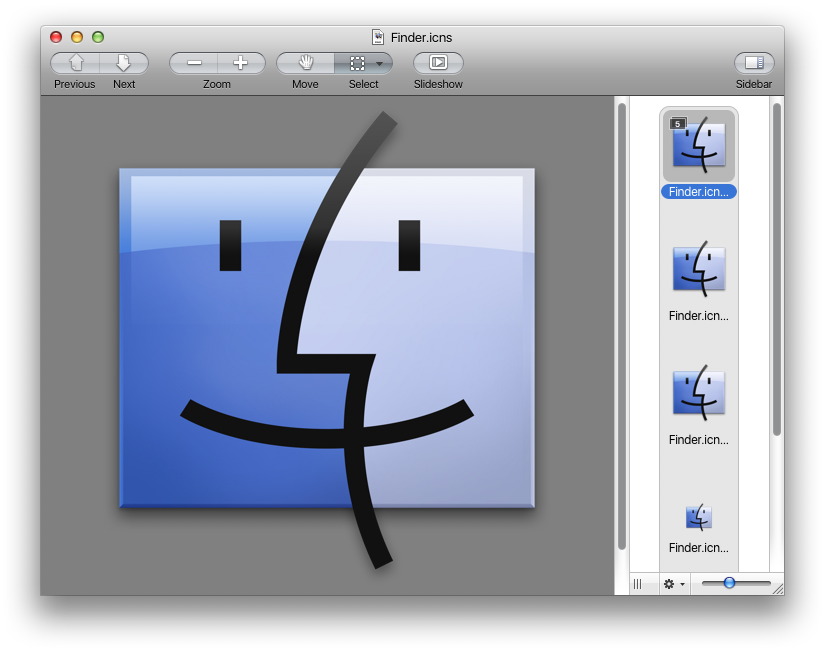
- Windows ICO: Can store 1-Bit monochrome up to 32-bit color w/alpha channel transparency. All icon files are locked away and hidden under imageres.dll. shell32.dll, and ddores.dll
. - macOS ICNS: Similar functionality but is structurally different, suited to macOS. Each icon file is saved within the application itself or can be found by opening the resources folder under “Show package contents”. System icon files are unhidden and can be found in system folders.
HEIF/HEIC
HEIC, known as High Efficiency Image Container, can hold multiple HEIF (High Efficiency Image Format) images within itself. Adopted by Apple as the default image format in iOS 11, it shares the same compression tech as HEVC, supports 16-bit color depth, transparency, and supports both lossy and lossless compression.
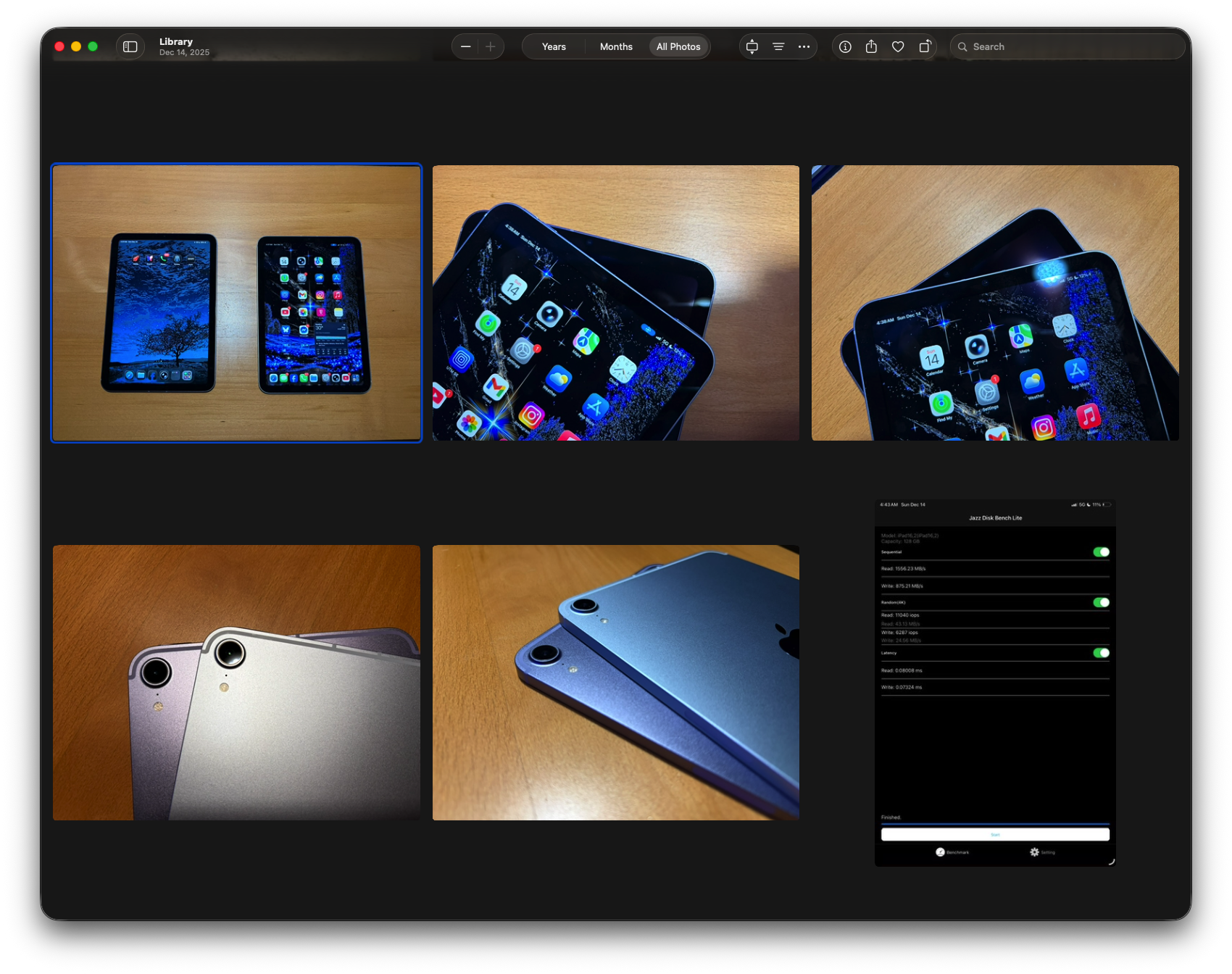
HEICs are also the magic that power Live Photos on iPhone, iPad, and Mac – they store multiple images into a single “container” file. Support is hit-or-miss outside of Apple’s ecosystem and on mostly any browser which isn’t Apple’s Safari: Windows 10 requires codec extension, and Android phones CAN shoot in HEIC but do so in JPEG for compatibility.
WEBP and GIF
WEBP and GIF are commonly known as the animated image files of the world. Webp was created in 2010 by Google, it was attempt to replace PNG, JPEG and GIF with a single image file format which was touted to do everything better.
It can be used with photographs or graphics, has transparency, supports lossy and lossless compression, and has a similar quality to JPEG with roughly a quarter to one-third better file compression. WebP uses predictive coding to compress images, guessing what’s next, only storing differences, and was introduced to the Apple ecosystem with the introduction of Safari 14 in 2020.
WebP works great on the web but struggles in professional workflows. A great example is anytime I make graphics for Low End Mac, I always use the Dual 2.0 G5 so there’s always a file conversion. The only apps which can see .Webp on Mac OS X Leopard are Aquafox, TenFourFox, and PowerFox.

GIFS, on the other hand, are the old-school animated image files created by Compuserve in 1987, working with lossless compression so files sizes can be shrunk without discarding info. Limited to 8-Bits with 256 colors, it was good for its time with slower internet speeds, lower bandwidth, and also stores multiple frames in a single container file like HEIC files do. GIFS use a form of compression called Runlength coding – storing sequences of identical bytes as a single value, followed by a count.
