
In any Mac and many devices, the CPU is just one part of an interconnected system, whether you’re on a Power Macintosh 9600 with a 300 Mhz 604e, a M4 MacBook Air, a iMac Pro, or use an iPhone 17. Mostly in the modern era, if you paired a decent CPU with any mechanical hard drive, it’ll start to feel very slow. This is because nearly every operation including basic file browsing will require waiting for spinning platters.
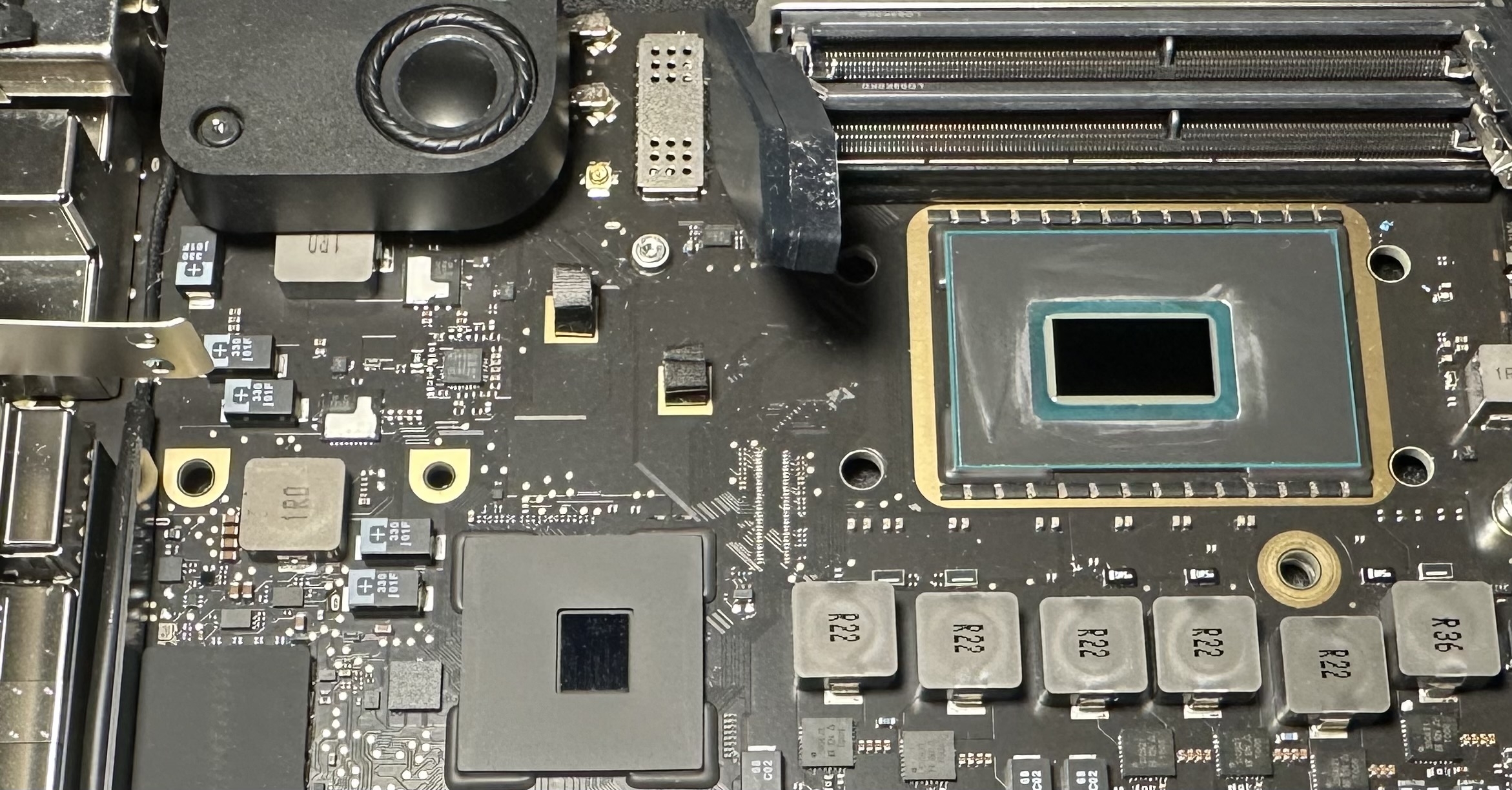 (Pictured: The logic board of an i7-8700B 2018 Mac mini)
On vintage devices dating back to the 90s and Early 2000s, a mechanical hard drive provides acceptable performance for the range of hardware at the time, as well as the OSes. Contemporary computers ship exclusively with SSDs, although there can be exceptions out there.
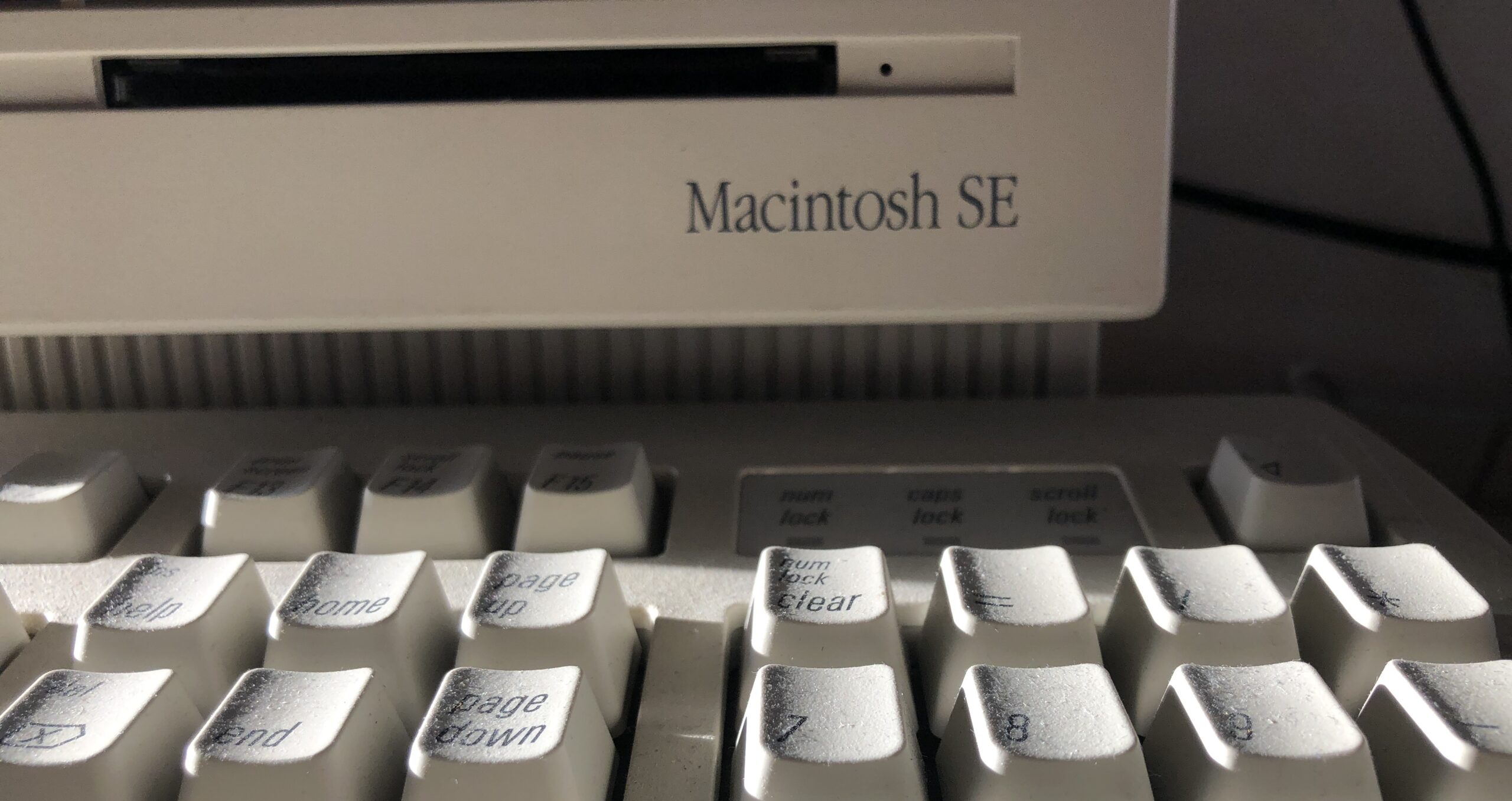 (Pictured: A Macintosh SE with an upgraded 40 MB HDD)
Modern operating systems tend to be more demanding due to increased background processes, more interconnectedness with ecosystems, increased features, as well as increases of leveraging graphical effects/power for UI. On the other hand, it’s been possible to bog down macOS with extensions, Login Items, and other modifications for a while.
How RAM impacts your Mac
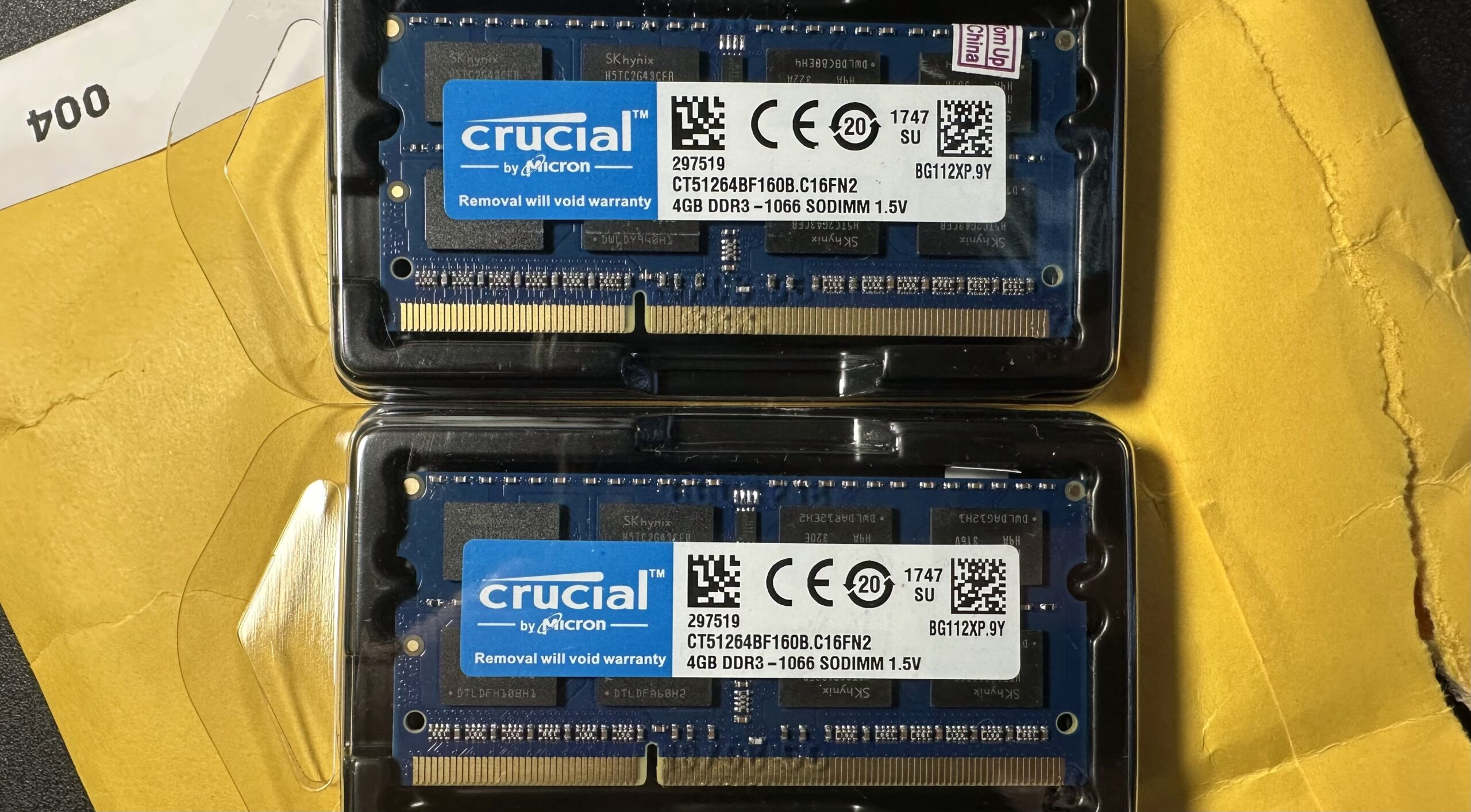
If you have less ram: Even a more powerful CPU, when paired with a fast SSD, will result in poor browser performance when having many tabs open. This is because with many tabs, less RAM means it’s constantly swapping data to the SSD (or hard drive). If your device has soldered (a.k.a. “on-board”) RAM with a smaller capacity, increased OS requirements & feature sets will result in sluggish performance sooner rather than later.
Law of diminishing results: Generally more RAM makes your system faster, and tends to help out most if you’re always hitting a memory ceiling with your day to day use. The OS will use available RAM for caching, background tasks, app refreshing, etc; but after a certain point, results are diminishing. For example; going from 2/4 GB RAM over to 8/16 GB feels like a massive leap forward, whereas most would struggle noticing the difference between 64 GB and 128 GB.
Older RAM: For basic web browsing and day-to-day use, I would argue it would be mostly the same experience, whether the device uses DDR3-12800 or LPDDR5X-9600, other specs notwithstanding. RAM decrescendos in memory bandwidth the further back you go in time, and while web browsing doesn’t require major file copy operations, it does involve frequent and significant site caching. So if you have an older Mac – it’s more so about adjusting the caliber of OS to get it going online.
How the GPU impacts your Mac
Graphics cards do not generally speed up the performance of basic underlying operations performed by the user and OS, however, due to the way the GUI is rendered in macOS – the GPU you have matters.
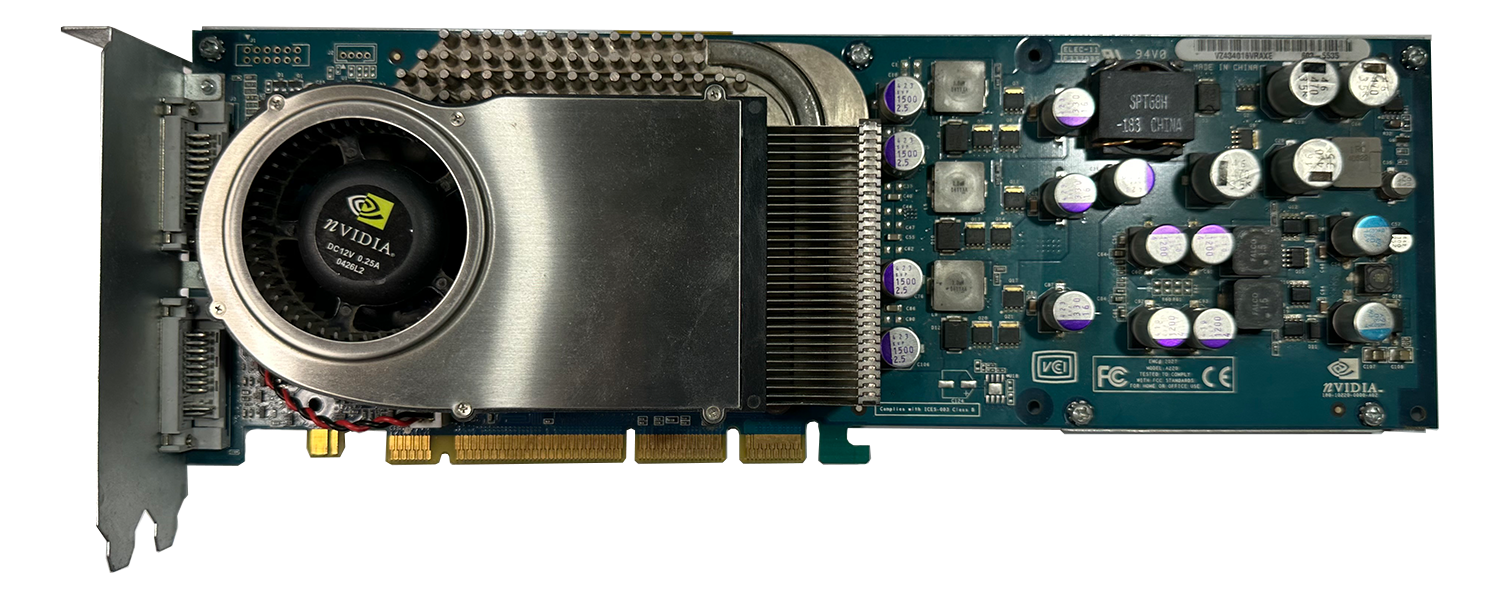 (Pictured: Nvidia GeForce 6800 DDL 256 MB)
.
Metal has been the primary rendering engine since macOS High Sierra 10.13+, handling 2D/3D graphics. MacOS also has Quartz Compositor, which is the window sever which manages windows + the compositing surfaces for the display. OpenGL was depreciated for macOS 10.14 Mojave, so there won’t be any newer updates to OpenGL for your Mac. You can still run OpenGL 4.1 all the way up to macOS 26 Tahoe, even on Apple Silicon.
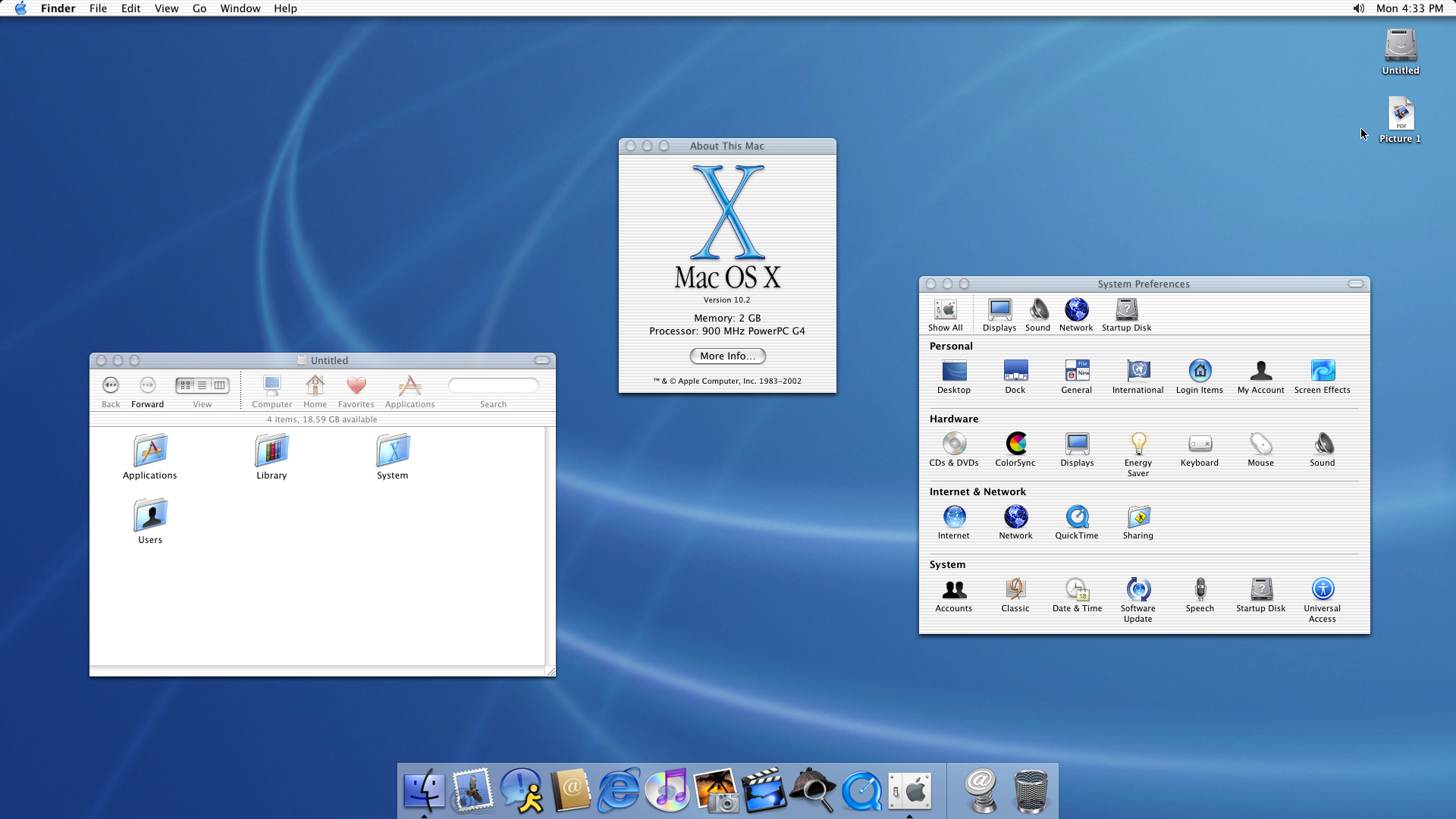
Mac OS X 10.2 Jaguar was when the OS X UI had its first ever Graphical Hardware Acceleration engine, known as Quartz Extreme. Since the CPU no longer had to render the UI, it increased the responsiveness of Mac OS X overall. The current macOS Tahoe uses both Metal 3 (for Intel) and Metal 4 (Apple Silicon) Macs. With a supported GPU, graphics will render directly on the GPU in Mac OS X, and later OS X, as well as macOS – otherwise the CPU can take over, resulting in undesirable performance. This is likely what happens when first installing OCLP, before patching the graphics for an older card.
- Traditionally, a faster graphics card doesn’t improve browsing performance, however, in the case of upgrading unsupported or older devices to newer operating systems; upgrading to a newer, driver-supported card results in graphical hardware acceleration support. Which means web browsing won’t be choppy or glitchy; like how it is without supported drivers or a supported GPU.
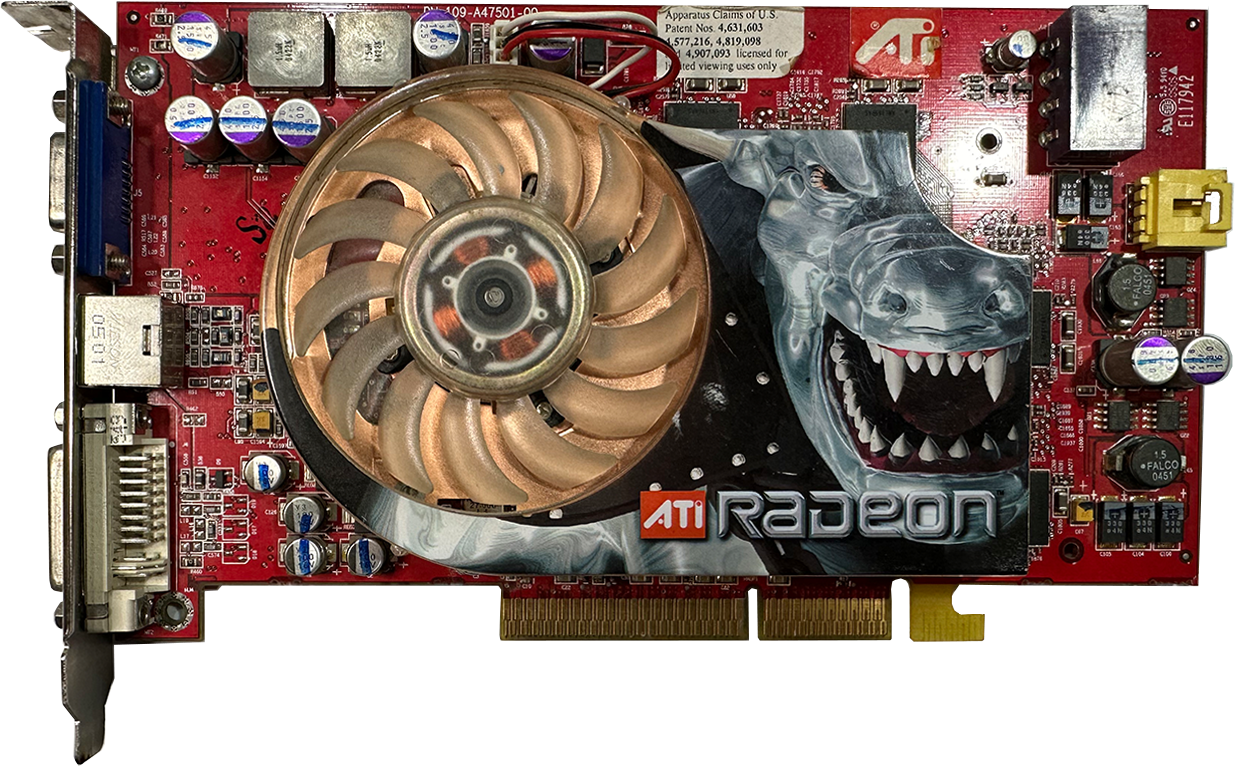 (Pictured: An ATI Radeon X850 Pro 256MB GPU with a Mac-Flashed ROM)
How Storage impacts your Mac
SSDs are faster than hard drives, particularly because they have no moving parts. Unless the app has constant streaming assets, once it’s launched into memory, it will be incumbent on the CPU, GPU, and system architecture to determine performance. Games on the other hand are even more GPU dependent. SSDs overall improve the experience of your Mac, but there are different kinds.
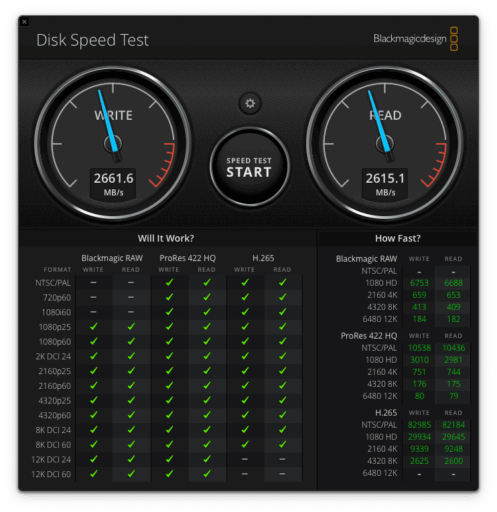
Most people won’t tell the difference between NVMe and SATA on day to day basic/web browsing use, but their differences show up when doing things like video editing, transferring large files, or running VMs. Although from my own experience, even a SATA SSD over a USB 3.0 connection provides acceptable performance on Apple Silicon Macs in UTM. Every Apple Silicon Mac and contemporary iDevice runs on a version of NVMe storage.
When a faster processor starts to matter
This is at times a difficult question to answer, as the right answer is subjective to each individual + this is an ever-moving goal post. In Early 2026, however, most people would agree a Dual-Core CPU tends to be sluggish a chip even with RAM, SSD, and GPU upgrades for macOS.
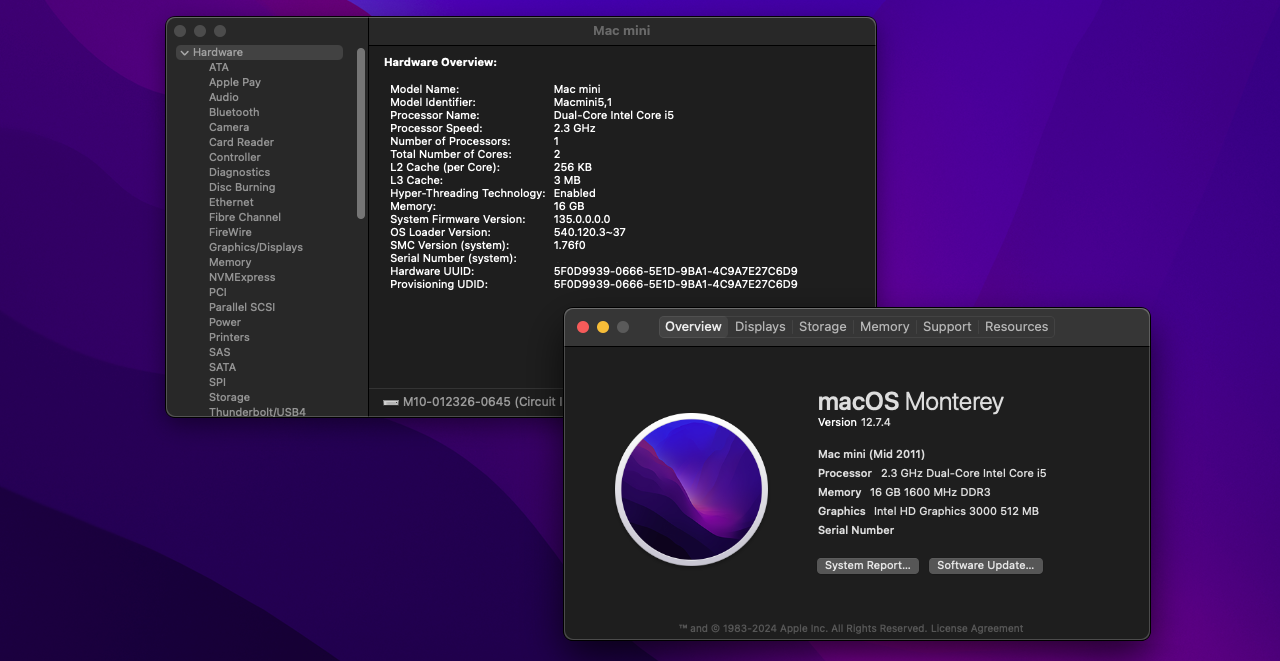
While a Dual-Core i5 or even an Intel Core 2 Duo CPU could serve for a functional and relatively device, they are outpaced by chips with more cores and are increasingly suited for Linux or other lightweight OSes as time marches on. Alternatively, they are incredibly performant chips for their time and always make for suitable vintage devices with vintage OSes.
These days if you’re going for a usable but used Intel Mac, Quad-Core is the lowest mostly anyone would recommend. Quad-Core Intel chips take better advantage of the performance benefits of SSDs and RAM upgrades have to offer, and is right about where a computer starts to feel like an everyday usable device that can handle multitasking without slowing down.
PowerPC Macs in Early 2026 have the option of using Linux, the available versions of Mac OS X they supported, or the MacRumors Snow Leopard build. While Web Browsers can be patched for some use like YouTube, basic web browsing without modern features – it will be clunky and hit or miss. PowerPC Macs remain highly collectable likely other Mac, retain an excellent suite of distraction-free productivity and creativity apps, and look beautiful.
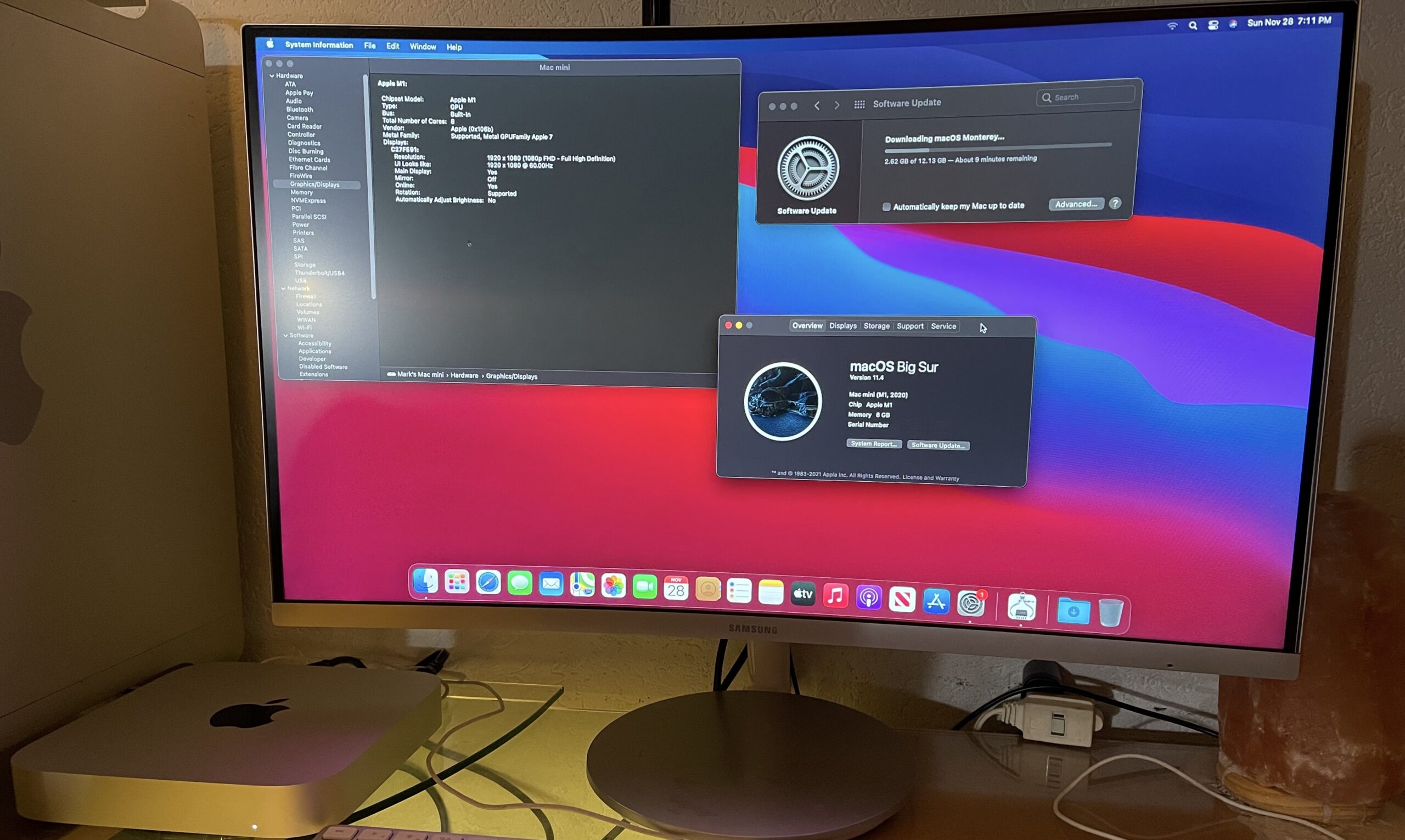
With the introduction of the M1 chip, Apple Silicon took the performance of Mac to a whole new level. The OS has access to Performance & Efficiency cores now, NVMe has been standardized, the SOC has the GPU baked right in, and this is all the culmination of the work done of the years of iPhone Apple Silicon. An M1 Mac mini with 8 GB RAM is an overall solid computer even in Early 2026, although 16 GB will last you longer.
